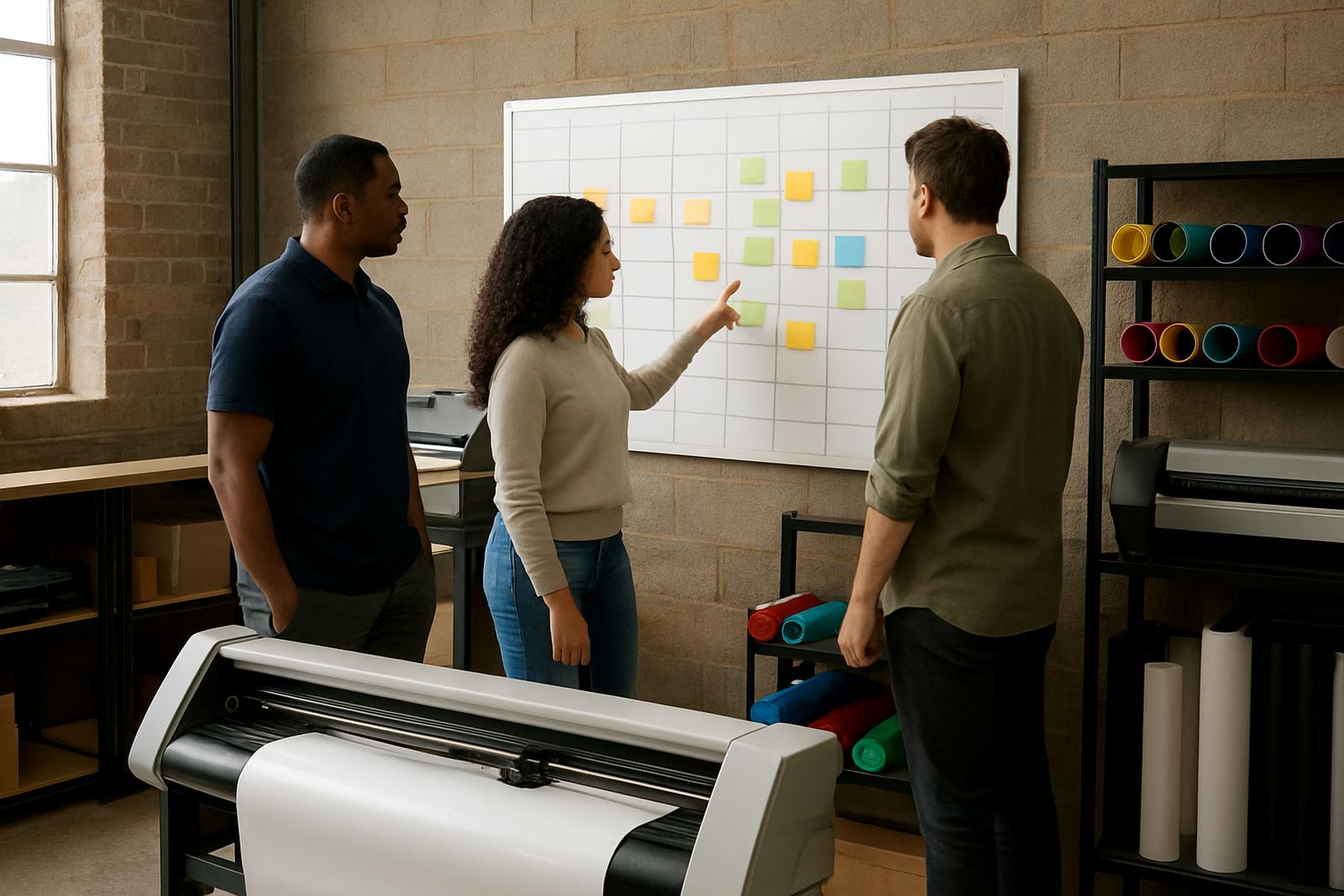
What the remote refresher covers
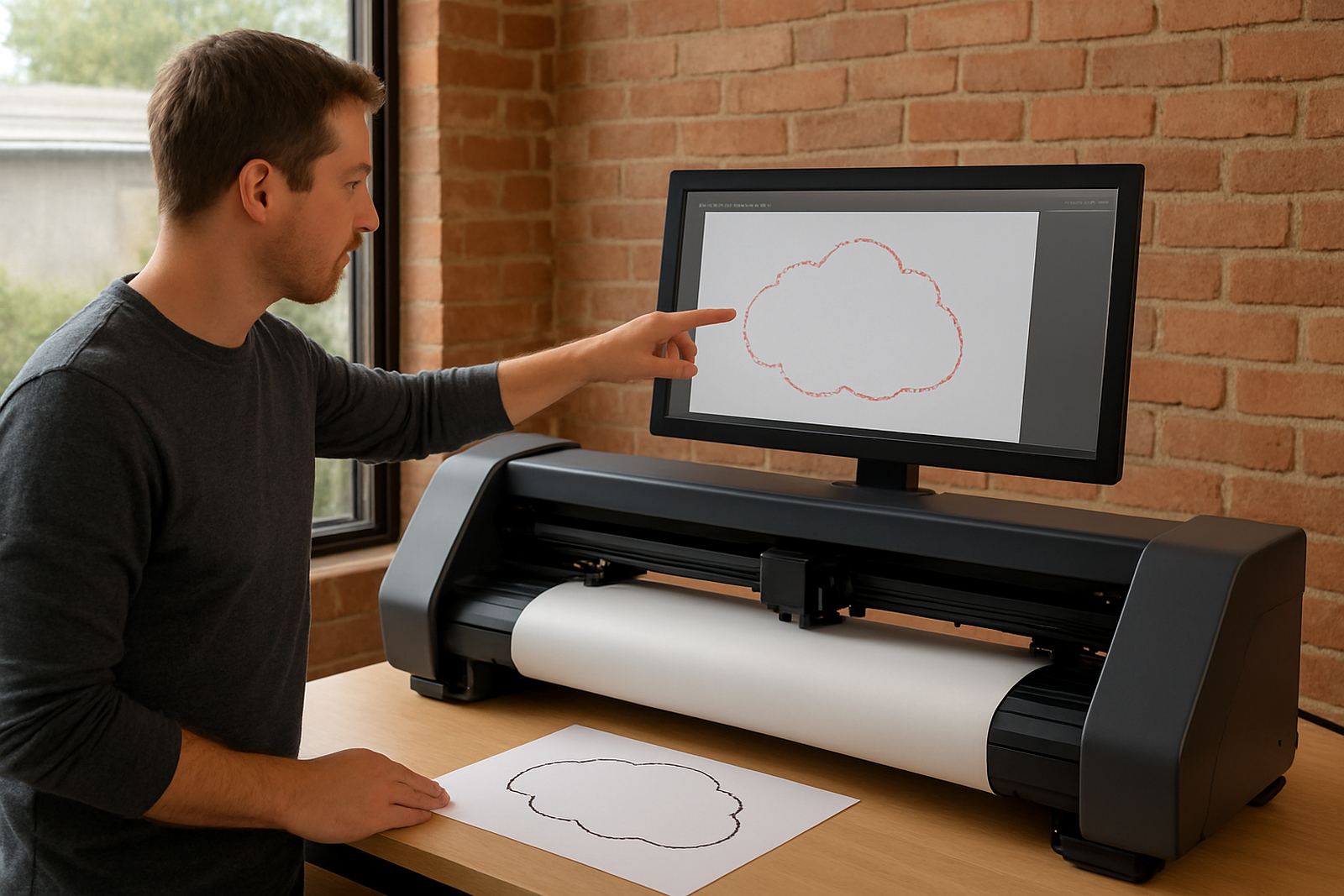
This session is a follow-up for teams that have already had their cutter installed and want a proper run through on the finer points. We go back over the areas that affect output every day, from clean artwork cut lines to blade pressure, registration marks and media loading. The aim is to reduce wasted material, improve first-pass accuracy and give staff the confidence to run jobs without second guessing every step.
It is especially useful where there has been staff turnover, a new shift has started, or a machine is cutting well on some jobs and not on others. In many cases the problem is not the machine itself but a small setting, an overlooked step, or a workflow that has drifted over time.
- Artwork cut line checks for contour jobs
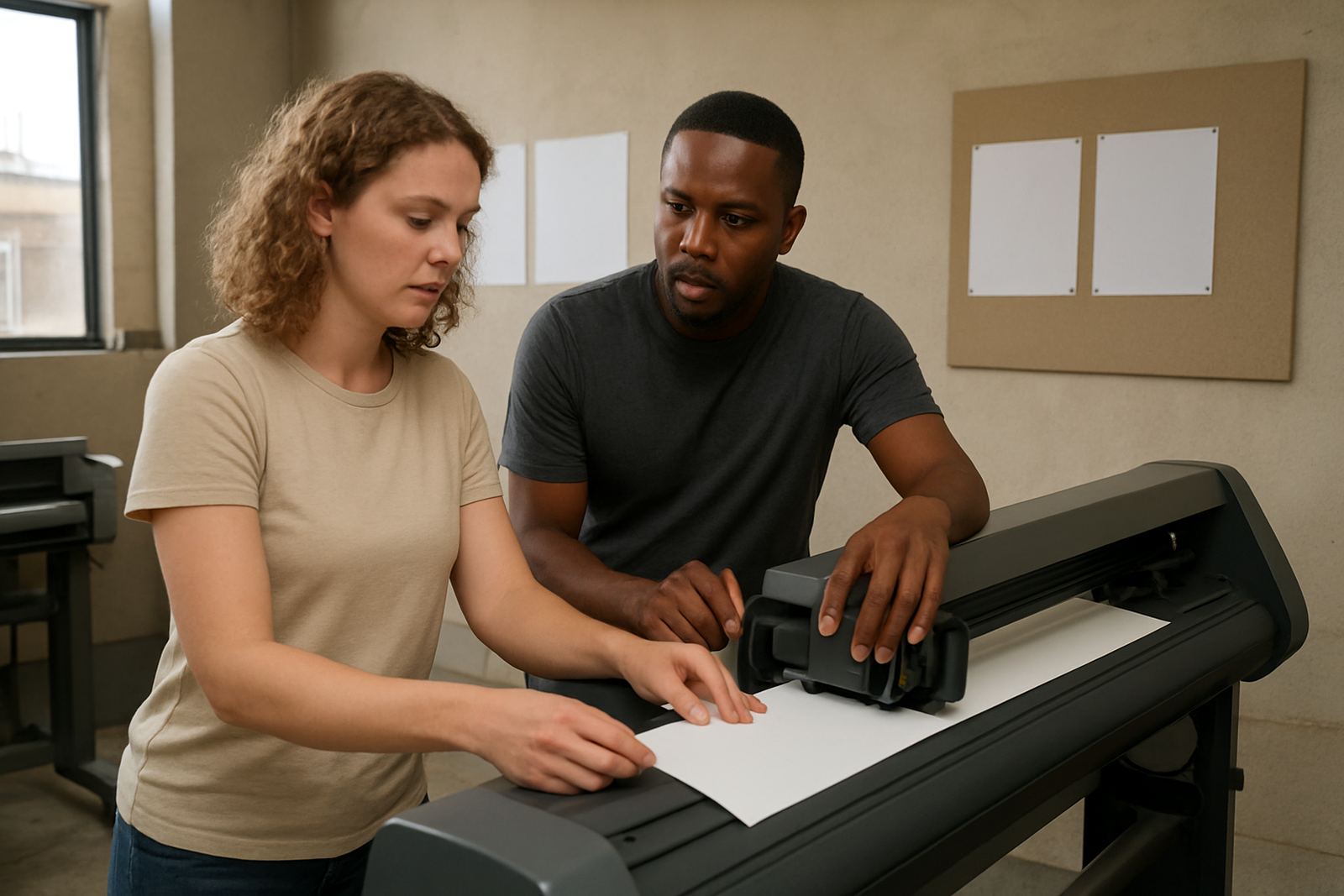
- Media loading and square alignment
- Blade pressure and offset review
- Registration calibration for printed work
- Job setup and production sequencing
Who benefits from a follow-up session
Remote refresher support works well for in-house sign teams, print shops, label producers and creative departments handling short runs or repeat work. It also helps sites operating in demanding conditions such as coastal humidity, dusty workshop areas, or premises where load-shedding has interrupted regular production routines. If a team is based in Sandton, Midrand, Germiston, Boksburg or Randburg, the same session can be arranged without waiting for a site visit.
We usually recommend a refresher when output quality has started to vary, when a supervisor wants everyone following the same method, or when the machine has not been used consistently for a few weeks. One focused session can save far more time than repeated trial and error over several jobs.
- New operators needing guidance after induction
- Experienced staff who want a faster workflow
- Supervisors tightening up production standards
- Teams that have changed media, blade type or job mix
How the session is run
We start by asking for the kind of jobs you are running, the media you use most often, and a short note on the issue you want solved. That could be missed registration marks, lifting corners, poor contour accuracy or cuts that are too deep. The session is then handled live with screen sharing, clear steps and practical checks that staff can repeat afterwards.
The process is direct and structured so the team does not sit through unnecessary theory. We work through the machine settings, show where the common errors happen, and confirm the correct sequence from file setup through to final cut. If needed, we also revisit maintenance basics because a cutter that is slightly out of adjustment can start causing problems after only a few busy weeks.
- Issue review before the session
- Live walkthrough with the relevant staff
- Step-by-step correction of settings and workflow
- Q and A at the end for job-specific concerns
Typical turnaround and session length
Most remote refresher bookings can be arranged within 1 to 3 working days, subject to team availability and the level of support needed. A standard session usually runs for 60 to 90 minutes, although more complex workflows may need a longer block. Where a production line is under pressure, we can split the session into two shorter calls so staff can keep jobs moving.
For businesses in Isando and surrounding industrial areas, this is often the quickest way to get back on track without interrupting the whole day. If there is a recurring issue, we may recommend a second follow-up after a few production cycles to check that the correction is holding.
Pricing approach and what affects the fee
Pricing is based on the length of the session, the number of staff involved and whether the refresher is a general recap or a targeted troubleshooting call. Simple follow-up support is priced differently from a deeper review that includes workflow correction, registration calibration, and media-specific setup advice. We keep the structure clear so you know what is included before the call starts.
Where a site needs regular support after staff changes or seasonal workload spikes, we can also outline a maintenance schedule that spreads the cost more sensibly over the year. For many clients, this works out better than waiting for a problem to interrupt production and then dealing with wasted vinyl, media or print time.
- Short refresher for one operator or supervisor
- Team session for 2 to 6 staff members
- Advanced support where settings and workflow need review
- Optional follow-up call after testing new settings
Maintenance intervals that keep cuts consistent
Cut quality usually stays reliable when the machine is checked on a fixed routine rather than only after a fault appears. As a general guide, blade condition, cutting strip wear and media feed should be reviewed weekly on busy sites, with a deeper check every month. In humid areas near the coast or in workshops with fine dust, the interval may need to be shorter. A cutter that has been switched off repeatedly during load-shedding should also be checked after power returns.
During the refresher we show your team what to watch for and when to escalate. That includes signs of drag, slippage, poor tracking and pressure changes that can affect detailed graphics. Small checks done early keep the machine from drifting out of spec and help the operator catch issues before they become expensive.
- Weekly visual check for blade wear and feed alignment
- Monthly review of pressure, offset and tracking
- After power interruptions, confirm calibration before production
- Repeat refresher after major staff changes or new material types
What your team should have ready
To make the session useful from the first minute, have a sample file, a recent problem job and the media you use most often. If possible, keep a spare blade, the usual cutting strip details and a few printed examples nearby. The more specific the sample, the quicker it is to show where the process is going off track.
Teams often discover that one small setting affects every stage afterwards. A missing comma in a job note, a wrong origin point or a rushed reload can be enough to throw out an otherwise good cut. Once that is identified, the fix is usually simple and the operator can carry it forward to the next run.
Key facts
| Session format | Remote live session with screen sharing and practical checks |
|---|---|
| Typical duration | 60 to 90 minutes |
| Team size | 1 to 6 staff members per session |
| Turnaround | Usually 1 to 3 working days |
| Focus areas | Cut lines, media loading, blade pressure, registration calibration, workflow |
| Follow-up | Optional second call after test runs if required |