What a through cut plotter does on the shop floor
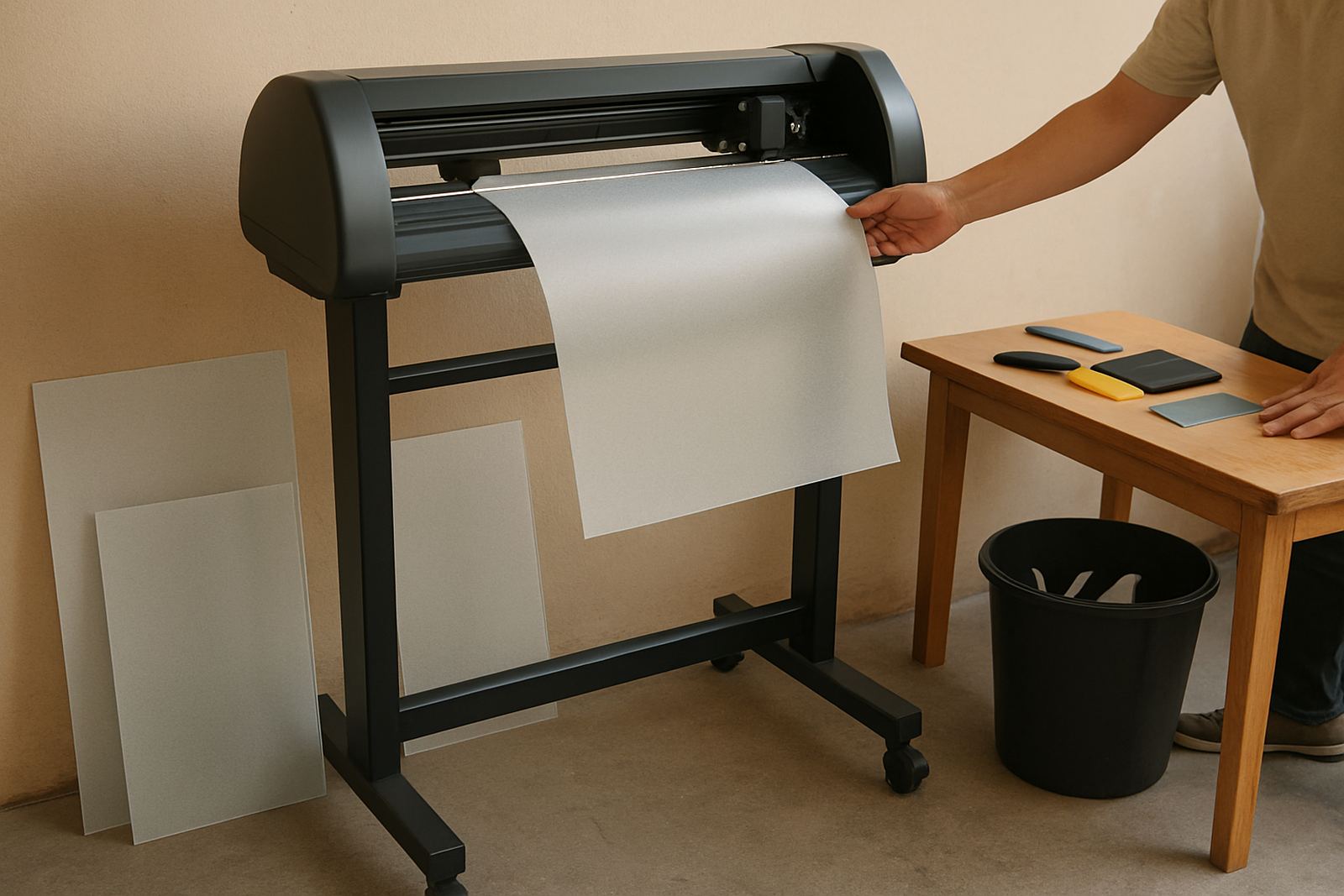
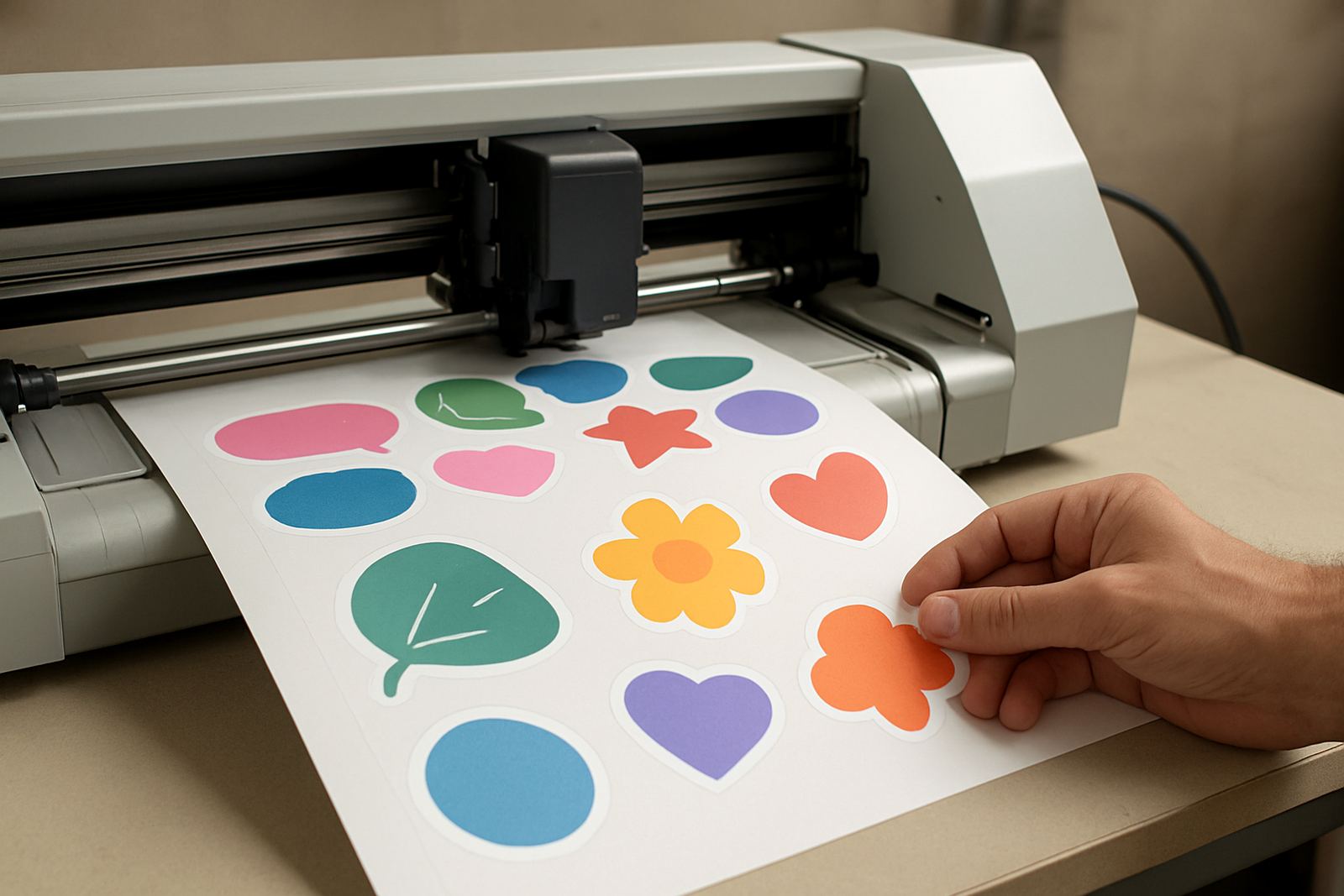
A through cut plotter is built for jobs where the finished piece must separate fully from the sheet or roll. That makes it a practical choice for labels on heavier stock, printed decals that must be punched out cleanly, short-run packaging samples, stencil work, gasket style shapes and promotional items that need a full perimeter cut. The machine follows the cut line with controlled blade depth, pressure and speed so the material parts neatly without tearing the face, lifting the print, or chewing up the backing where it should stay intact.
In a busy print room this matters because time is lost when operators have to weed, trim again, or re-run sheets that did not release properly. With the right setup, through cutting helps keep work moving from print to finish, especially on sheeted jobs where consistency is needed across many copies. For teams handling event graphics, local signage or retail items, it gives a neater edge and a better handover to the customer, with less manual finishing.
Sizes, cut force and feed options for South African production
Through cut plotters are usually specified by the widest media they can take and the cutting pressure they can deliver. Common working widths include 330 mm, 630 mm, 1,300 mm and 1,600 mm, depending on whether the machine is aimed at compact studio work or heavier production. Most units used in South African shops can handle rolls and sheets, with pinch rollers, a stable pinch bar and registration support for print-and-cut work. A good through cut setup should also allow you to adjust pressure in small steps, since board, vinyl, synthetic label stock and paper behave very differently under the blade.
Typical spec points to check include a cutting force range of 200 to 800 g, cut speed around 200 to 800 mm per second, and repeat accuracy within a fraction of a millimetre when the media is loaded correctly. Blade holders, cutting mats, stand height and take-up options vary by model. For shops in Johannesburg, Durban or Cape Town where humidity and dust can affect media behaviour, a machine with fine pressure control and steady tracking will save a lot of waste.
- Working width matched to your print format and sheet size
- Cut force high enough for complete cut-through on selected stock
- Registration support for printed jobs that need accurate contour alignment
- Roll and sheet handling for mixed production work
- Adjustable speed for detail work and longer runs
Where through cutting makes the most sense
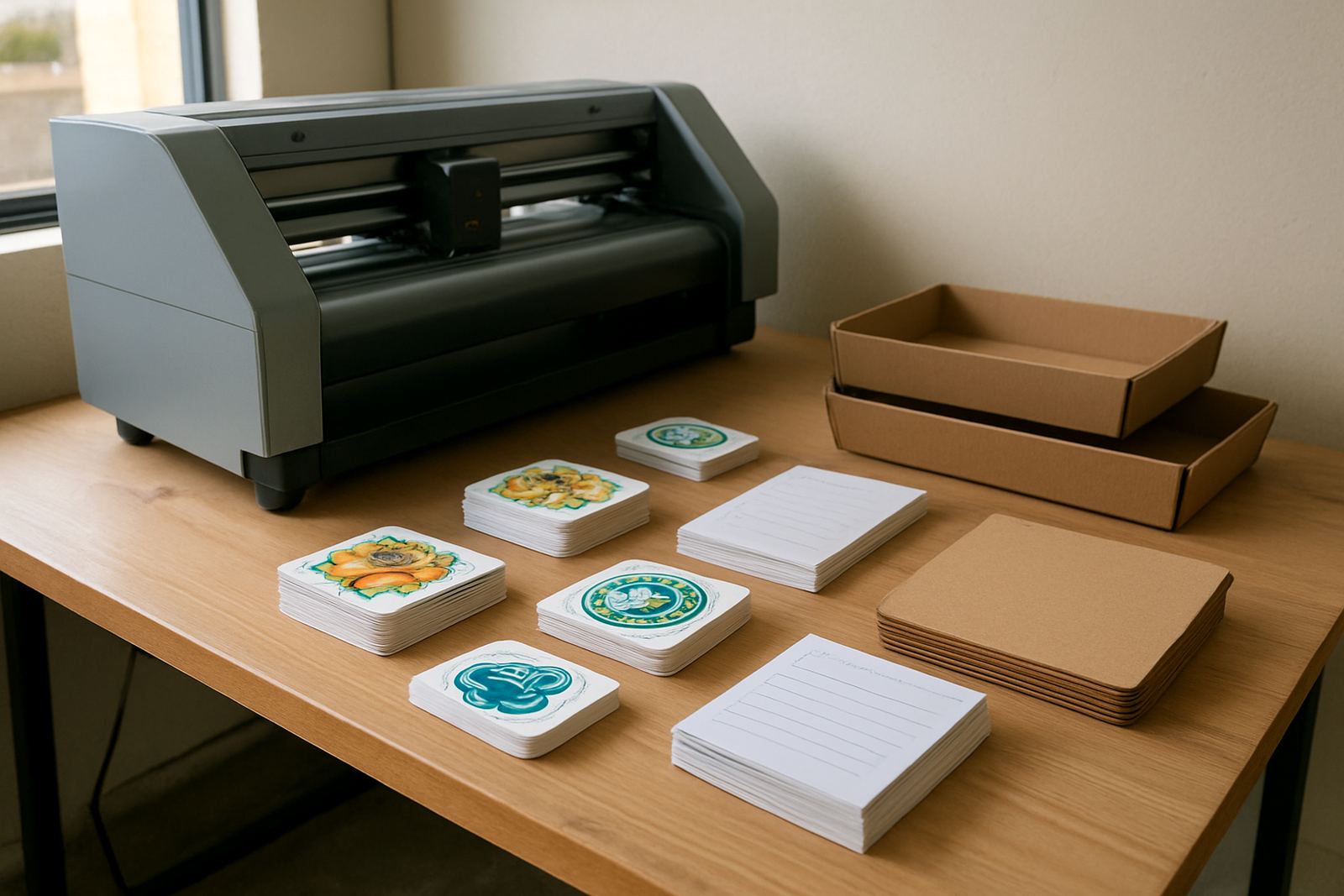
This type of cutter suits businesses that do a fair amount of finishing and want cleaner output from the first pass. Sign shops use it for decals, cut letters, sample packs and short-run graphics. Print rooms use it for sheeted sticker jobs, prototype packaging and custom shapes that must be fully separated before delivery. Creative studios and agencies use it when small volumes still need a professional finish, especially on jobs with unusual outlines or tighter turnaround times.
It also helps where a customer wants pre-cut items rather than a roll of material. That might include promotional giveaways, retail labels, window pieces, or classroom and training graphics that must be handed over ready to apply. In coastal areas, where humidity can make some media curl or soften, a well-set through cut plotter helps keep the edges neat and the output predictable. It is a useful machine for shops that handle both digital print and finishing in-house, instead of sending work out and waiting for another supplier.
- Signage and promotional graphics
- Short-run label and sticker production
- Custom shapes and stencils
- Prototype packaging and presentation pieces
- Print rooms needing sheeted cut-through on selected media
Installation, power and site needs before the first job
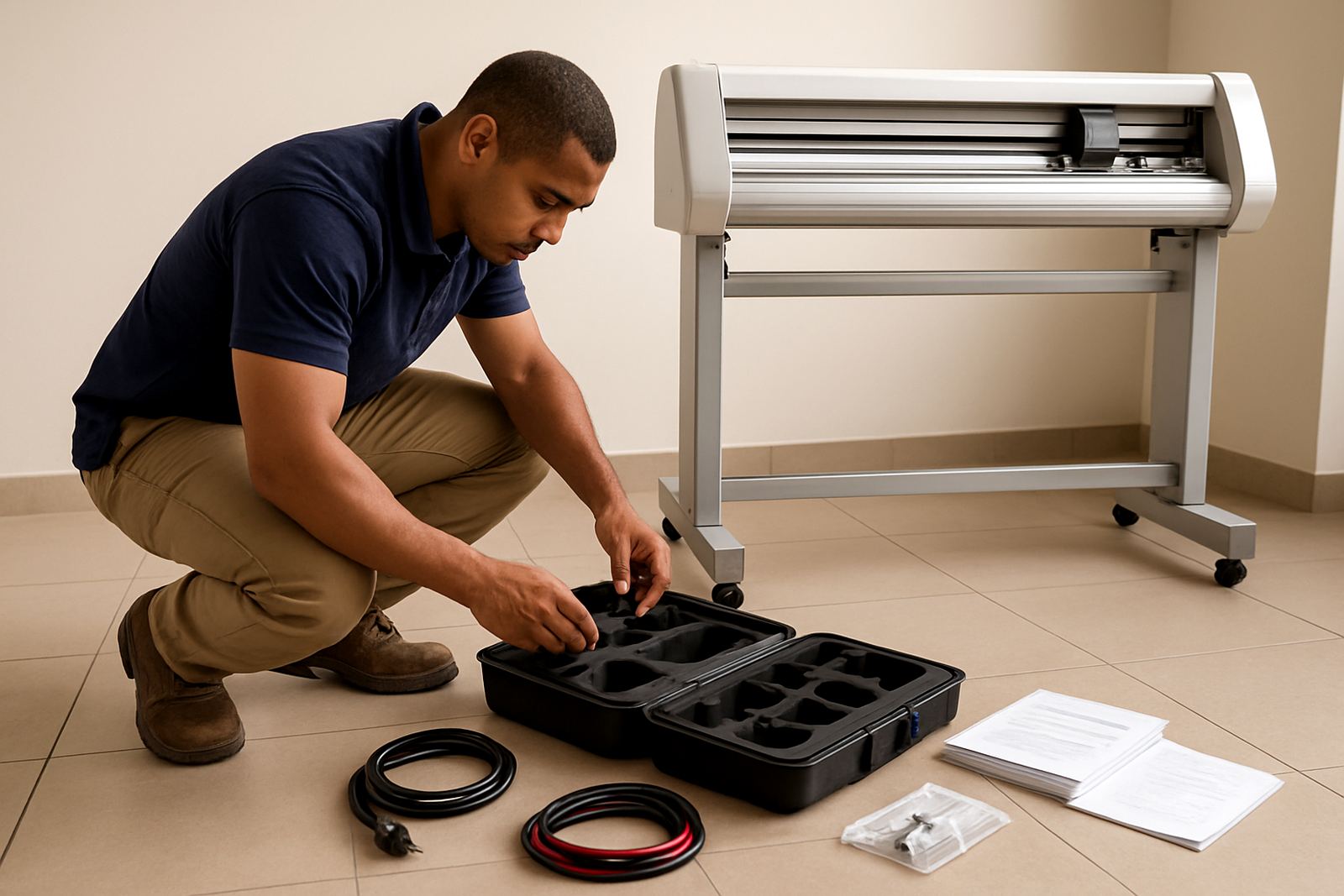
For a clean installation, the machine needs a level surface, enough feed space at the front and back, and a work area that stays free of dust and loose offcuts. Most plotters run on standard single-phase power and are suitable for typical South African workshop supply, but it is still wise to confirm voltage, plug type and surge protection before commissioning. If the site has load-shedding, a proper UPS or inverter plan should be discussed so the machine can be shut down safely and re-started without losing settings or the job file.
Installation is usually most useful when the cutter is being matched to your current print process, especially if you are doing contour work from a RIP or finishing workflow. Our team handles installs nationwide, with support from Isando and nearby areas such as Sandton, Midrand, Germiston, Boksburg and Randburg. We also cover operator induction and registration calibration so the first jobs are not left to guesswork. A quick site check helps confirm bench space, cable routing, dust control and whether the room stays within a sensible temperature range.
For some production spaces, compressed air is not needed at all, which keeps the setup simple. If a specific model or accessory requires it, that point must be checked before ordering. Keeping the machine on a stable stand, away from direct sun and not too close to open roller doors, will help the tracking stay true. A small misalighnment at install can show up later as wasted media on every run.
Care and servicing that protect cut quality
Through cut performance depends on blade condition, clean rollers and sensible pressure settings. If the blade is worn or set too deep, the cutter will start pulling fibres, marking the backer, or dragging on tight corners. Operators should clean the pinch rollers, check blade depth after media changes and keep a note of settings for each stock type. That matters when the shop moves between vinyl, paper, synthetic film and thicker sheeted material in the same day.
Basic servicing should include regular inspection of belts, carriage movement, blade holder wear and registration marks on print-and-cut work. On jobs done near the coast, extra attention to dust and moisture is worth it because both can affect tracking and static. We offer maintenance basics, troubleshooting sessions, remote refresher training and supervisor coaching so the team knows what to watch for before a small fault becomes downtime. A cutter that is cared for properly will usually give steadier edges, fewer re-cuts and less manual trimming.
What to confirm before you place an order
Before ordering, confirm the media you plan to cut, the widest sheet or roll size, and whether you need true cut-through on every job or only on selected runs. It also helps to know your print format, the number of sheets per day, and whether operators will work with single jobs or mixed batches. If the cutter is going into a shared production area, think about stand height, noise, dust and where finished pieces will be collected. These practical details make a difference to day-to-day use.
Ask for the cut force range, supported file workflow, registration method, warranty terms and what consumables are needed for the first month. Check if the machine can handle the pressure levels required for your thicker stocks without sacrificing accuracy on lighter media. If your team needs training, include operator induction, artwork cut lines, media loading, blade pressure setup, registration calibration and production workflows in the handover. The more clearly the job is defined at the start, the better the result and the less wastage on the floor.
- Media type and thickness
- Maximum sheet or roll width
- Need for print registration or simple cut files
- Daily volume and shift pattern
- Power supply and backup plan during load-shedding
Key facts
| Product type | Through cut plotter for complete cut-through on selected media |
|---|---|
| Working widths | 330 mm, 630 mm, 1,300 mm, 1,600 mm options depending on model |
| Cut force | Approx. 200 g to 800 g |
| Cut speed | Approx. 200 mm/s to 800 mm/s |
| Media handling | Roll and sheet feed with pinch roller tracking |
| Best use | Signage, labels, stencils, short-run graphics and printed sheeted jobs |