What the Standard Install Kit includes
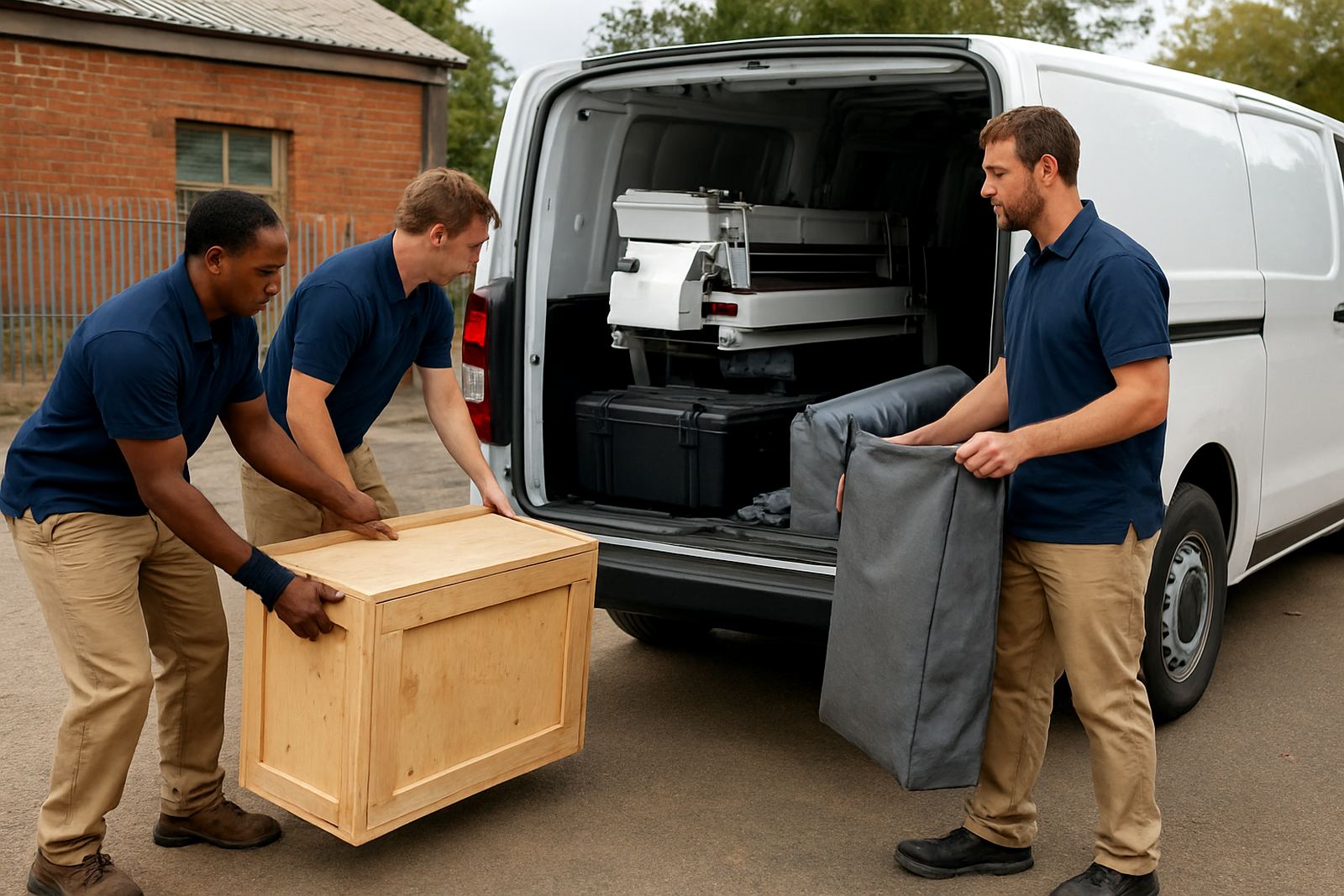
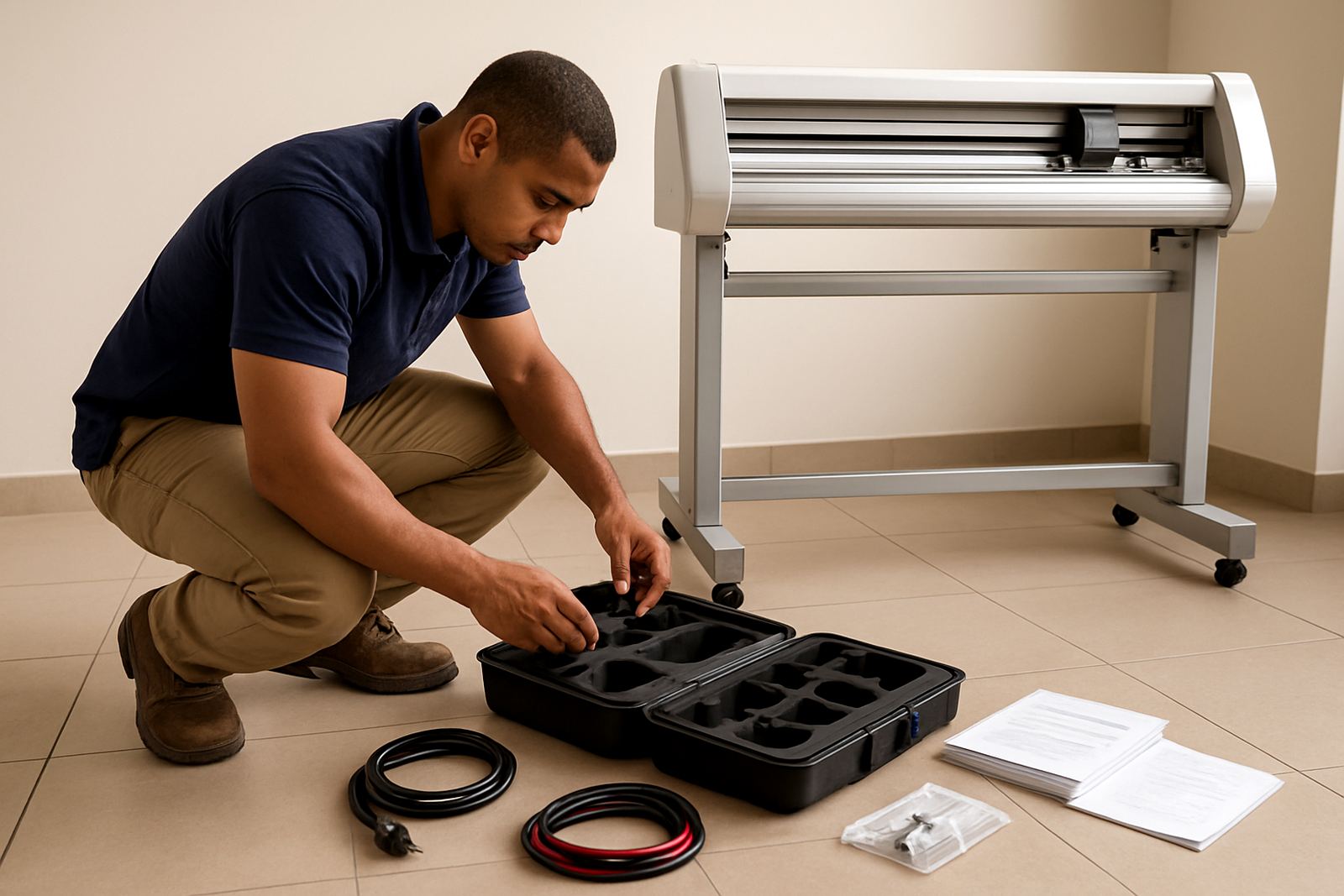
The Standard Install Kit is the practical fitment package that gets your cutter or print-and-cut unit from crate to working condition. It covers delivery to site, unpacking, assembly, levelling, electrical check, initial blade setup and a first-run test using supplied media. For many businesses in Isando, Midrand, Sandton, Germiston and Boksburg, this is the simplest way to avoid delays and start producing without trial and error.
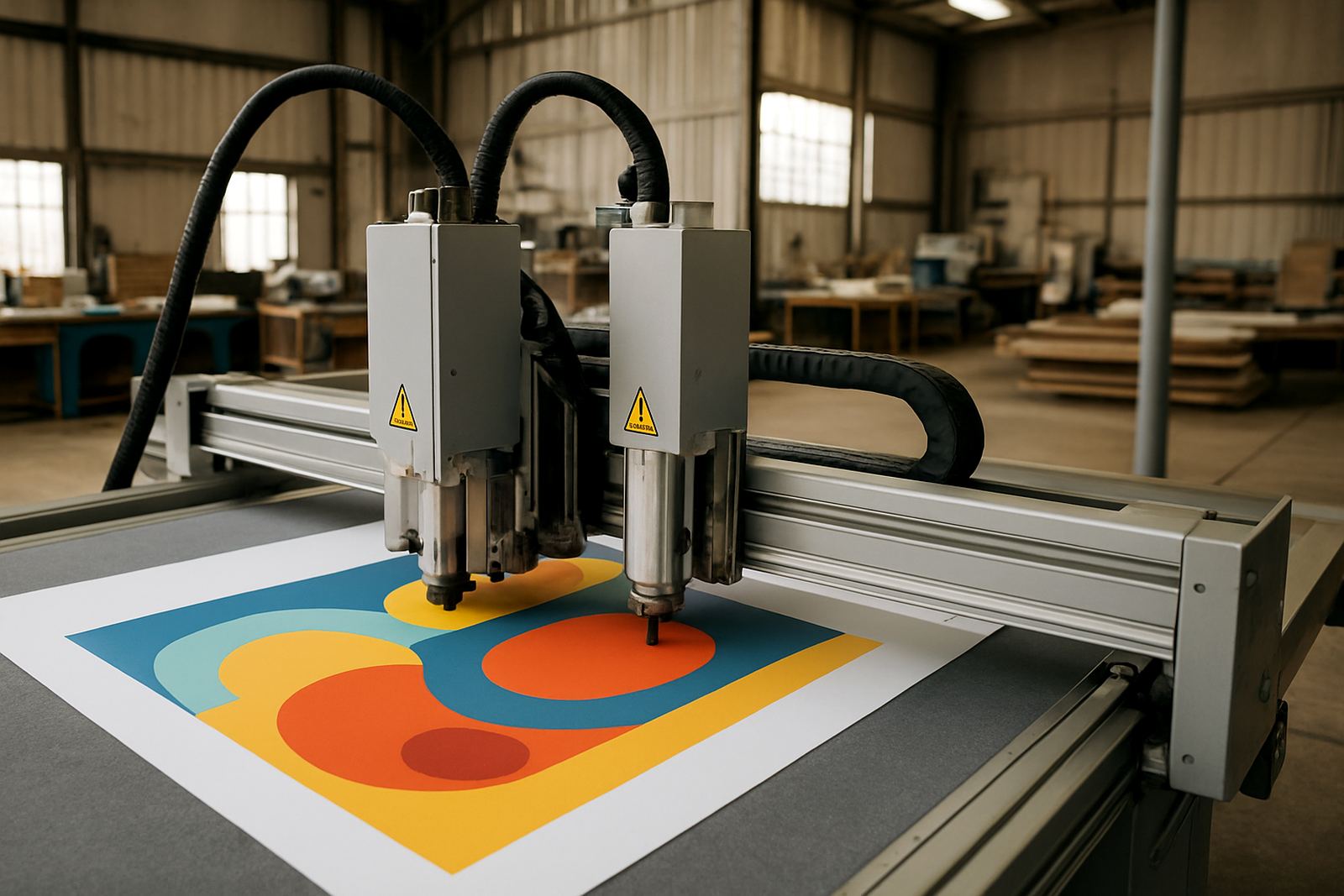
The package is aimed at operators who want the machine installed correctly before jobs begin. It suits vinyl cutting, label work, contour cutting for stickers and short-run production where accuracy matters from the first sheet. Our team checks alignment, feed consistency and registration handling so you can start with confidence, not guesswork.
- Delivery and on-site unpacking
- Assembly and physical placement
- Levelling and basic calibration
- Power-up test and function check
- First-run cut on approved material
Sizes, machine types and installation options
The kit is used for standard-sized cutters and print-and-cut units common in South African sign shops, in-house marketing teams and small production rooms. We work with compact desktop-format machines through to wider-format units that need more floor space and a steadier stand. If your site has tight access, stairs, narrow roller doors or limited turning space, tell us upfront so we can plan the route and lifting requirements.
Typical placement areas include back-of-house production rooms, shop floor corners and dedicated finishing spaces. In a clean indoor room, a machine can be set up in a single visit, though larger units may need more time for positioning and blade calibration. If you are installing at a branch in Randburg or a warehouse in Germiston, the floor level and access path should be checked before booking.
- Suitable for cutter widths from compact to wide-format units
- Best installed on a stable stand or worktable with enough feed clearance
- Optional support for remote pre-checks before the site visit
- Can be paired with operator induction or a troubleshooting session
Where it suits best
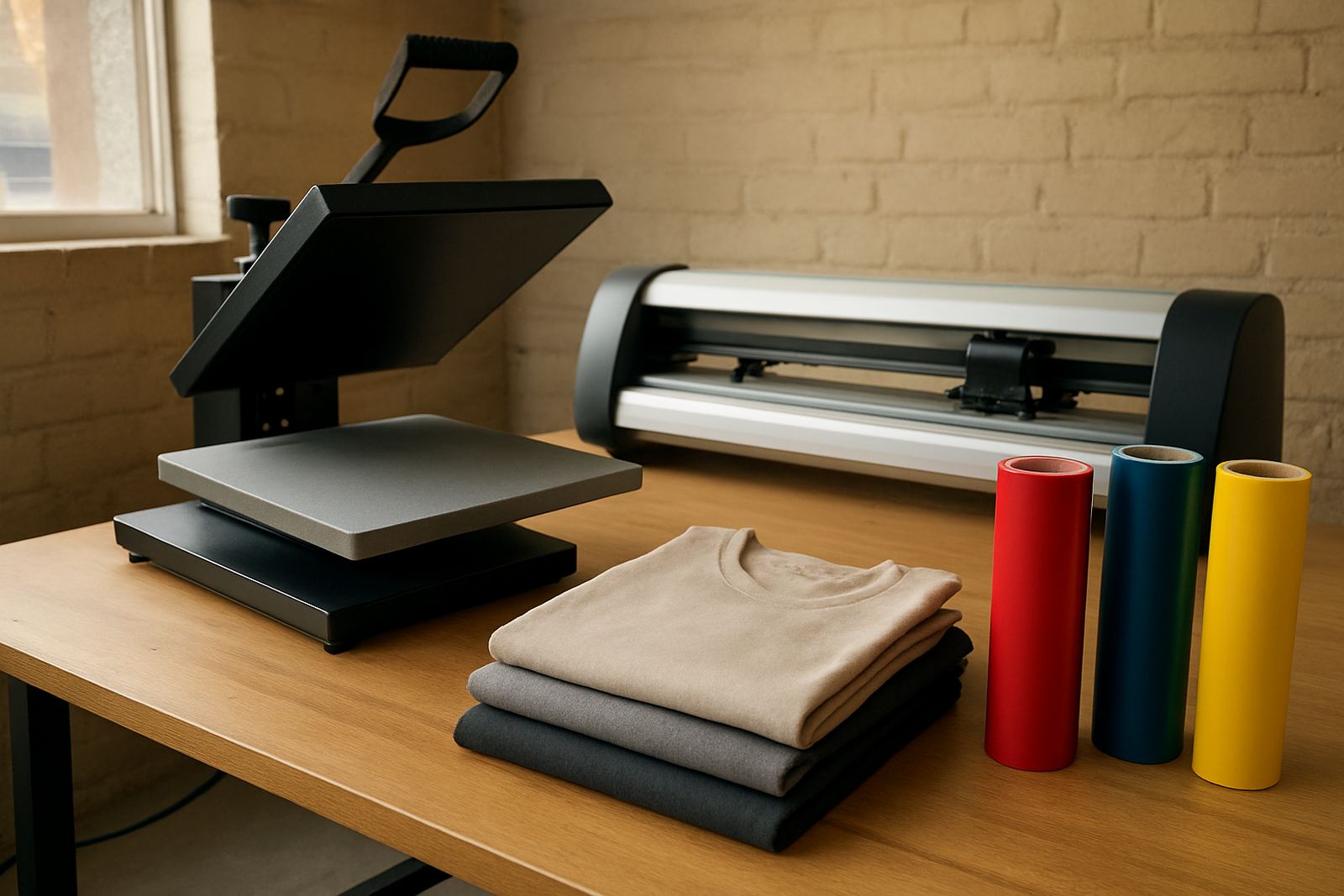
This installation package suits businesses that need accuracy, repeatability and a clear handover. It is a good fit for signage teams, sticker producers, promotional material suppliers and creative studios that must keep turnaround times tight. If you produce decals for vehicles, event graphics, product labels or short-run retail stickers, a correct install helps prevent wasted media and rework.
Johannesburg sites often need a practical install because production rooms may share space with packing, storage or dispatch. In coastal areas the focus may be on humidity and material handling, while inland sites often need dust control and steady power planning. The machine should be installed where there is enough room for loading media, checking output and moving around the unit safely.
- Signage workshops and vinyl cutters
- Sticker production and label finishing
- Marketing departments with in-house output needs
- Installations in controlled production spaces or back rooms
Power, space and site needs
The Standard Install Kit does not require gas. It does need a stable power source and a suitable site. For most equipment, a standard 220V supply is expected, with enough socket access to avoid overloaded adaptors or loose extension leads. If your area in Johannesburg or Pretoria is affected by load-shedding, plan for a UPS or inverter where the machine and connected computer must stay live during setup and test work.
Allow clear floor space around the unit so material can load and unload freely. The stand or table must be level, dry and solid enough to stop vibration. Keep the installation area away from direct sun, heavy dust and water sources. Good lighting helps with registration checks and blade adjustment, and proper ventilation matters if the room is shared with other production equipment.
- Power: 220V standard supply, with surge protection recommended
- Space: allow room at the front and back for media handling
- Floor: level, firm and dry surface preferred
- No gas connection required
Care, cleaning and servicing after install
Once installed, the machine should be kept clean and checked regularly so performance stays consistent. Dust, adhesive residue and worn blades can affect cut quality, especially on detailed jobs. A quick end-of-shift wipe-down and routine inspection of rollers, blade holders and pinch points will help prevent common faults. In humid areas near the coast, media should be stored properly to reduce curling and feed issues.
We also recommend a simple service schedule. Operators should check blade condition, loading pressure and registration settings before production starts. If the unit begins to drift, skip, or cut too deep, the issue may be media, pressure or alignment rather than a major fault. Our support team can assist with remote refresher training or a troubleshooting session when needed, and that often saves a site visit.
- Clean rollers and cutting area daily
- Inspect blade wear and holder alignment weekly
- Store media flat and sealed where possible
- Book maintenance basics training for new operators
What to check before you place an order
Before ordering the Standard Install Kit, confirm the machine model, site address, access conditions and the name of the contact person on site. If the unit is going into a mall, shared workshop or industrial park, find out whether there are security rules, delivery times or loading bay limits. For municipal or body corporate sites, it helps to know the working hours and any restrictions on noise or deliveries.
We also suggest checking the media type you plan to use, the expected cutter width and whether you need operator induction on the same visit. A clear list of your current issues, such as registration drift or uneven cuts, helps us prepare the setup properly. If your team includes a supervisor or a new operator, it is worth adding coaching at the same time, since that can save a second booking later.
- Confirm machine size and stand height
- Check access, parking and delivery times
- Prepare a level surface and working power point
- Tell us if you need training, not just installation
Key facts
| Package type | Delivery, assembly, setup and first-run checks |
|---|---|
| Compatible equipment | Standard print-and-cut cutters and contour cutting units |
| Power requirement | 220V mains supply, surge protection advised |
| Gas requirement | None |
| Site requirement | Level indoor surface with clear feed space |
| Available support | Operator induction, calibration, troubleshooting and refresher training |