Why the Studio Cut 600 suits small-format production
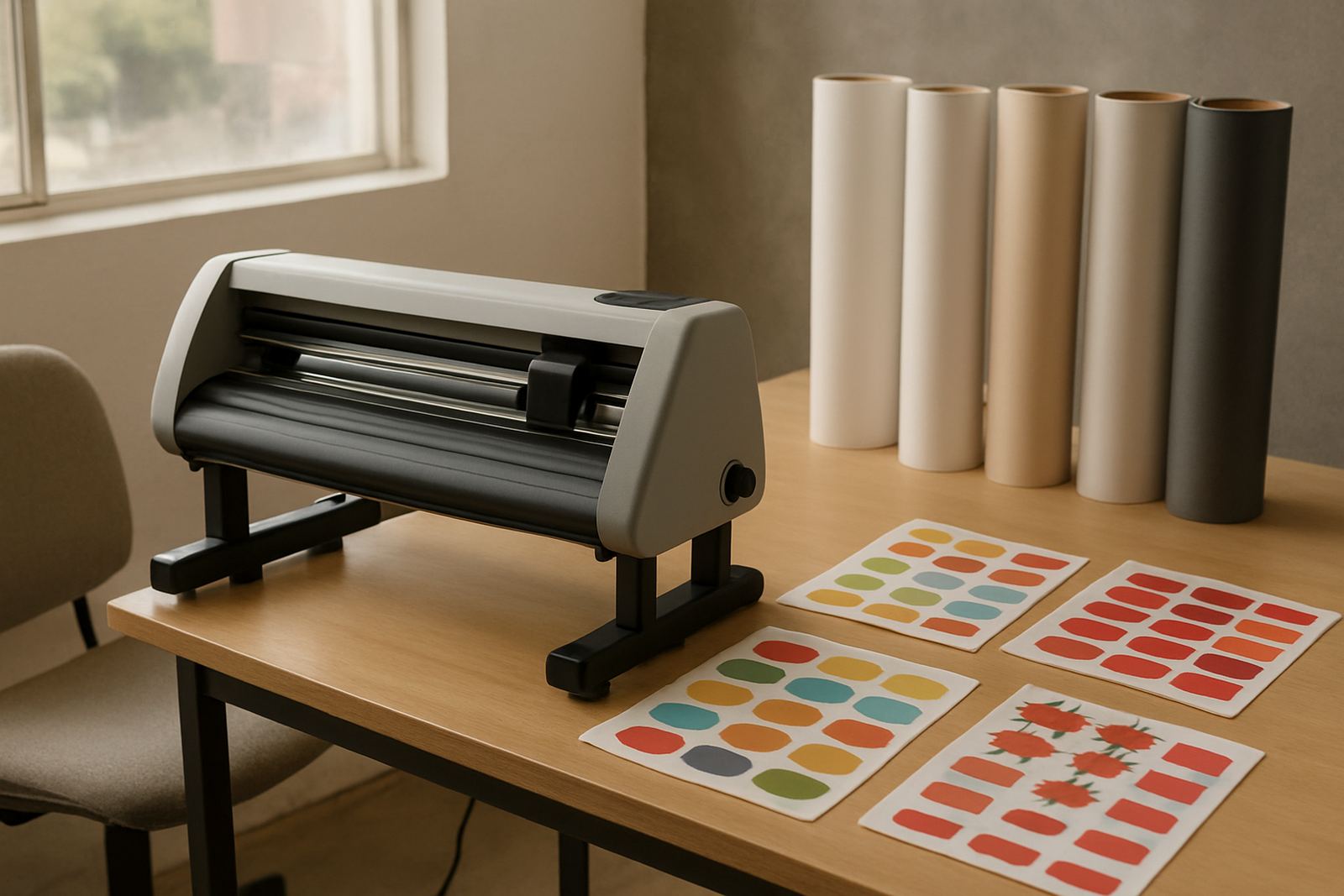
The Studio Cut 600 is built for detailed, narrow-format work where accuracy matters more than sheer width. It is a good fit for creative studios, sign shops, promo producers and in-house marketing teams that handle sticker sheets, label runs, decals and compact point-of-sale graphics. If your job list includes kiss-cuts, full cuts and repeated short runs, this unit keeps the workflow tidy and predictable.
Because the format is narrower than larger production cutters, it is easier to place in a compact studio, backroom or finishing area. That makes it practical for operations in Isando, Midrand, Sandton or Germiston where floor space is often tight and staff need to move between print, cutting and packing without crossing the whole shop every time.
- Ideal for sticker sheets and small-format graphics
- Good for short runs, repeat jobs and detailed contours
- Useful where floor space is limited
- Better suited to precision work than bulk-width cutting
Core specifications and format options
The Studio Cut 600 is a narrow-format contour cutter with a working width suited to smaller media panels and sheet-fed jobs. The unit is normally selected where the printed artwork is already planned for compact production sizes and the operator needs accurate registration rather than broad sheet capacity. It handles a range of adhesive vinyls and label stock, provided the media is flat, clean and cut-ready.
Typical setup options can include adjustable pinch pressure, variable blade depth, registration mark reading and selectable cut speed. For studios running mixed work, these controls help manage detail on thin vinyl one day and heavier self-adhesive stock the next. A good operator will also keep an eye on blade wear, because small changes in pressure can affect corners and tiny text really quickly.
- Narrow-format working width for compact jobs
- Suitable for kiss-cut and full-cut applications
- Registration mark reading for print-and-cut work
- Variable speed and pressure settings
- Works with common self-adhesive media types
Where this cutter fits in the job flow
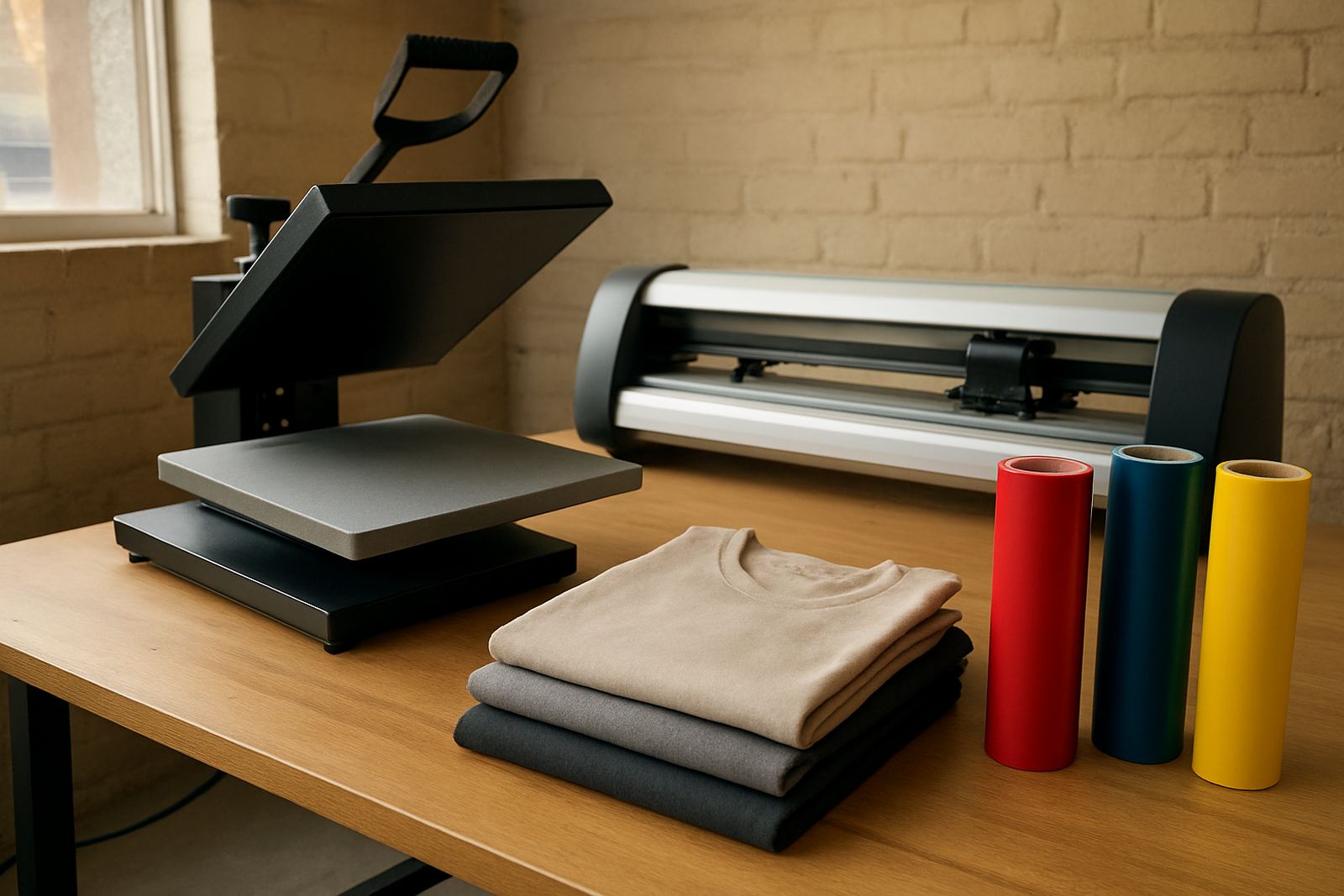
This machine suits businesses that produce short to medium runs with a strong design element. It is commonly used for branded stickers, shelf labels, product decals, sample packs, exhibition handouts and small signage panels. For creative studios that produce many different artwork layouts in a week, the narrow format makes it easy to batch jobs and keep waste under control.
It also works well in businesses that offer custom cut services to local clients. A print shop in Boksburg may use it for fast turnaround sticker sheets, while a design studio in Randburg might rely on it for detailed promotional packs. The point is not size for its own sake, but control, repeatability and neat edges on every sheet.
- Sticker production for retail and events
- Small signage and display graphics
- Label making for product packs and samples
- In-house marketing and creative studios
Installation, power and workspace needs
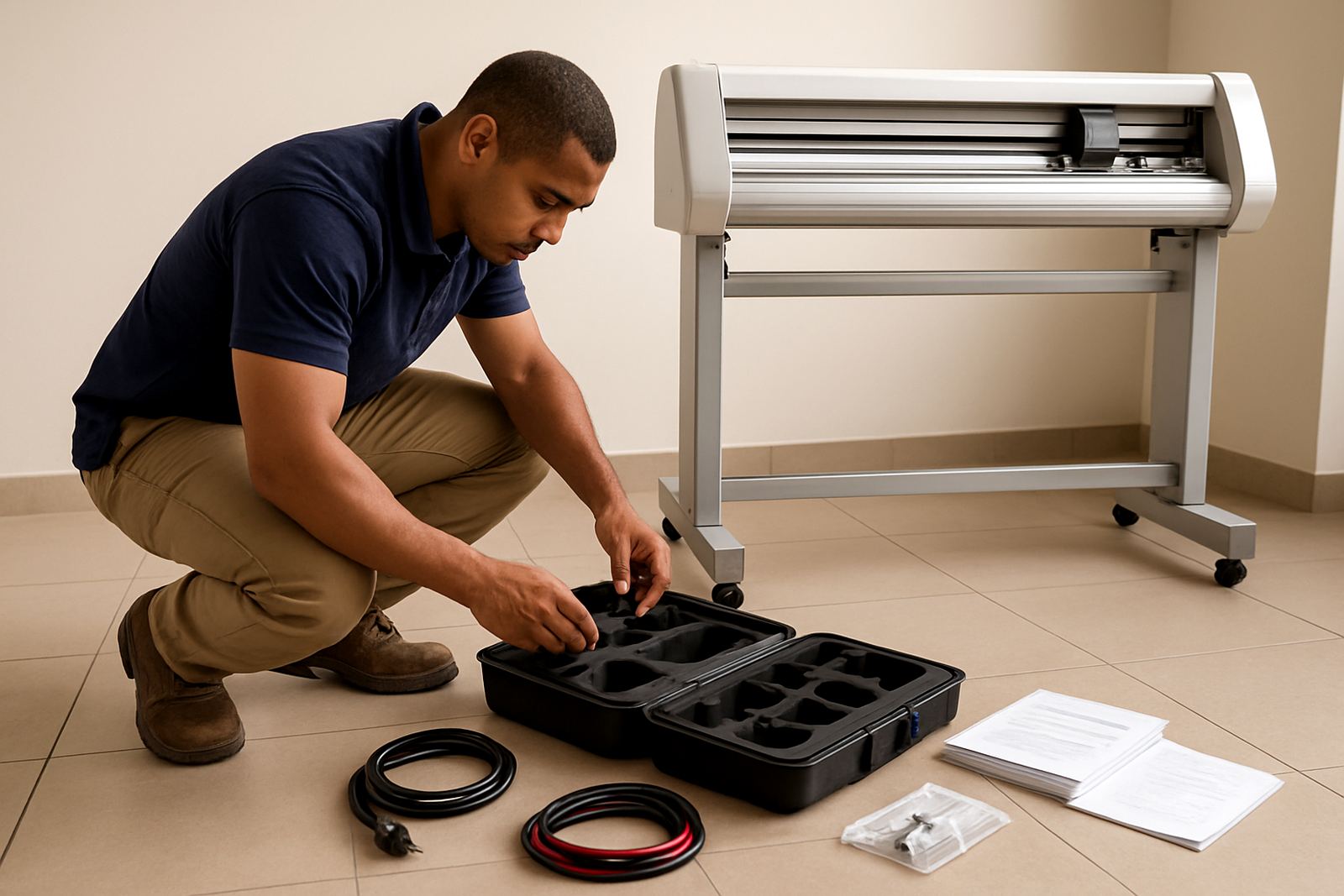
Installation is straightforward, but the machine still needs a proper home. Allow a level surface, enough side clearance for media handling and a clean area free from dust and loose trim. In Johannesburg and the surrounding industrial areas, we often find that a tidy finishing bay saves more time than any fancy add-on ever could. The cutter should be placed where operators can load sheets, check registration and remove finished work without bending around other equipment.
Power requirements are typically standard single-phase electrical supply, with stable voltage preferred. If the site has load-shedding, a suitable backup supply or inverter arrangement is worth planning for, especially if the cutter is used alongside print equipment and a computer station. Gas is not required for this unit. For humid coastal areas, keep media sealed and stored flat because curled stock can throw off alignment and waste material.
- Level, dust-free working area
- Standard single-phase power, subject to final machine spec
- No gas supply needed
- Backup power advised where load-shedding affects production
- Flat media storage helps with registration accuracy
Care, servicing and operator training
Like any precision cutter, the Studio Cut 600 performs best when the operator keeps up with simple care. Wipe dust from rails and feed areas, inspect the blade regularly and check that the media path stays clean. If the same blade is used for long periods on coated stock, edges can start to fray and small parts of lettering will look off. That is usually an easy fix if caught early, but it can turn into waste if ignored.
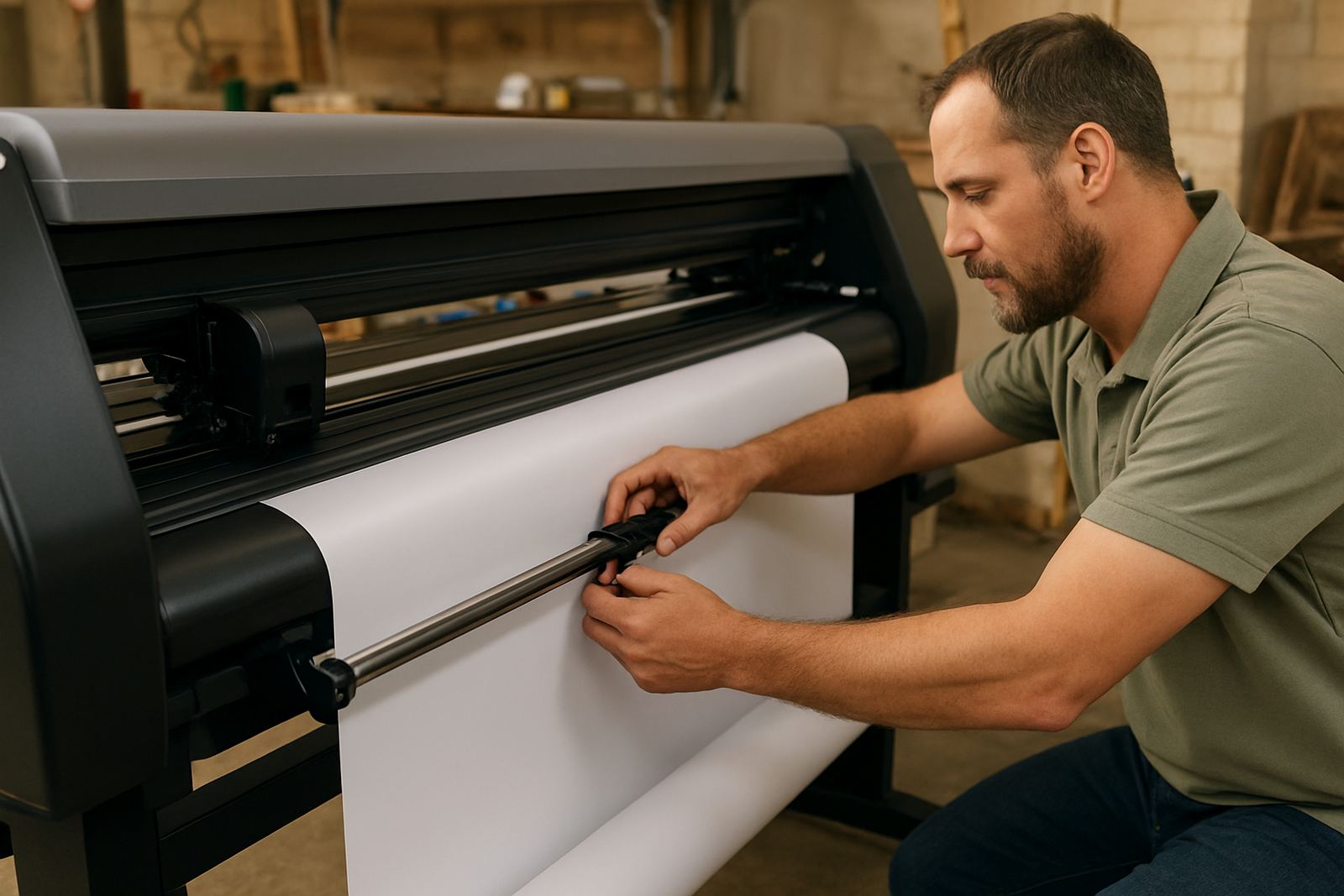
We recommend basic operator induction for new users, followed by production workflow training where needed. Our support team can assist with artwork cut lines, media loading, blade pressure setup, registration calibration and troubleshooting. For sites with more than one shift, supervisor coaching and a remote refresher session can help keep everyone using the same settings. It saves time and stops one operator from undoing what another has already set correctly.
- Clean rails, rollers and feed areas regularly
- Check blade wear and holder alignment
- Keep media sealed and flat when not in use
- Train operators on cut lines and registration setup
- Schedule routine servicing before faults slow production
What to confirm before you place an order
Before ordering, confirm your typical artwork size, media type, daily volume and whether you need kiss-cut, full-cut or both. It is also important to check the widest sheet you plan to run, the smallest detail you expect to cut and how often you need repeat registration on printed sheets. If your work includes tiny logos or fine text, send sample artwork so the cutting setup can be matched properly.
You should also confirm the available floor space, power point location and operator access. If the machine is going into a shared workshop in Isando, Sandton Support, Midrand Support, Germiston Support, Boksburg Support or Randburg Support, think about movement of stock, finished output and maintenance access. A compact machine can still cause daily headaches if nobody planned where the rolls, sheets and trimming bins will sit. Best to sort that out upfront, not after delivery day.
- Artwork size and smallest cut detail
- Media type and sheet dimensions
- Daily job volume and turnaround needs
- Power point location and workspace access
- Requirement for installation and training
Key facts
| Model | Studio Cut 600 |
|---|---|
| Format | Narrow-format contour cutter for small and detailed jobs |
| Typical use | Sticker sheets, labels, decals and compact signage |
| Power | Single-phase electrical supply, final requirement depends on setup |
| Installation | Nationwide cutter installs available from Isando, Johannesburg |
| Support | Operator training, calibration, servicing and troubleshooting |