Built for steady day-to-day production
The Shop Floor 900 is aimed at shops that run work every day, not just once in a while. It gives you a practical cutting width for common media sizes, with enough room to handle batches efficiently while keeping the footprint manageable in Isando, Sandton, Midrand or a smaller production room in Boksburg.
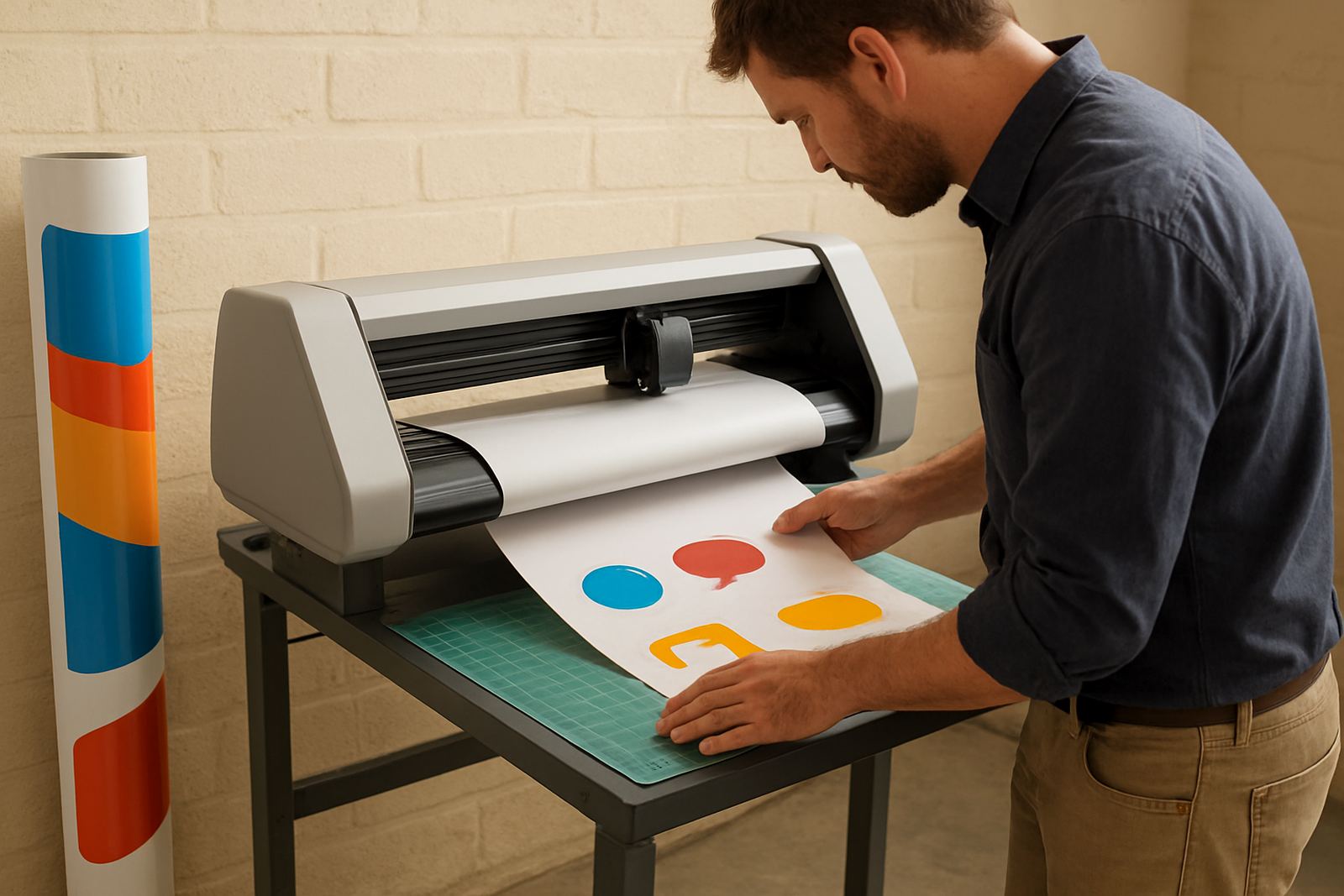
In a busy print room, the real test is not just accuracy, but how the machine behaves when the queue is long and the operator changes jobs often. This model is suited to that rhythm. It is used for contour cutting pre-printed vinyl, sticker sheets, decals, labels and shaped graphics where clean edge control matters.
- Mid-width format for everyday production
- Suitable for printed and cut media
- Works well in busy, mixed-job print rooms
- Good fit for signage, branding and promotional output
Sizes, options and production fit
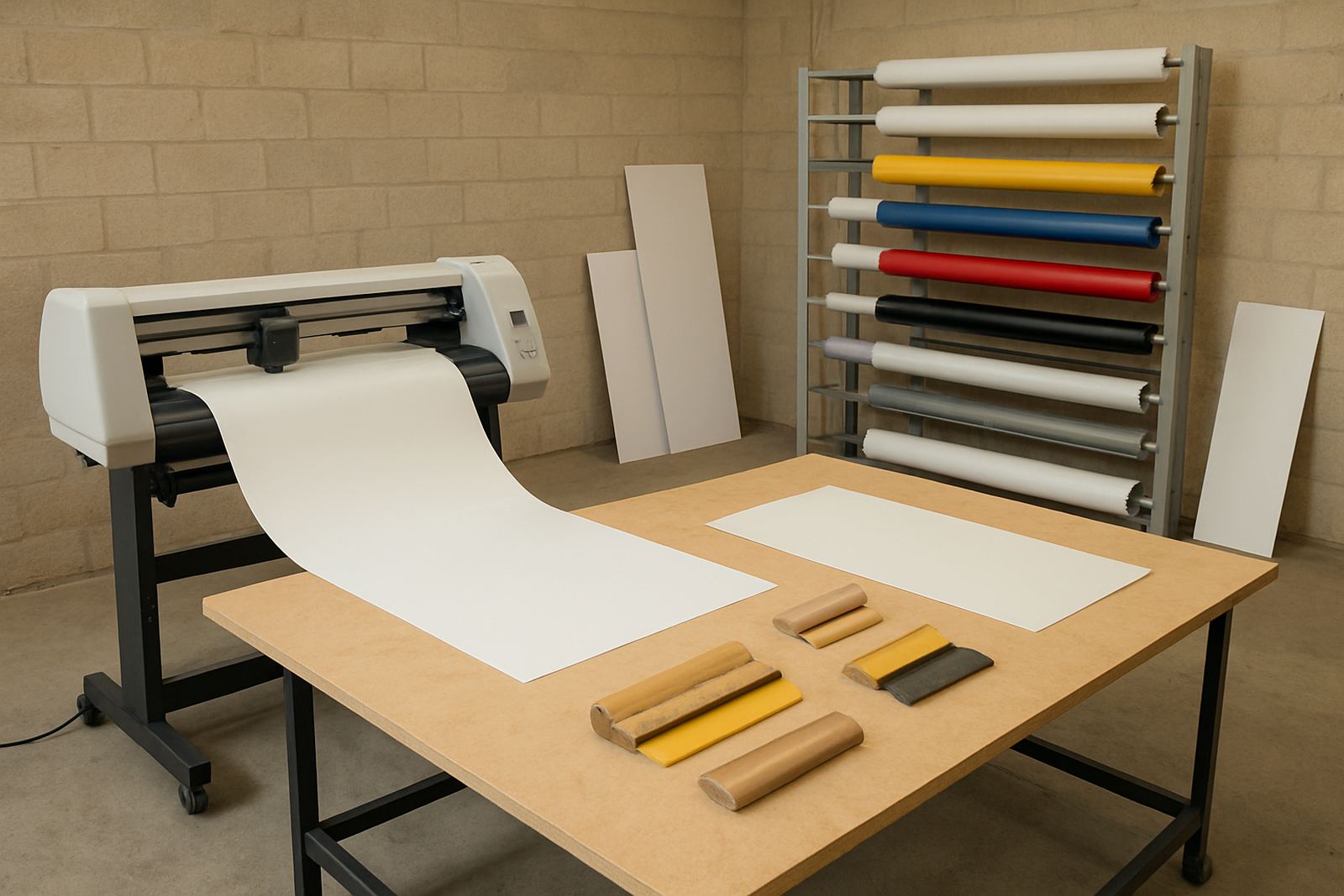
Shop Floor 900 refers to the class of machine rather than a toy-size cutter. The useful cutting width is up to about 900 mm, with effective working width depending on media type and registration requirements. That makes it a solid choice for standard sticker panels, point-of-sale pieces, packaging samples and shaped graphics for vehicle or window applications.
Where this unit really earns its keep is in repeat work. If you are running the same decal size week after week, you want predictable output and a layout that helps reduce waste. The machine suits print rooms that need a balance between detail and throughput, especially where operators must keep up with short deadlines and changing jobs.
- Approximate cutting width: up to 900 mm
- Good for short runs and repeat batches
- Suitable for contour jobs with registration marks
- Useful for print shops handling both sign and sticker work
What it suits on the shop floor
This machine is a strong fit for businesses producing custom graphics in Johannesburg, Pretoria, the East Rand and coastal towns where humidity can affect media handling. It is commonly used for vinyl stickers, laminated decals, product labels, shop branding, safety graphics and promotional sets. If the work needs accurate curves and fine corners, the Shop Floor 900 is in its element.
It is also practical for in-house teams that want control over turnaround times. Instead of waiting on outside finishing, your team can print, cut and pack under one roof. That helps when a client asks for a small correction late in the day or wants a reprint before courier collection.
- Stickers and decals
- Labels and packaging graphics
- Window, shelf and point-of-sale graphics
- Custom promotional pieces and shaped cut-outs
Installation, power and room planning
Installation is best handled by a technician who understands registration, alignment and workflow setup. The machine should sit on a level surface with enough room at the front and back for media handling, especially if you run longer sheets or regular batch work. In many Gauteng premises, the question is not only floor space but also dust, airflow and access for operators moving between printer and cutter.
Power requirements are straightforward for a print room setup, but it is still worth planning around load-shedding and surge protection. Use a stable supply, a suitable UPS where needed and proper earthing. The machine does not need gas. If your site is in a high-humidity area, keep media sealed and allow printed sheets to settle before cutting, because curled edges can throw off registration by a small margin.
- Level surface with clear infeed and outfeed space
- Standard electrical supply with surge protection advised
- UPS or backup power useful during outages
- No gas connection required
Care, servicing and operator habits
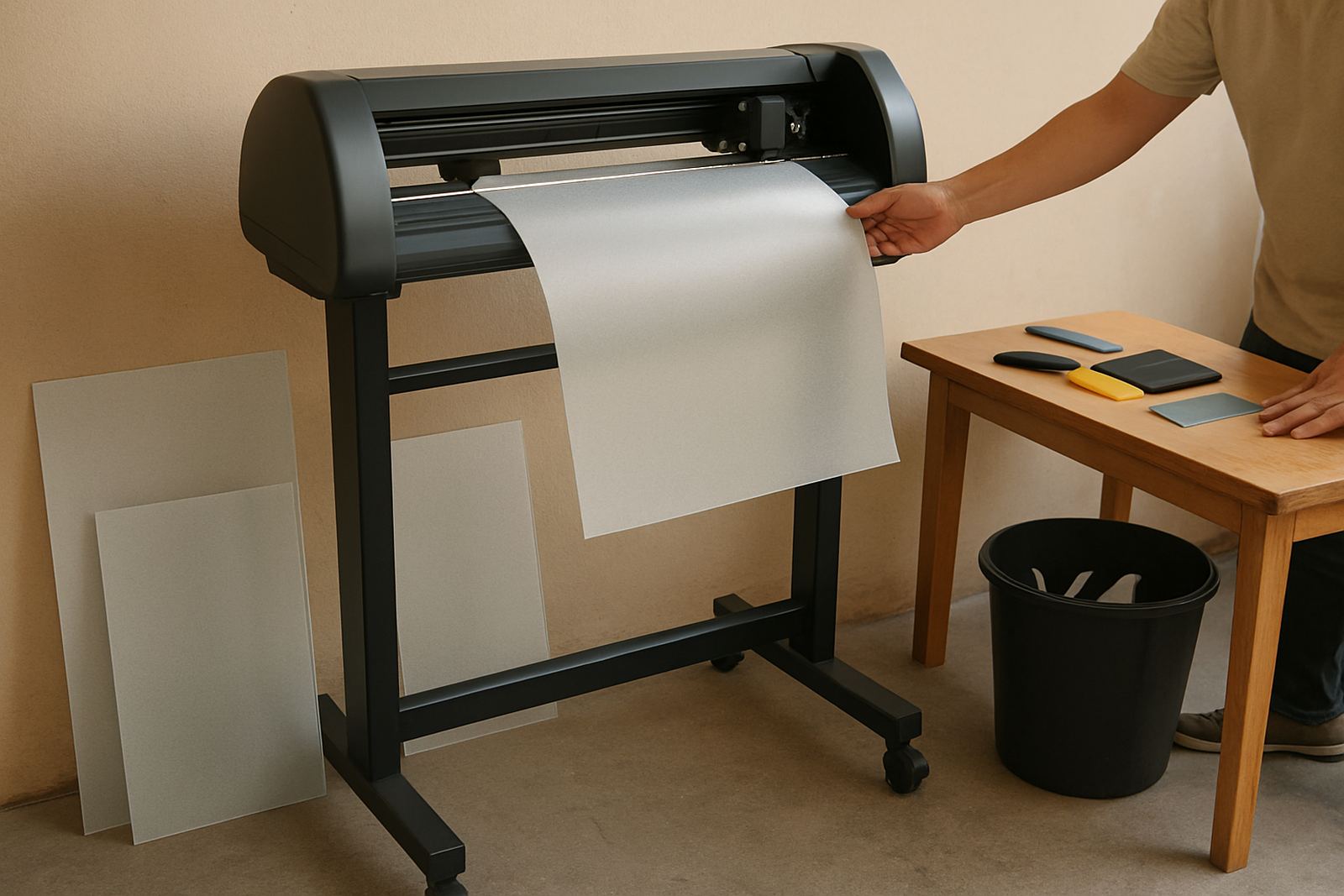
A cutter like this performs best when the basics are done properly every day. Keep blades clean, remove dust from the cutting path and check pinch points before long runs. Blade pressure should be set for the media you are using, not left on one setting for everything. That matters when switching between unlaminated vinyl and laminated sheets with a firmer top layer.
Routine servicing should include calibration checks, roller inspection and a look at any wear on consumables. A print room in Germiston or Randburg often runs early starts and late finishes, so a simple end-of-day clean can save a lot of downtime. The operators should also know how to spot feed issues before the machine starts wasting material. A quick check now and then is cheaper than a bin full of spoiled stock.
- Clean blades and rollers regularly
- Check pressure settings per media type
- Inspect registration and feed accuracy
- Schedule servicing before peak periods
What to check before you order
Before placing an order, make sure the machine matches your output width, daily volume and the type of finishing you do most often. If your team produces mostly small decals, one setup may be enough. If you regularly handle wider signage pieces or mixed jobs, ask for guidance on the right configuration and training support. The best choice is the one that keeps your workflow moving without forcing unnecessary handling.
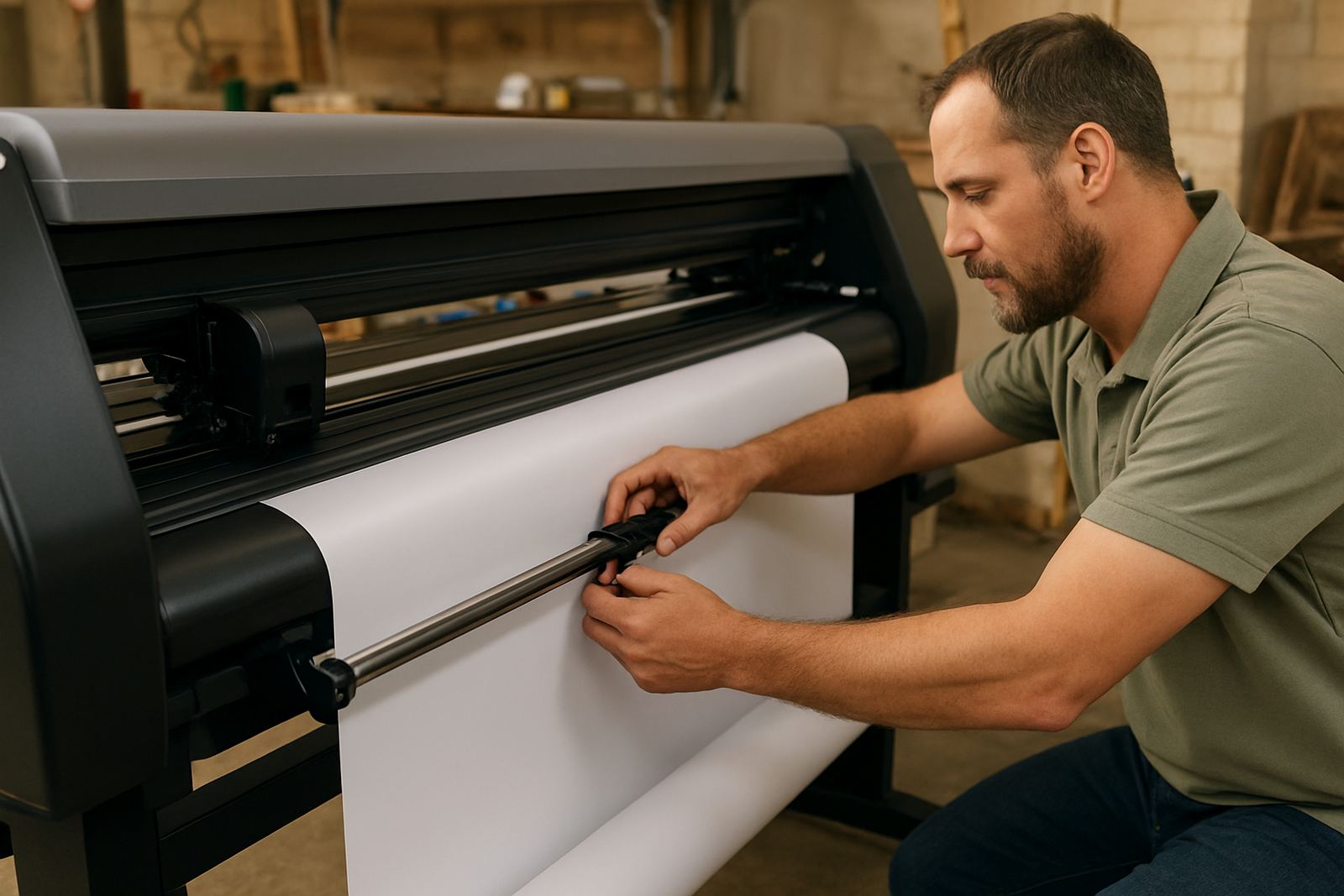
It is also worth checking who will install, train and support the unit after delivery. Contour Cutting provides support from Isando with assistance into Sandton, Midrand, Germiston, Boksburg and Randburg, plus cutter installs nationwide. That means your team can get help with artwork cut lines, blade pressure, media loading and troubleshooting before production falls behind.
- Working width required
- Media types you cut most often
- Space available in the print room
- Installation, training and support plan
Key facts
| Product | Shop Floor 900 |
|---|---|
| Type | Mid-width print-and-cut contour plotter |
| Cutting width | Up to approx. 900 mm |
| Use case | Daily production for stickers, decals, labels and shaped graphics |
| Power | Standard electrical supply, surge protection advised |
| Installation | Nationwide installs with training available from Isando, Johannesburg |