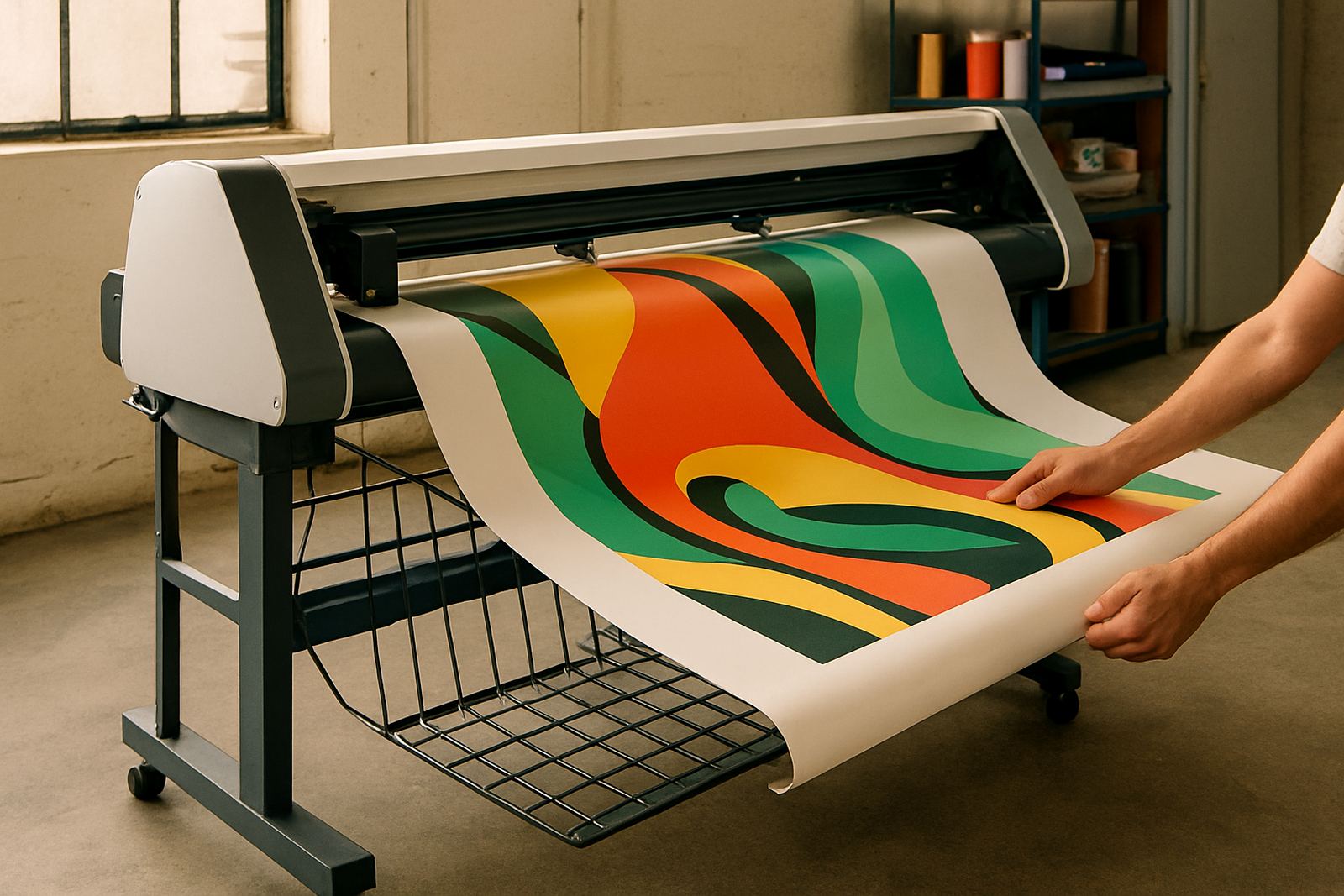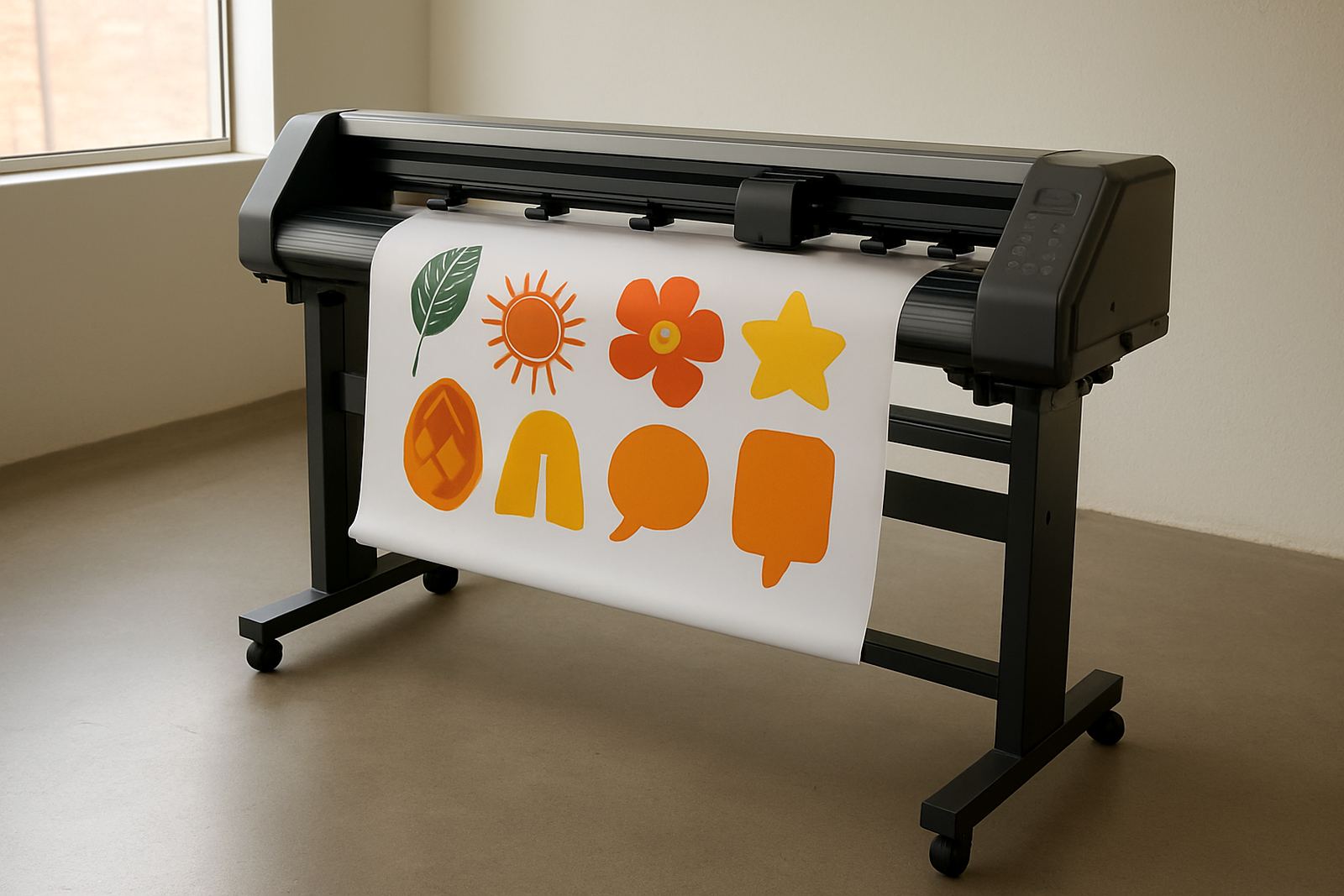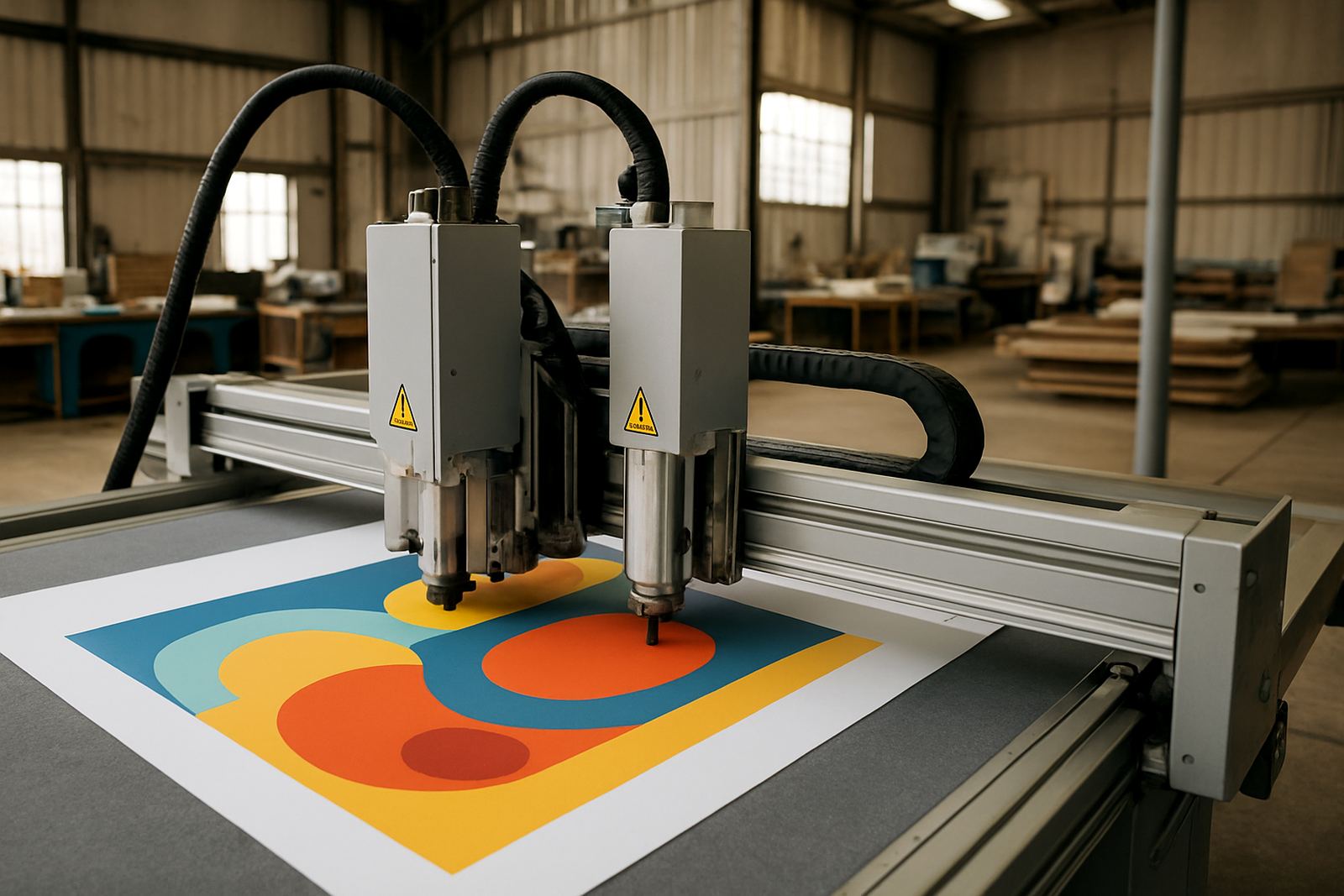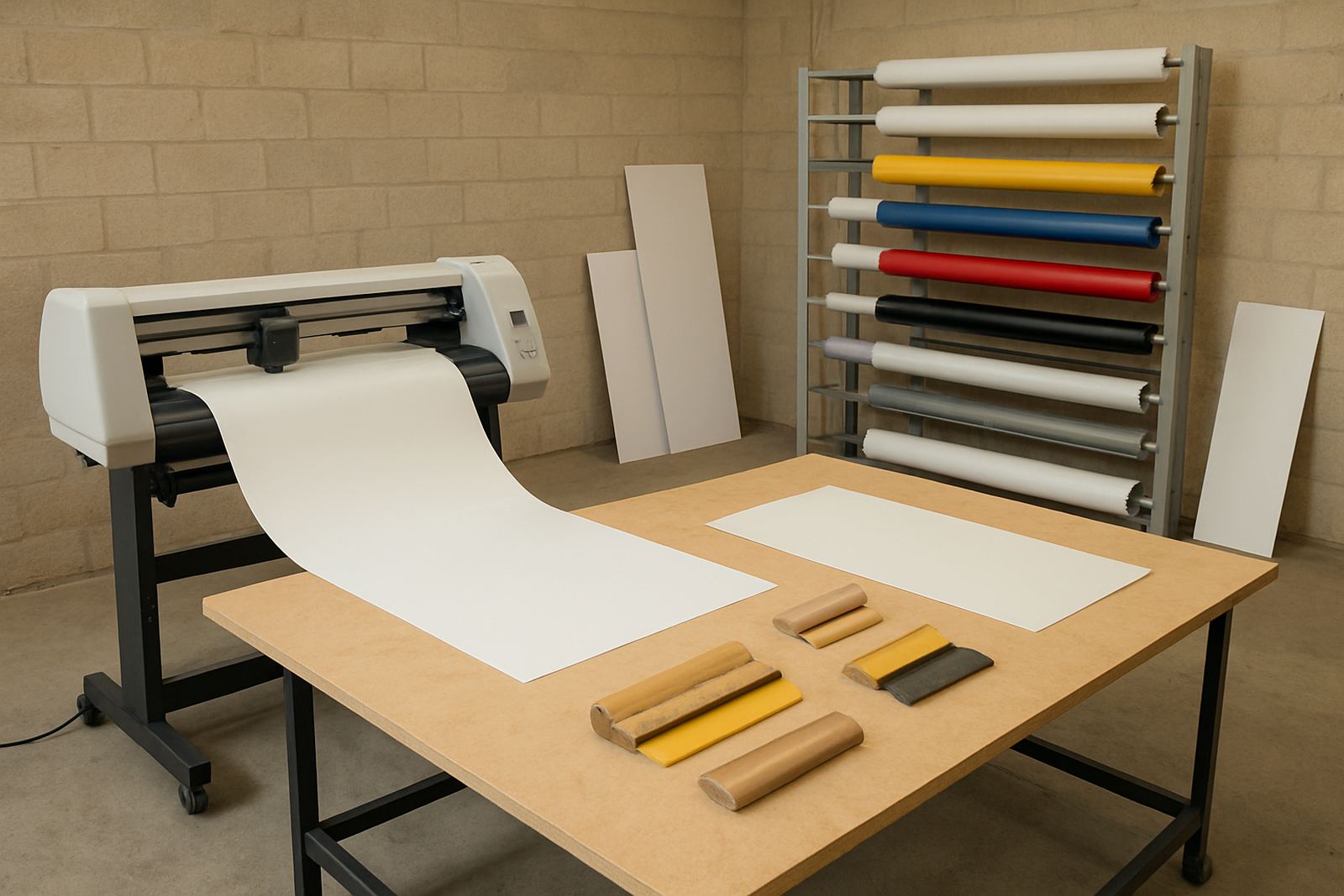
Built for mixed sign shop production
The Signmaker 1300 is aimed at workshops that move between different kinds of work in the same day. One hour it may be cutting vinyl decals, the next it may be finishing printed panels for labels, promotions or short-run graphics. For teams in Johannesburg, Pretoria, Durban or Cape Town, that kind of flexibility matters when customer deadlines change at short notice and the lights dip during load-shedding.
Its 1300 mm class working width gives you room for common sheet sizes and longer runs without forcing awkward joins. That helps when you are cutting vehicle graphics, point-of-sale stickers, exhibition material or school and church signage. The unit is practical rather than flashy, and that is usually what a busy production floor needs.
- Suitable for vinyl cutting and print contour cutting
- Handles short runs, repeat jobs and mixed media work
- Useful for signage shops, print shops and in-house production teams
- Helps reduce hand cutting on detailed shapes
Sizes, options and output control
Standard supply is the Signmaker 1300 format, which gives a working width suited to most everyday signage jobs. Depending on the setup, operators can work with different blade holders, pinch roller positions and media guides to suit thinner films or heavier printed sheets. The right option depends on what your shop produces most often, because a small sticker operation has different needs to a shop doing printed POP panels every week.
For larger teams, it is worth planning the unit with the rest of the workflow in mind. If your work comes from eco-solvent, latex or UV printed media, the cut path needs to match the print registration method in use. In practice, that means checking how the crop marks are read, how often the machine will be switched between jobs, and whether one operator or several staff members will use it during the day.
- 1300 mm class working width
- Suited to adhesive vinyl, printed self-adhesive media and stencil work
- Manual and guided setup options depending on workflow
- Useful for contour cutting of labels, decals and graphic shapes
Where the Signmaker 1300 fits best
This model suits signmakers who need a dependable cutter for regular production rather than occasional hobby work. It is a good fit for shops in industrial areas such as Isando, Germiston, Boksburg and Midrand where daily output needs to be steady, and where material changeovers must be quick. If your business handles branded vehicle marking, shopfront lettering, event graphics or retail stickers, the machine has a sensible place in the workflow.
It also works well for smaller studios that want to keep outsourcing down. Instead of sending simple contour jobs away and waiting for turnaround, the operator can prepare, cut and finish in house. That can save time during busy periods and makes reprints easier when a client needs a quick correction. You still need a trained person on the controls, though, because neat output starts with clean artwork and proper setup.
- Sign shops with recurring vinyl and print work
- In-house marketing and branding teams
- Short-run label and sticker production
- Workshop environments with moderate daily throughput
Installation, power and workspace needs
Installation should be planned around a level floor, enough feed space and a clear path for moving media in and out. The cutter should sit where operators can load long sheets without bending them or catching edges on benches. In many South African workshops, the real issue is not only the footprint but the practical space around it, especially when trimming boards, sorting rolls and keeping printed stock dry in humid weather near the coast.
Power requirements are straightforward, but stable power is still important. A clean supply and proper surge protection are recommended so the machine does not get upset by voltage dips or sudden interruptions. If your area has frequent outages, plan for backup power on the production side of the shop. The unit is not meant for dusty corners or cramped passage areas, and it should be kept away from direct heat, open wash-down zones and water leaks.
- Level surface and adequate infeed and outfeed clearance
- Single-operator access should still allow safe loading
- Use surge protection and stable backup power where needed
- Keep the unit dry, clean and away from heavy dust
Care, servicing and daily maintenance
Like any production cutter, the Signmaker 1300 lasts longer when it is cleaned and checked regularly. Dust, vinyl backing and fine adhesive particles can build up around rollers and blade areas. A quick daily wipe-down and a weekly inspection usually prevent many common faults. Blunt blades, poor pressure settings and dirty pinch rollers are the usual reasons cuts begin to wander or lift at the edges.
Our team can assist with induction, maintenance basics, troubleshooting and supervisor coaching so your staff know what to watch for. That includes blade pressure setup, registration calibration, media loading and production workflows. If the machine starts to miss marks or the cut line is not matching the print, it is often an operator setting rather than a major fault, and a short refresher can sort it out fast.
- Clean rollers and blade area regularly
- Check blade wear before long jobs
- Keep printed media flat and dry before cutting
- Schedule refresher support when staff change or output shifts
What to check before you place an order
Before ordering, confirm the widest material you normally cut, the kinds of media you use, and whether your jobs are mostly straight vinyl or contour-cut printed work. It is also worth checking how your artwork is prepared. Good cut lines matter, and if the artwork arrives poorly set up the machine cannot correct that on its own. That is why many shops ask for training alongside the machine, not after problems start.
Ask about the available installation cover in your area and whether remote refresher support is part of the handover. If you operate across branches in Sandton, Randburg or elsewhere, it helps to know who will manage day-to-day use and who will call for technical support when there is an issue. A small bit of planning up front can save a lot of stoppages later, especially when orders are due the next morning.
- Confirm your common media widths and material types
- Check whether you need contour cutting, vinyl cutting or both
- Ask about operator induction and artwork setup support
- Make sure the installation area has stable power and enough room
Key facts
| Model | Signmaker 1300 |
|---|---|
| Working width | 1300 mm class |
| Use type | Print-and-cut contour plotting and vinyl cutting |
| Best for | Sign shops, print shops and in-house branding teams |
| Install area | Nationwide installation available from Isando, Johannesburg |
| Support options | Operator induction, calibration, troubleshooting and refresher training |