What the Media Stand System does on the shop floor
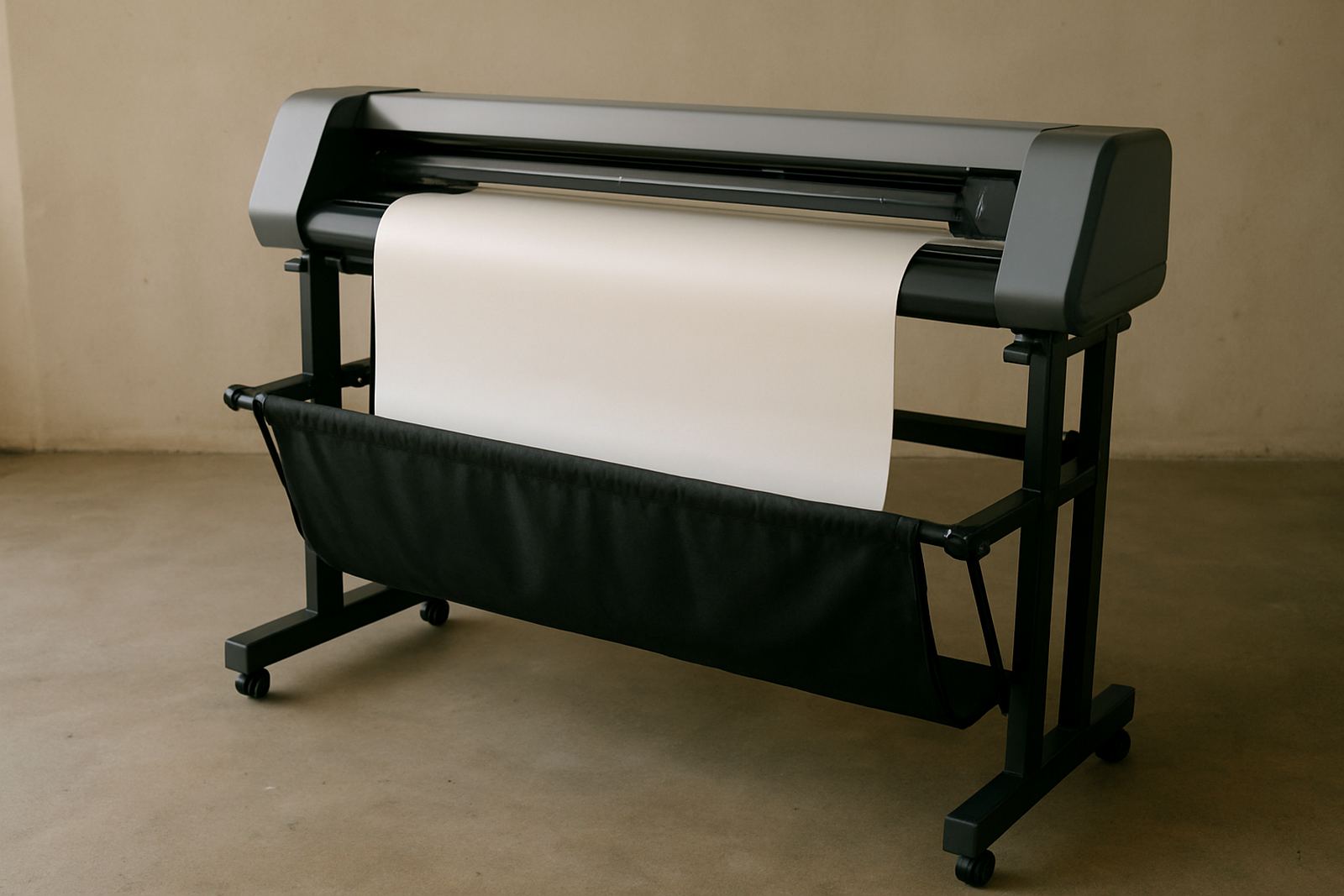
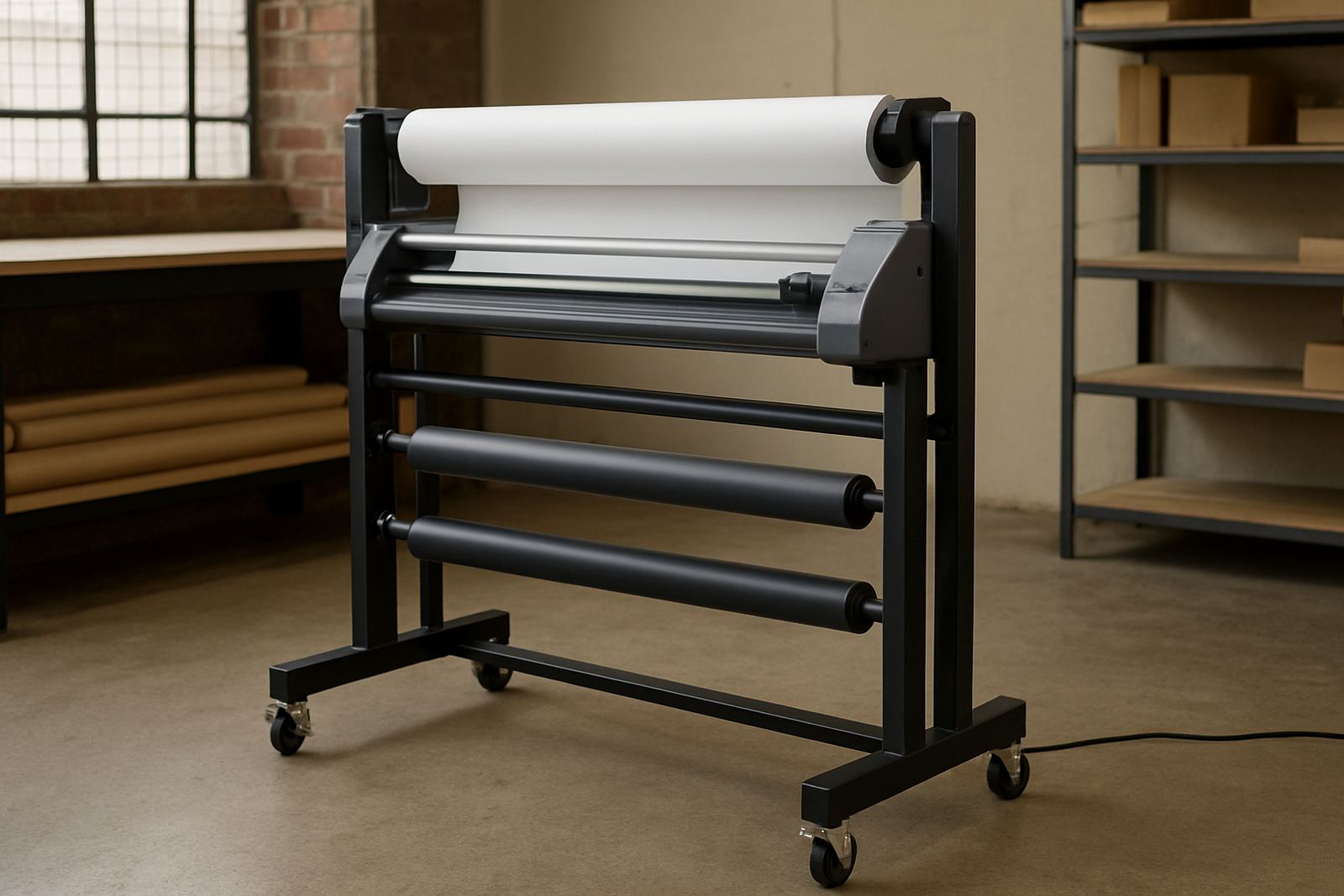
A media stand system holds rolls at the right height and keeps them moving in a controlled way while the operator loads, feeds or transfers material to a print-and-cut setup. Instead of a roll sitting on a pallet, floor or improvised brackets, the media is carried on a stable frame with rollers or support arms that reduce drag and help keep the web square. That matters when you are working with vinyl, label stock, reflective film or other roll-fed media that must track properly from the first metre to the last.
For smaller teams it means neater handling and less lifting. For higher-volume production it helps reduce edge damage, floor contamination and the little feed errors that waste time later in trimming. In Isando and the surrounding industrial areas, that sort of control can make a real difference during busy shifts when one operator is loading while another is finishing an earlier job.
- Keeps rolls off the floor and away from dust
- Improves feed control on long runs
- Reduces strain during loading and unloading
- Helps maintain alignment before cutting or finishing
Sizes, roll widths and configuration choices
The right stand depends on the media you use most often, the roll diameter you handle and the space available in your production area. Some shops need a compact unit for 610 mm and 760 mm material, while others work with wider 1,370 mm or 1,600 mm rolls and need extra clearance at the sides. We usually look at the widest stock, the heaviest roll weight and how frequently rolls are changed before suggesting a layout.
Options can include fixed side frames, adjustable width supports, low-friction rollers and lockable feet for stable positioning. If your room is tight, a shorter footprint may be better than a broad frame. If you are loading large rolls for signage or vehicle graphics, a heavier duty frame gives better balance and less movement during installation. For wet coastal areas such as Durban or Port Elizabeth, corrosion resistance should be considered too, especially if the stand is placed near open doors or wash-down areas.
- Compact stands for 610 mm to 760 mm rolls
- Mid-size units for 1,000 mm to 1,370 mm media
- Wider frames for 1,600 mm rolls and custom widths
- Optional height adjustment for operator comfort
Where it suits best in South African print rooms
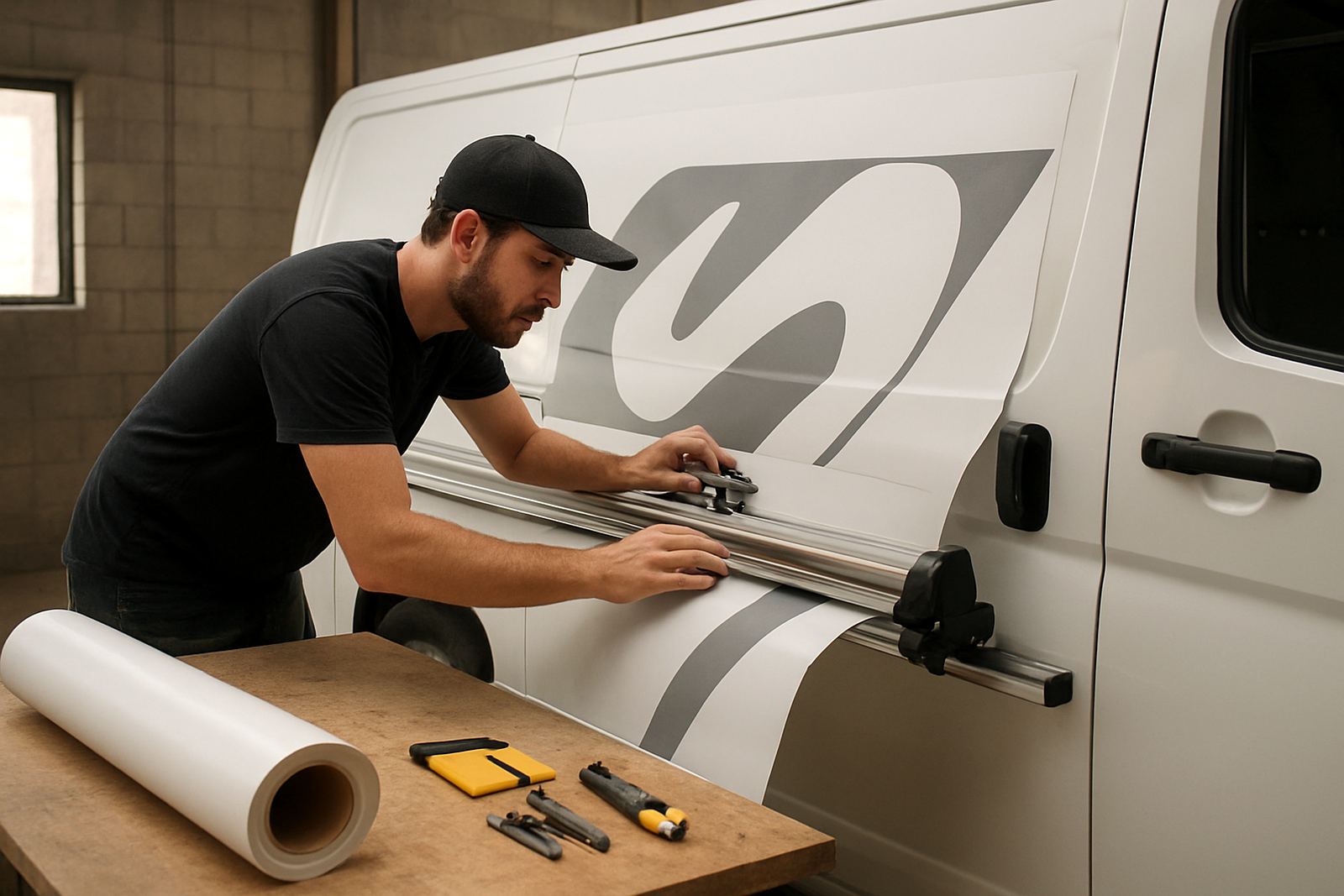
This support stand works well in print shops, signage workshops, label production rooms and training spaces where operators need consistent roll handling. It is especially useful where the team runs mixed jobs, because one stand can support different media types without cluttering the workflow. In Johannesburg and Midrand, where many operations run from shared industrial units, a tidy feed area also helps keep aisles clear and reduces trip hazards.
It is a practical fit for businesses that do short-run promotional work, custom graphics or repeat production for retail rollouts. The stand also supports cleaner handoff between loading, cutting and collection. If your site has municipal space constraints or you need to keep fire exits clear, the footprint and placement can be planned to suit the room rather than forcing the room to suit the machine.
- Signage and decal production bays
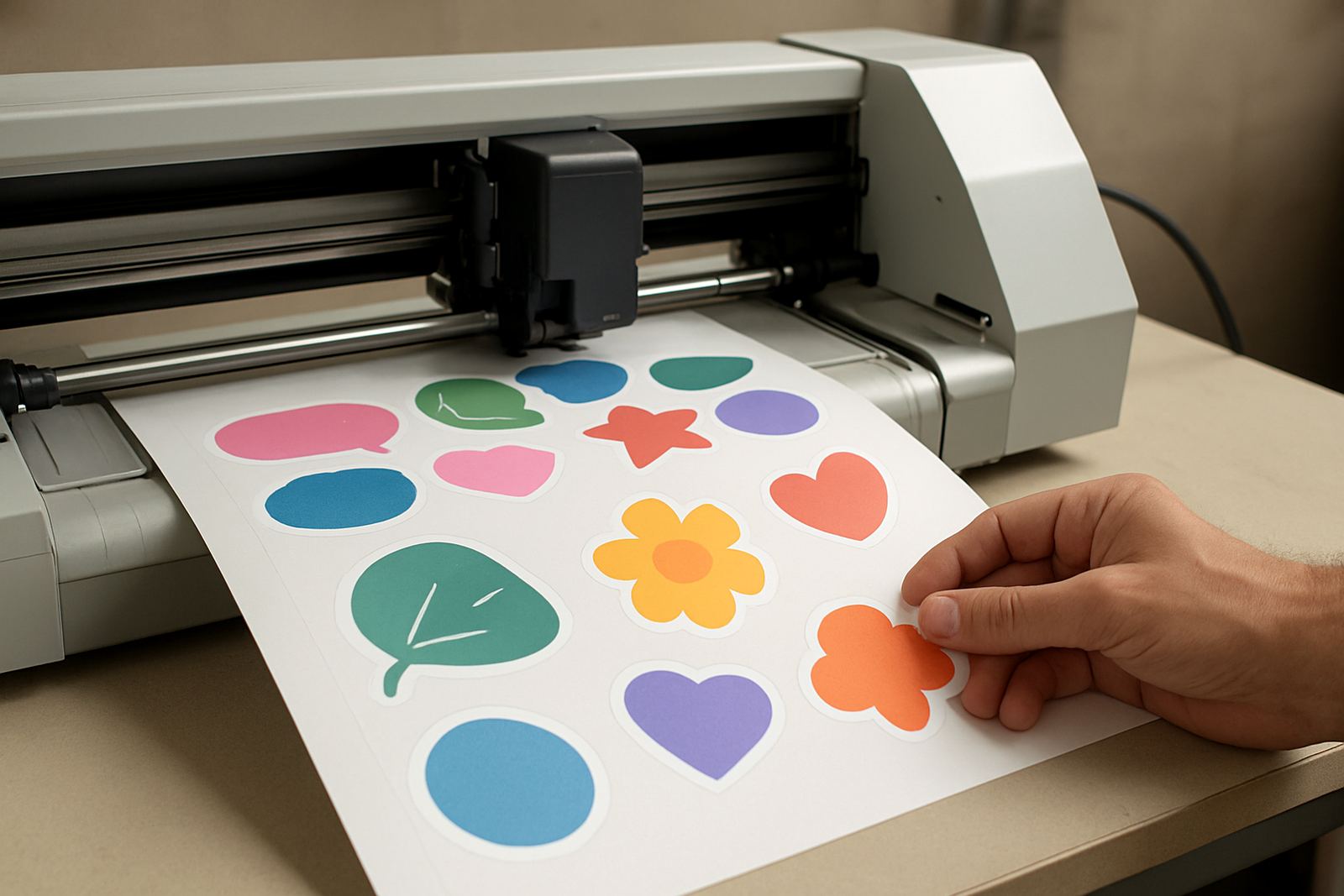
- Print-and-cut rooms with regular roll changes
- Training areas for new operators
- Shared workshop spaces where floor space is limited
Installation, power and floor preparation
Most media stand systems are straightforward to install, but setup still needs proper positioning and levelling so the roll tracks evenly. We check floor condition, available width, nearby benches and the path the operator uses to move material. In some workplaces the stand is placed beside a cutter or print-and-cut station, while in others it sits slightly back to allow loading from a pallet or trolley. If the room has uneven paving or polished concrete that causes movement, locking feet or anti-slip pads are worth specifying.
Power is usually not required for a basic media stand, which makes it useful during load-shedding or in areas where backup power is reserved for production equipment. If the stand includes powered tension control or an accessory feed unit, then the electrical supply must be checked at the point of installation. No gas supply is needed for this product. If your operation has a generator or inverter plan, the stand itself will still function normally and keep feeding by hand if needed.
- No gas connection required
- Basic units do not need mains power
- Powered accessories, if selected, need a suitable electrical point
- Level floor and clear access improve safe loading
Care, cleaning and service intervals
A media stand needs very little attention, but regular care keeps it performing properly. Wipe down rollers and contact points to remove dust, adhesive residue and loose trim bits. Check fasteners, side supports and feet for movement, especially after the stand has been relocated or used with heavier rolls. In humid areas or rooms near open doors, inspect metal parts for early surface corrosion and clean them before it spreads. That is a small job that saves money later.
For workshops with high output, a monthly inspection is a sensible habit. Look at alignment, bearing smoothness and any wear on moving parts. If the unit is part of a larger print-and-cut line, include it in your normal machine maintenance routine so the feed path and stand are checked together. A stand that is slightly out of square can cause operator frustration, and you only notice it once the roll starts drifting.
- Clean rollers and contact surfaces weekly
- Check bolts and locks after moving the unit
- Inspect for corrosion in coastal or humid conditions
- Include the stand in monthly workshop maintenance
What to confirm before you place an order
Before ordering, measure your widest roll, the heaviest roll you handle and the space available between machines, walls and doors. Confirm whether the stand will sit beside a cutter, a printer or a manual finishing table. You should also know if the operator loads from the front or the side, because that affects access and clearance. If several team members use the same station, think about height and reach so no one is leaning too far or lifting awkwardly.
It also helps to note the media type, from thin vinyl to heavier laminated stock. Different materials move differently and may need firmer support or smoother rollers. If your business includes training new staff, ask for the stand to be matched to the same workflow used in production so the learning process is practical. The more detail we have upfront, the better the fit and the fewer changes needed after delivery.
- Roll width and maximum roll diameter
- Total roll weight and media type
- Available floor space and access direction
- Whether the stand must work beside another machine
Key facts
| Type | Support stand for roll media feeding and handling |
|---|---|
| Typical media widths | 610 mm, 760 mm, 1,000 mm, 1,370 mm, 1,600 mm |
| Use case | Print-and-cut shops, signage, label and graphic production |
| Power requirement | None for standard manual stand; optional powered accessories may need mains power |
| Gas requirement | None |
| Installation | Level floor, clear access, optional locking feet or anti-slip pads |