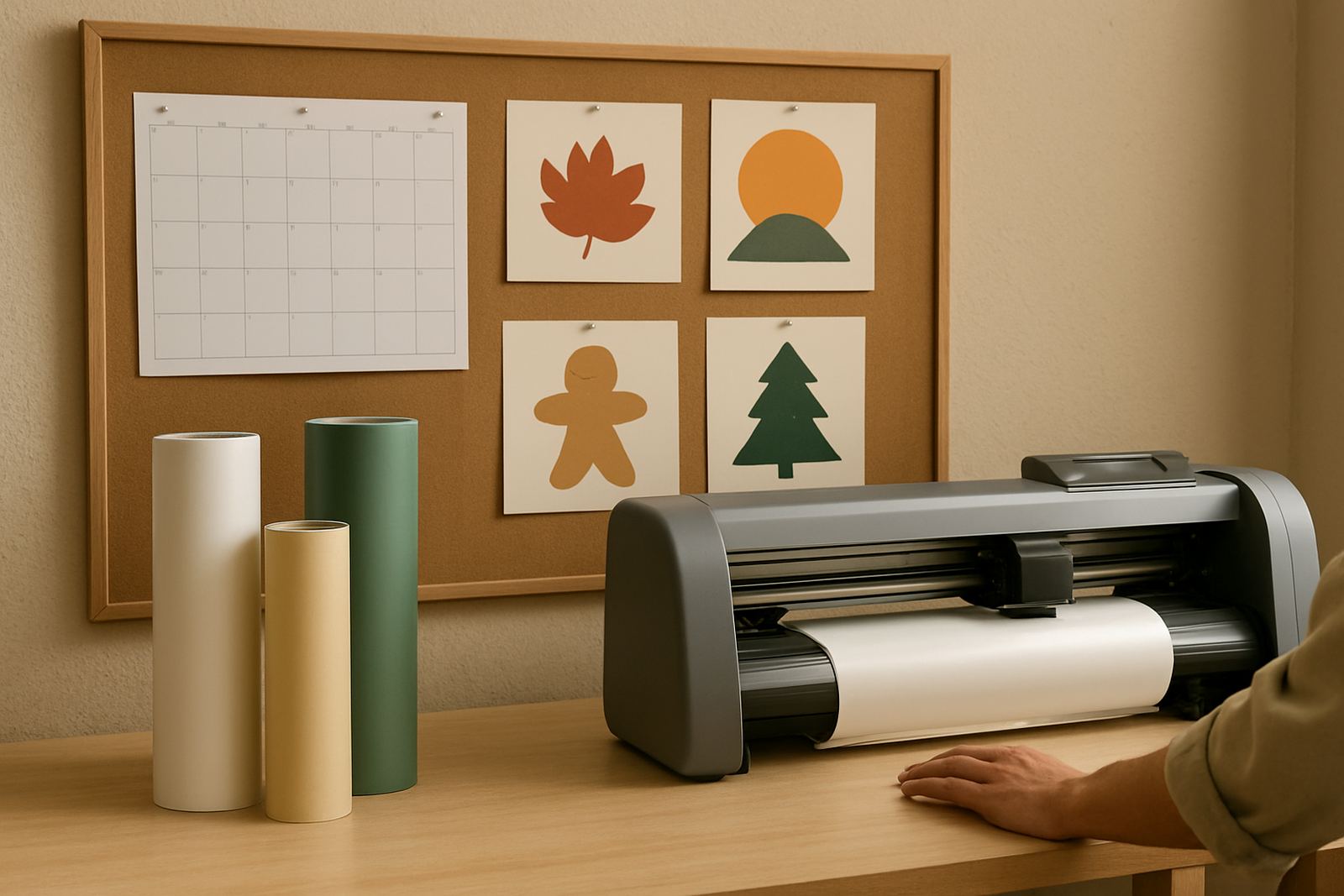
Start with the room, not the machine
In many South African workshops the biggest problem is not the cutter itself, it is the space around it. A contour plotter needs a level floor, clear movement for the operator and enough room for rolls, printed sheets and finished stock. If the area is cramped, every job takes longer and the risk of damage goes up.
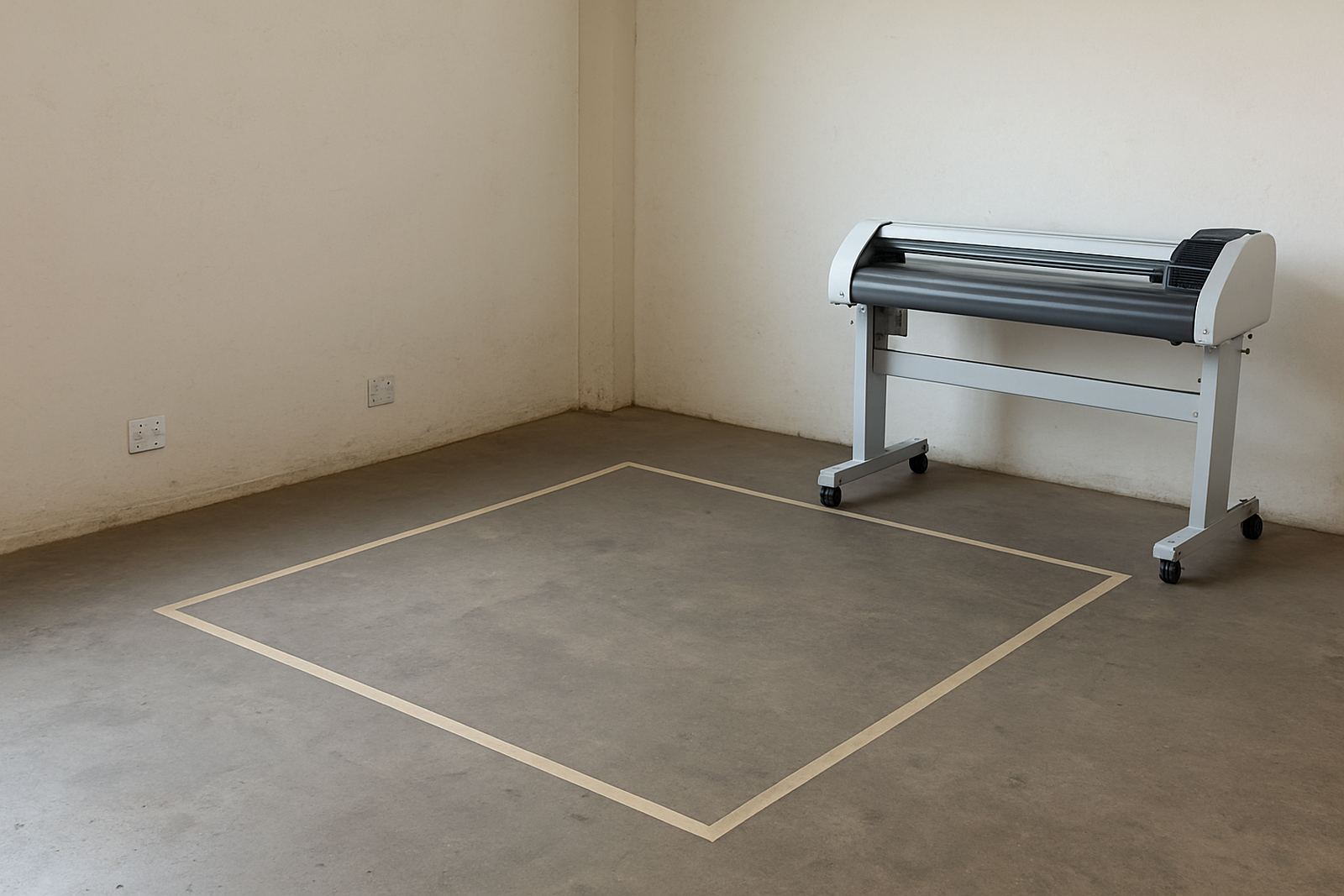
In Isando, where production floors often share space with packing, dispatch and storage, the first step is to measure the full working zone. Leave enough room for loading media from the front or back, depending on the model, and make sure the operator can reach the control side without squeezing past pallets or trolleys. A tight corner may work for a day or two but not for steady production.
As a guide, plan for the machine footprint plus a safety buffer of at least 1 metre on the operator side and 600 mm on other sides where access is needed. If you are cutting signage boards, labels or sticker sheets, allow a separate clean table nearby for sorting and inspection.
Check the supply before installation day
Power planning should happen before the cutter arrives. Many faults blamed on the machine are actually caused by weak circuits, loose sockets or shared lines carrying too many other devices. In premises where compressors, heaters or old photocopiers are all on one circuit, voltage drops can interrupt cutting and registration reading.
Ask a qualified electrician to confirm the available supply, socket type and earth connection. If the site experiences load-shedding, it is wise to plan for backup power where possible, especially if jobs are time-sensitive. A cutter does not need the same supply as heavy industrial equipment, but it does need stable power. On a bad line, a small dip can stop production and waste media.
- Use a dedicated socket where possible.
- Keep extension leads short and in good condition.
- Do not share the cutter line with high-draw equipment.
- Fit surge protection if the premises has frequent switching or outages.
- Test the supply under normal working load, not just when the floor is quiet.
For smaller studios in Randburg or Sandton support areas, this preparation can be the difference between a reliable machine and one that keeps needing resets. It is a simple step, but it saves time and money.
Plan for media, dust and humidity
Contour cutters are used in print and sign environments, which means the room around them often carries dust, trimming waste and moisture from recent washing or mopping. That matters. Adhesive films can curl in damp air, while dust on the floor can move into rollers and sensor areas. In coastal conditions this is even more important, but Johannesburg sites are not immune either when doors stay open and air shifts through the building.
Keep media stored flat or upright in a dry section of the room, away from direct sunlight and away from the floor. If sheets are pulled straight from cold storage or a damp storeroom, let them settle before loading. This reduces skew and helps the registration marks read properly. It also keeps blade wear more predictable, which matters when you are running batches for promotional graphics or vehicle decals.
Try to separate cutting from grinding, welding or spraying areas. Even a little overspray can settle on pinch rollers and spoil repeat work. If you cannot separate the spaces, use covers and a strict cleaning routine before each shift.
Give the operator a proper workflow
A cutter is only efficient when the path from printed sheet to finished stack is clear. The operator should not have to twist around boxes or walk across the room to check cut lines. A good layout keeps the job moving in one direction: load, align, cut, remove waste, inspect and pack.
That is why site planning should include the operator’s body position, not only the machine size. If the work table sits too far away, trimming becomes awkward. If it sits too close, the cutter area gets crowded. In busy production spaces, especially where two or three people share the floor, this small detail prevents accidents and helps maintain consistent output.
- Place the computer or control station where the operator can see the cutter bed clearly.
- Keep a waste bin near the trim point to avoid scraps on the floor.
- Leave a flat inspection area for weeded stickers or finished decals.
- Mark walkways so delivery staff do not cross the cutting zone.
At a Midrand support site, for example, a business running labels for packaging found that moving the finished stock rack just 1.5 metres away from the cutter improved turnaround because the operator no longer had to step around packed cartons. Small changes like that add up fast.
Allow space for setup, service and training
Every cutter needs occasional attention, and a site that looks fine on day one can become difficult to work in once maintenance starts. Blade changes, calibration checks and media alignment need elbow room. If the machine is boxed in, a simple adjustment turns into a full stop. That is costly when jobs are waiting.
When planning the room, think beyond the install itself. Leave access for training sessions, remote support checks and routine maintenance. If a technician needs to check the pinch rollers, registration path or blade holder, they should be able to do it without moving half the workshop. This is especially useful for teams that rotate operators across shifts.
A practical layout also makes supervisor coaching easier. A new operator can stand beside the machine, watch the loading process and learn the sequence without interrupting production. That matters for sites in Germiston, Boksburg and Isando where order volumes can change quickly through the week.
What to confirm before you book the install
Before installation, it helps to walk through the site with a basic checklist. You do not need a detailed building plan, just accurate measurements and a clear picture of how the floor will be used. The aim is to avoid delays, protect the machine and keep the crew productive from the start.
- Measure the machine footprint and the access space around it.
- Confirm the exact power point location and whether it is dedicated.
- Check for dust, damp areas or direct airflow from open doors.
- Identify where stock will be loaded and where finished work will be packed.
- Make sure training can happen without blocking the production line.
When these basics are in place, a contour cutter can be installed with far less disruption to the working floor. That is good planning, and it usually pays off before the first full production run is even complete.