Start with the real cost of every wasted metre
In a busy cut room, waste is easy to ignore because it gets swept into a bin and forgotten. But every offcut has already been paid for, handled, loaded and sometimes printed, so waste hits both stock cost and labour. When media prices move up, even a few extra metres lost on each job can make a real difference to monthly margin.
The first step is to track waste by job type. Keep a simple log of what was wasted and why, whether it was a bad registration read, poor artwork scaling or material damage during loading. After a few weeks, patterns become obvious and that is where the saving starts.
- Record waste in metres, not only in rands, so trends are easier to compare.
- Separate setup waste from production waste.
- Mark repeat problems by operator, material and machine.
Get artwork and cut lines right before the roll goes on
Much waste starts before the cutter even moves. If cut lines are not clean, if bleed is missing or if the artwork is sized badly, the machine will simply follow what it is given. That means extra trims, reprints and a longer setup time. Tight artwork control is one of the cheapest ways to cut waste.
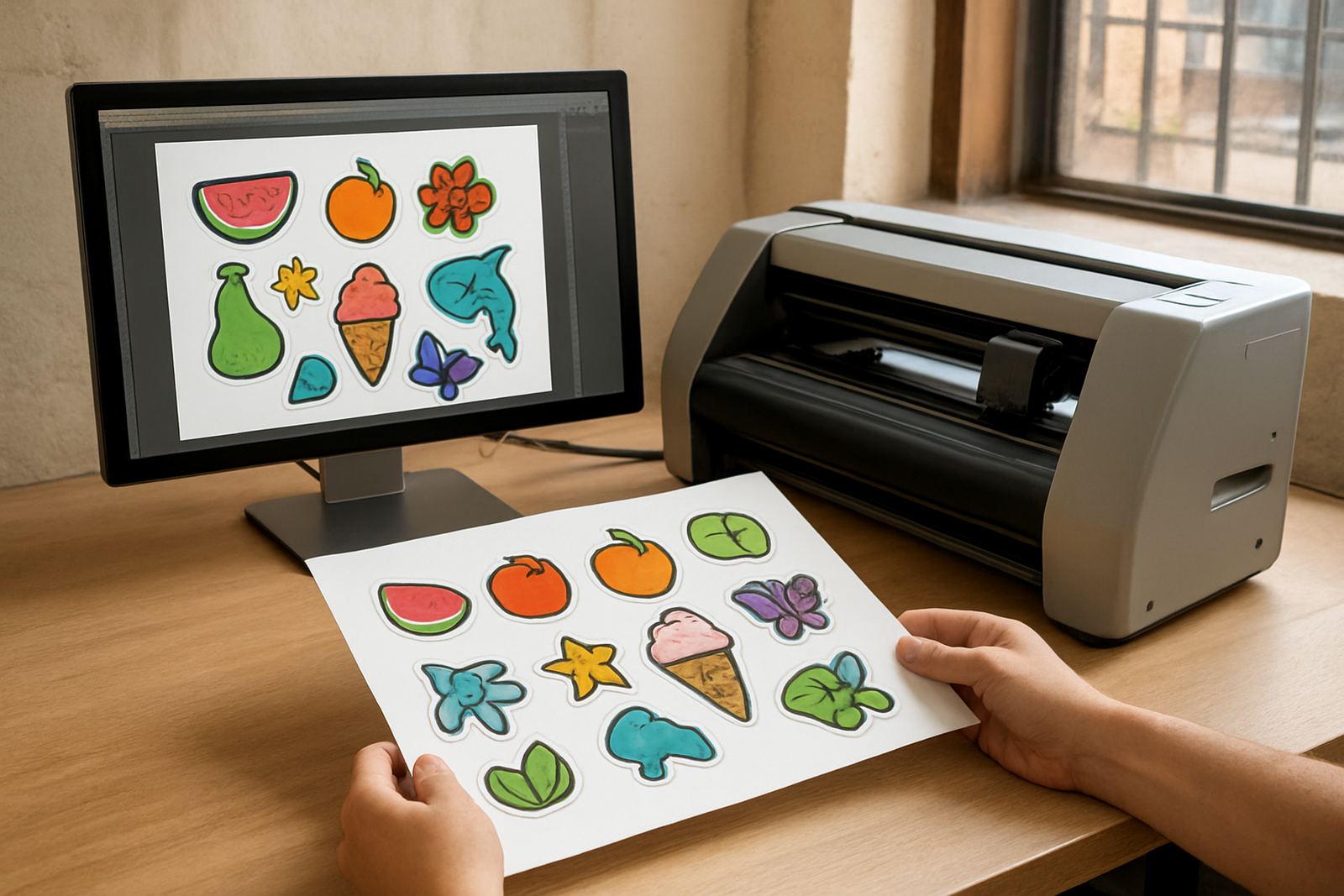
For sticker runs, keep contours clear and make sure the cut path follows the intended edge exactly. Avoid duplicate lines and hidden objects that can confuse the workflow. It also helps to confirm final sizes with the client before media is loaded, especially on repeat work where old files may carry old measurements.
- Check artwork scale against the order before production starts.
- Remove unused paths, extra nodes and hidden layers.
- Use a standard file naming method so the correct version is always loaded.
Load media properly and stop damage at the feeder
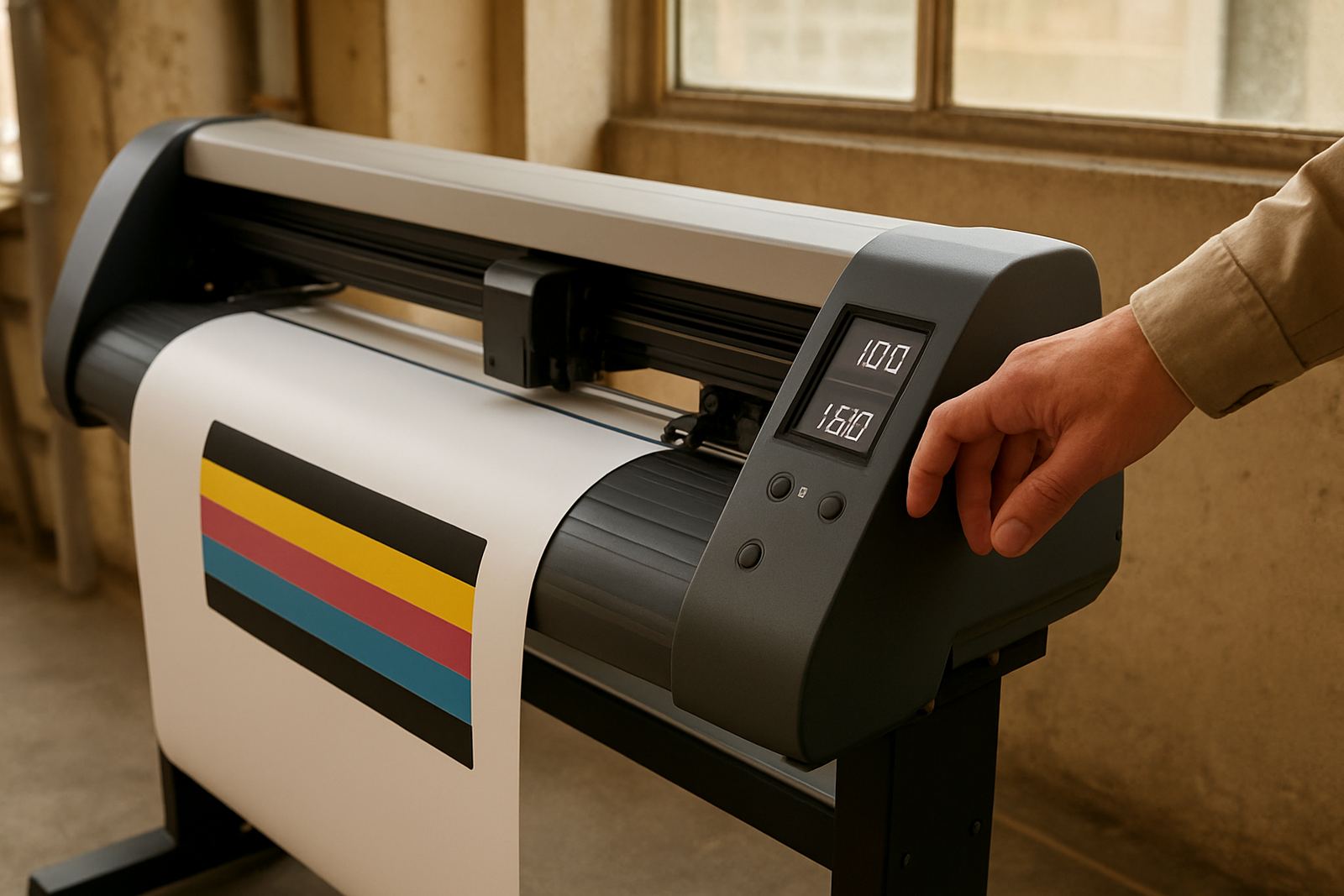
Poor loading is one of the most common causes of avoidable waste. If the roll is not square, if the edge is damaged or if tension is uneven, the cutter can drift and the job may need to be restarted. On wider media, a small misalignment at the start can become a costly problem by the end of the run.
In Johannesburg and the surrounding industrial areas, many shops work with mixed stock on the same day, from short label runs to longer vinyl jobs. That makes loading discipline even more important. Keep the loading area clear, check the leading edge for dents and make sure the roll feeds straight before starting production.
- Trim damaged leading edges before loading, even if it costs a small amount of stock.
- Store rolls flat and off damp floors to avoid edge curl.
- Confirm pinch point position and tension before each long run.
Use registration calibration to prevent repeat cuts
For print-and-cut work, poor registration is one of the biggest waste drivers. If marks are not read properly or if the calibration is out by even a small amount, the cut can miss the print and the sheet is gone. That is especially painful on short runs where each sheet carries a higher value.
Regular calibration should be part of daily setup, not a rescue step after the job fails. It is worth checking the condition of the sensor path, the cleanliness of the media and the cut alignment after tool changes. In coastal areas like Durban or Gqeberha, moisture in the air can affect material behaviour as well, so settings may need a quick review after stock has been stored overnight.
- Run a calibration check at the start of each shift.
- Keep the sensor area clean and free of adhesive dust.
- Recheck alignment after blade replacement or heavy use.
Match blade pressure and speed to the job, not the habit
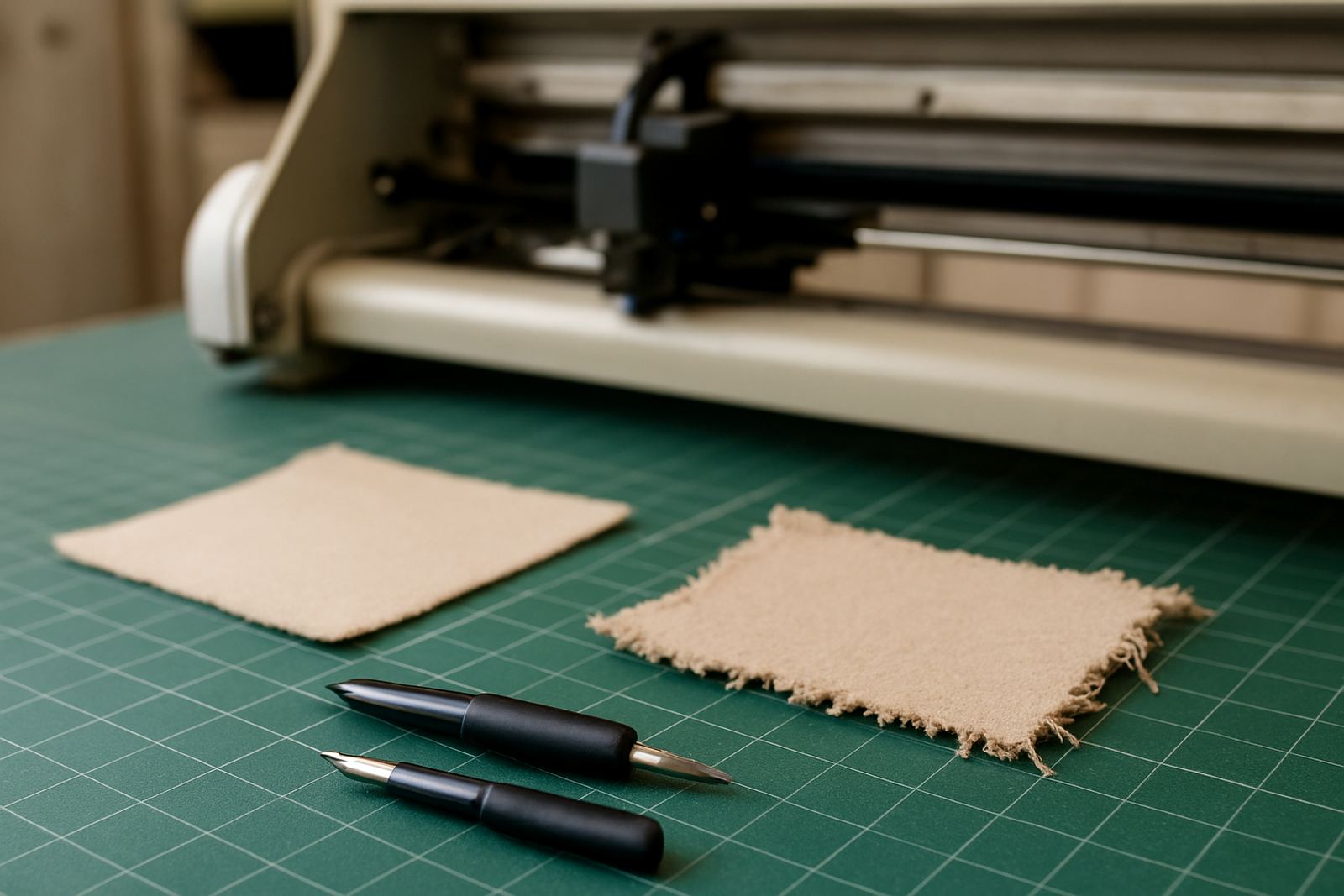
Many operators fall into the habit of using the same pressure and speed for everything. That often leads to overcutting, liner damage or unnecessary test pieces. The better approach is to match settings to the actual material, thickness and finish. A vinyl with a delicate face film will need a different touch to a heavier reflective stock.
When the blade is too deep or pressure is too high, the liner can score and the sheet becomes harder to weed or separate. That creates waste further down the line because usable sections are damaged. Keep a small reference book for common materials and note what settings work best in summer heat, during load-shedding recoveries and after long idle periods.
- Test on a short strip before committing to full production.
- Record the best pressure and speed for each regular material.
- Inspect the liner after the test cut, not only the outer shape.
Plan nesting and production order to save offcuts
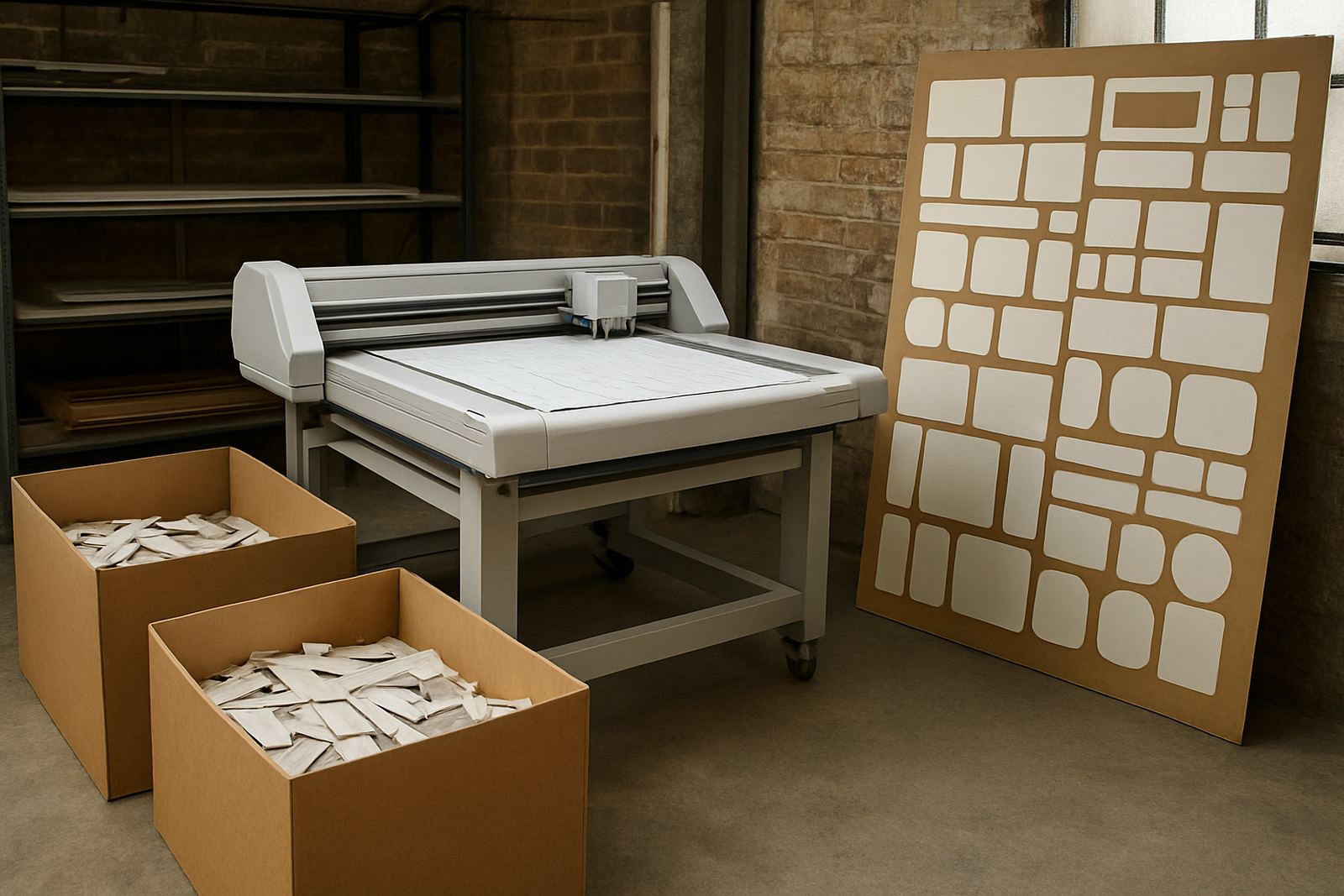
Good nesting is one of the simplest ways to cut waste, but it needs planning. If small jobs are grouped badly, you may use a full roll for work that could have fit into offcuts from a previous run. A careful production order can recover a surprising amount of media, especially on labels, decals and small promotional stickers.
Set aside a clean area for usable offcuts and sort them by width. Keep the remnants easy to find, because a tidy offcut rack often saves more than a new purchase order. This is where a practical shop beats a messy one every time, and it does not need fancy systems, just good habits.
- Group small jobs together by media width.
- Keep a marked offcut shelf for reusable pieces.
- Place urgent jobs into the schedule only after checking available remnants.
Train operators to spot waste before it grows
Waste control works best when the whole team understands why it matters. A machine may be accurate, but if the operator is unsure about setup or does not recognise a calibration fault, the waste will continue. Short, focused training sessions are often more useful than long theory blocks because the team can apply the lesson on the same day.
In a place like Isando, where production teams often work across signage, labels and promotional graphics, the best training is practical and repeatable. Cover media loading, blade pressure setup, maintenance basics and troubleshooting so the operator can make the right call before the job turns bad. One missed step can burn through metres quickly, especially on deadline work.
- Run brief refreshers on the most common fault patterns.
- Teach operators when to stop and ask for help.
- Use real job examples from your own production floor.