Why laminated graphics behave differently on the cutter
Laminated media adds thickness, stiffness and surface drag, so the cutter has to work harder than it does on plain vinyl. That extra layer can also change how the job tracks through the machine, especially on longer runs where small feed errors build up over time.
In Isando we often see the same pattern: a print looks perfect, but once the laminate goes on the cutter starts pulling at corners or nicking the top layer. The issue is usually not one thing alone. It can be blade depth, roller pressure, artwork setup, or a rush to cut before the laminate has settled properly.
- Allow printed media to dry fully before laminating.
- Let laminated sheets rest flat before cutting.
- Keep the cutting path simple where possible, especially on small lettering.
How to prep the laminate before it reaches the plotter
Preparation starts before the media ever touches the machine. A freshly laminated job can hold tension, and if it is trimmed badly or rolled too tight the edges may curl. That is where lifting starts, because the cutter blade is then working against a sheet that is already trying to move.
For the best result, trim the job cleanly and square, then check the lead edge for any excess film or adhesive squeeze-out. If you are working in coastal humidity or during summer in Gauteng, store the finished sheets flat and dust free. Moisture and static both affect tracking, and a warped edge can throw off registration by a few millimetres.
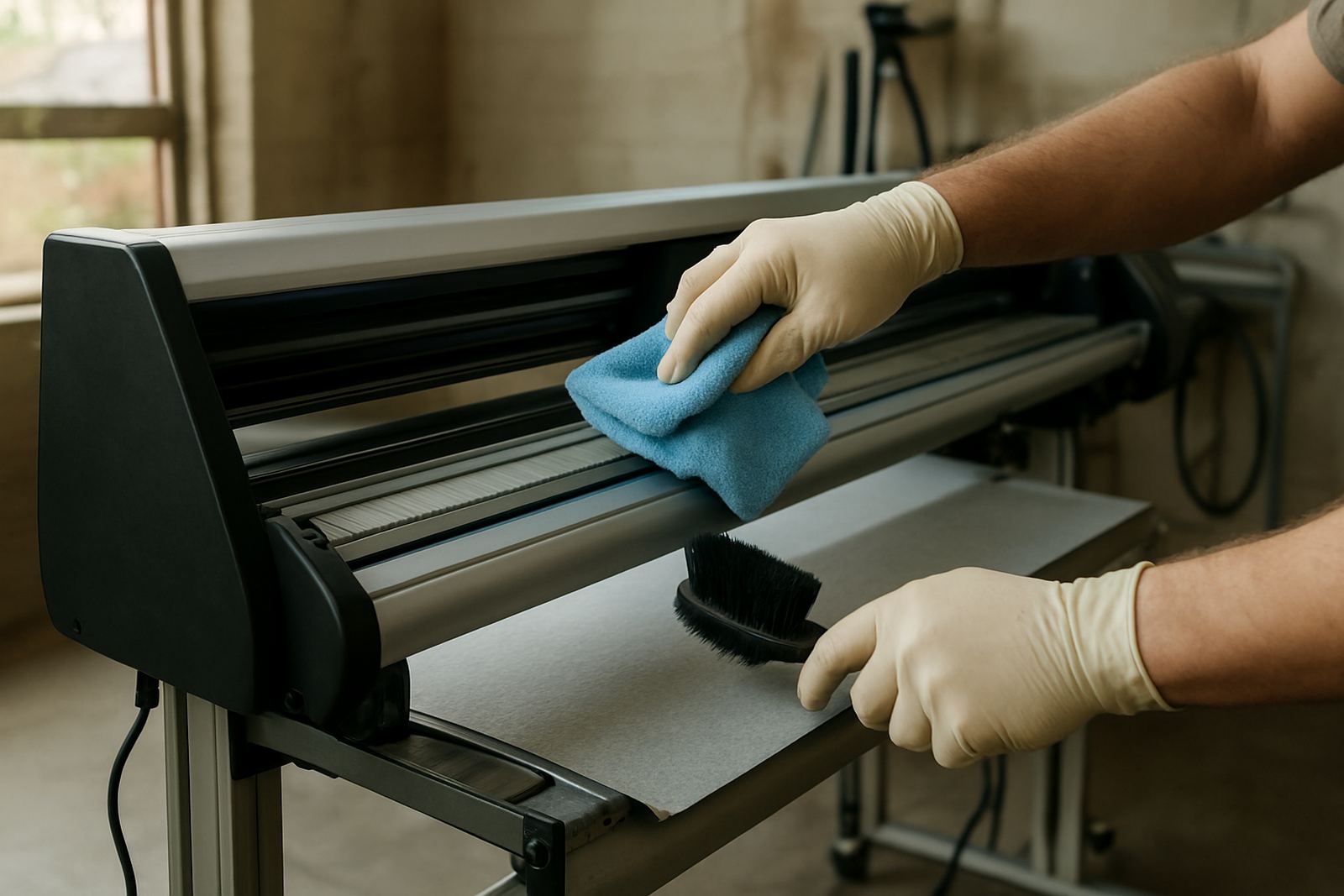
- Use a clean, lint free cloth before loading.
- Check that the laminate edge is fully bonded at the corners.
- Do not roll finished work too tightly for transport.
Blade pressure and cut depth for laminated stock
Laminated media usually needs a lighter touch than operators expect. Too much blade pressure can score the backing liner, cause tiny tears, and make weeding messy. Too little pressure leaves the top layer half-cut, which then pulls when you start weeding or lifting a piece from the sheet.
A good rule is to test on the actual stock, not on a similar looking sample. Laminate brands and vinyl bases vary, and a setting that works on one job can fail on the next. Start low, increase gradually, and check whether the blade is cutting the face film cleanly without digging into the liner. If the corner of a letter lifts on the test square, reduce the blade depth before increasing pressure.
- Run a small test cut on every new media type.
- Use the minimum pressure needed for full release.
- Replace worn blades early, not after the job starts dragging.
Registration marks that hold when the laminate reflects light
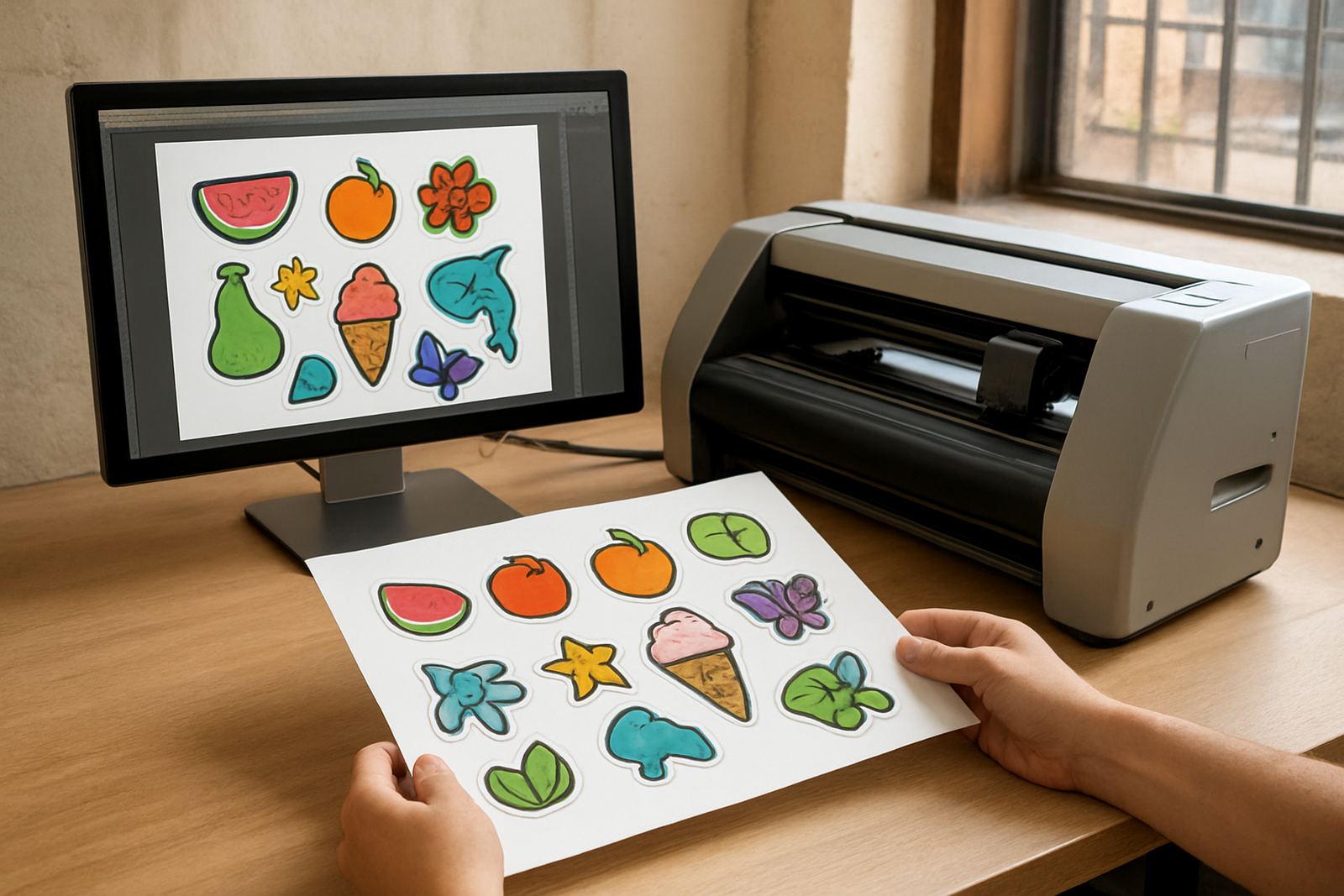
Print-and-cut work depends on accurate registration, and laminate can make that harder because glossy film reflects light back at the sensor. If the marks are faint, smudged, or too close to artwork the machine may struggle to lock on properly. That can mean re-scanning, misreads, or a cut path that drifts off the printed edge.
Use registration marks with enough contrast and keep a clear margin around them. On busy graphics, give the cutter a clean landing area so the sensor can read without confusion. We have seen this save time for clients in Sandton and Midrand, especially on short-turnaround promotions where every reprint costs money.
- Increase the quiet zone around registration marks.
- Avoid placing dark artwork too close to the scan targets.
- Clean sensor windows regularly, dusty optics cause false readings.
Media loading habits that stop lift at the edges
Loading matters more than many operators think. If the sheet is skewed by even a small amount, the blade can start one side of the job correctly and then pull against the opposite edge as the cut travels. On laminated graphics, that uneven load often shows up as corner lift or a slight drag line near the exit rollers.
Keep the media straight, centred, and supported before the first move starts. For larger jobs, make sure the sheet has enough backing support so it does not sag as it enters the machine. On long panels, that support is especially important during load-shedding conditions when teams may be working in a hurry around inverter time and do not want to waste stock.
- Align both edges before sending the job.
- Check roller grip on the full width of the sheet.
- Support long panels so the weight does not pull the front edge down.
Weeding laminated cuts without pulling up the face film
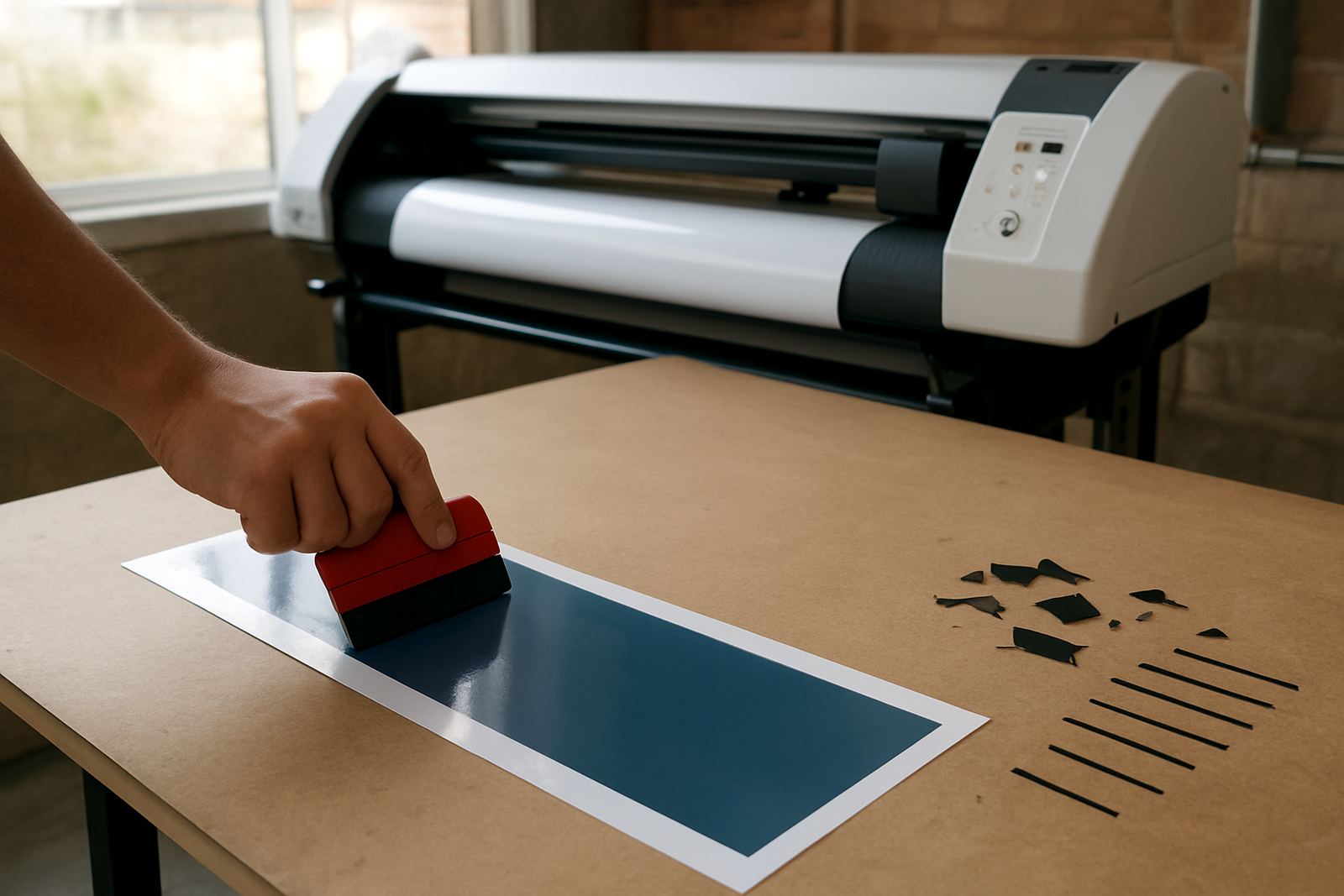
Once the cut is complete, the weeding process should feel controlled, not forced. If the laminate is overcut or the job has tiny islands and tight corners, lifting too quickly can peel the top layer with it. That is frustrating because the issue may only appear after the most time consuming part is done.
Work slowly from an outside corner and watch how the liner separates. If the vinyl starts to stretch instead of release, stop and check the cut path. A clean weeding pull should leave crisp edges and no white stress marks. For detailed logos, a sharp hook tool and good lighting make a real difference, as does a steady surface at waist height.
- Weed in small sections on detailed graphics.
- Stop if the laminate begins to lift at the cut line.
- Use good light so you can spot overcuts early.
A Johannesburg example from a busy sign shop
A sign shop in the east of Johannesburg had repeated problems with laminated decals for vehicle side panels. The print quality was fine, but the cutter kept dragging on small text and lifting corners on the final pass. After checking the workflow, the team found three issues: the rolls were loaded slightly off centre, the blade pressure was too high, and the laminated sheets were being cut too soon after finishing.
Once they let the media rest, reset the pressure, and improved the loading routine, the failures dropped sharply. The crew also added a quick operator check before each run, which helped catch a loose pinch roller and a dirty sensor window. The job stopped burning extra metres and the weeding time came down as well, which matters when the order book is full and the phones do not stop ringing.
- Small setup faults can look like bad media but often are not.
- A consistent loading routine saves stock and labour.
- Training the operator is just as important as buying the machine.