Why Long Runs Start Clean Then Drift Off Line
Most tracking complaints do not begin with a dramatic failure. The media starts square, the first few metres look fine, then the cut begins to creep left or right as the job goes on. On print-and-cut work, that drift usually shows up when roll tension changes, the take-up side pulls harder than the feed side, or the material is not sitting evenly after loading.
In Isando and the surrounding industrial areas, we see this often on jobs that run through the afternoon when the floor gets busier and operators are under pressure. A roll that looked flat at 8am can behave differently once the shop has warmed up and the team has swapped media twice. If the cutter is installed on a stand that rocks even slightly, the problem gets worse over distance.
First Checks Before You Touch The Settings
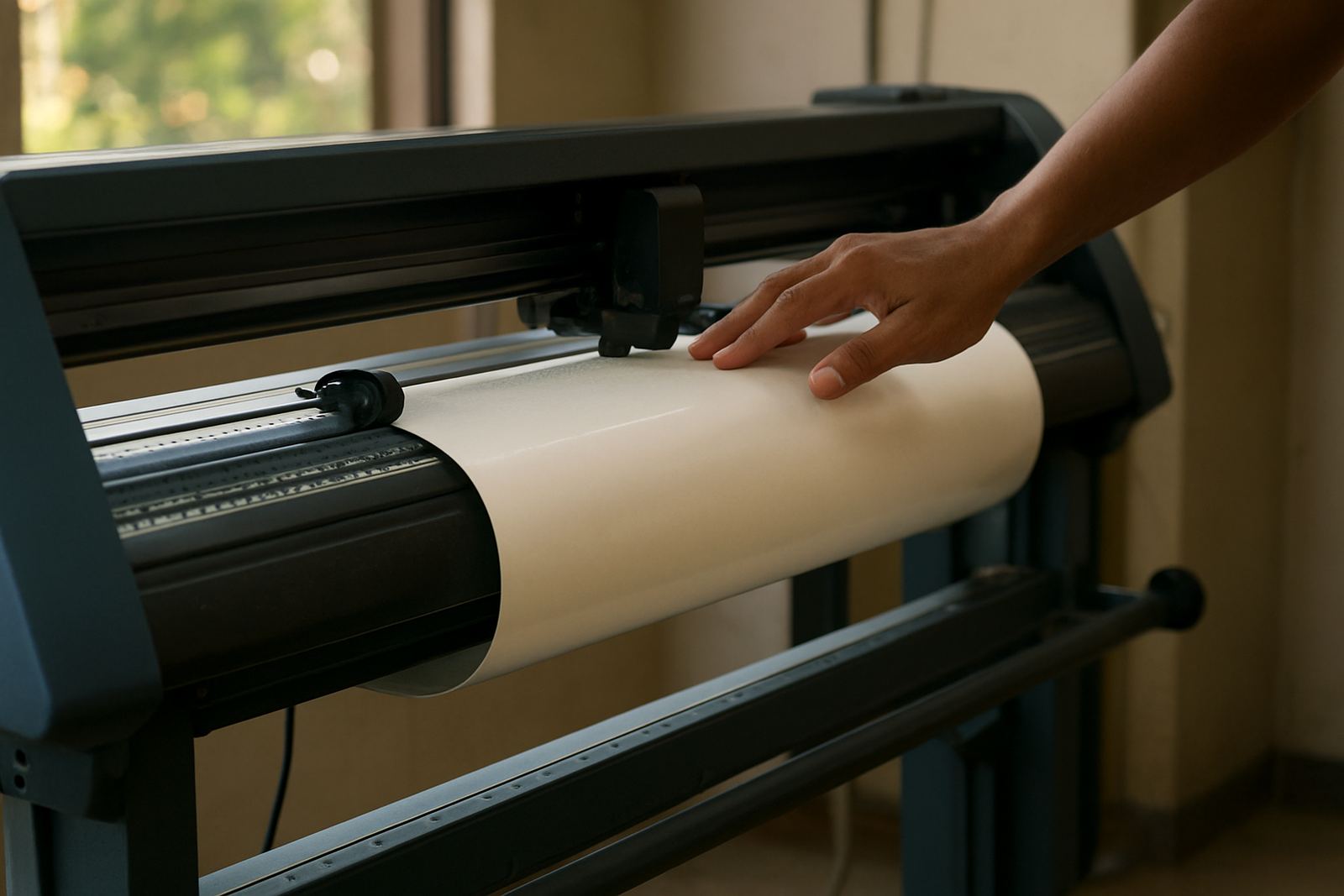
Before changing blade pressure or redoing the artwork, check the simple things first. Many tracking issues are solved by correcting the media path and removing a small obstruction. Dust, curled edges, loose cores and a badly seated pinch roller can all push the sheet or roll off line.
- Make sure the roll is centred and not hanging to one side.
- Check that the pinch rollers are placed over the grit rollers and locked firmly.
- Look for edge curl, damaged cores, or a roll that was dropped.
- Confirm the feed path is clear of offcuts, tools and loose backing paper.
- Inspect the take-up side so it is not pulling harder than the feed side.
If the media was loaded in a hurry, unload it and start again. A clean reload saves more time than trying to rescue a drifting job at metre five or metre ten.
Blade Pressure And Registration Errors That Look Like Tracking Trouble
Operators often blame tracking when the real issue is cutting force or registration. If the blade is set too deep, the media can be dragged as it cuts. That creates a sideways pull that looks like drift, especially on thinner vinyl and laminated prints. Too much pressure can also bite into the liner and make the material stick in place instead of moving freely.
Registration problems can be just as misleading. If the sensor is reading marks that are faint, smudged or placed too close to the edge, the machine may start the run with a slight offset that grows more obvious over time. A clean registration calibration and a proper test cut should happen before production begins.
- Run a small square test and check if the corners close properly.
- Reduce blade pressure if the liner is scoring heavily.
- Check print marks for contrast, spacing and reflectivity.
- Make sure the media is not slipping during the mark scan.
Humidity, Heat And Load-Shedding Can Change The Job
South African conditions matter. In Johannesburg, dry afternoons can tighten some films, while coastal humidity can soften adhesive and change how a roll feeds. If material has been stored near a roller door or in direct sun, the edges may behave differently from the centre. That slight change is enough to shift a long contour cut out of line.
Load-shedding creates its own trouble. When power returns, a cutter can restart after a pause while the media has relaxed on the bed or shifted on the stand. If the operator opens the lid, checks the cut, and then reloads carelessly, the second run may follow a different path from the first. It is worth checking the full setup after every outage, not just pressing start again.
A Germiston Job That Looked Fine Until Metre Seven
A small signage team in Germiston was cutting a batch of promotional stickers for a launch the next morning. The first sheet was perfect, but the second roll started drifting on the right edge after several metres. They were ready to adjust the artwork, but the real cause was a slightly loose pinch roller on the feed side and a roll that had shifted on the spindle during loading.
Once the team reloaded the media, checked roller pressure and cleared a few scraps from the path, the cutter held straight through the rest of the job. The lesson was simple: do not chase the software first when the problem is mechanical. In many cases, the machine is telling you the material is not being held evenly.
What Good Operators Do Before A Long Production Run
Training helps because the best operators build a short pre-run routine and stick to it. They do not wait for the machine to prove there is a problem. They inspect the media, confirm the rollers, run a test cut and watch the first metre carefully. That habit saves material and cuts down on callouts.
- Use a straight edge to confirm the roll sits square before loading.
- Keep spare blades clean and stored properly, not loose in a toolbox.
- Record which media types need lower pressure or slower feed.
- Recheck the setup after lunch, after a power cut, or after changing rolls.
- Keep a note of common faults so the next operator does not repeat them.
For teams in Sandton, Midrand, Boksburg and Randburg, the same rule applies whether the job is a short sticker batch or a long production run. Good habits are faster than troubleshooting under pressure, and they keep waste down when deadlines are tight.