Start With The Jobs You Need To Finish Each Week
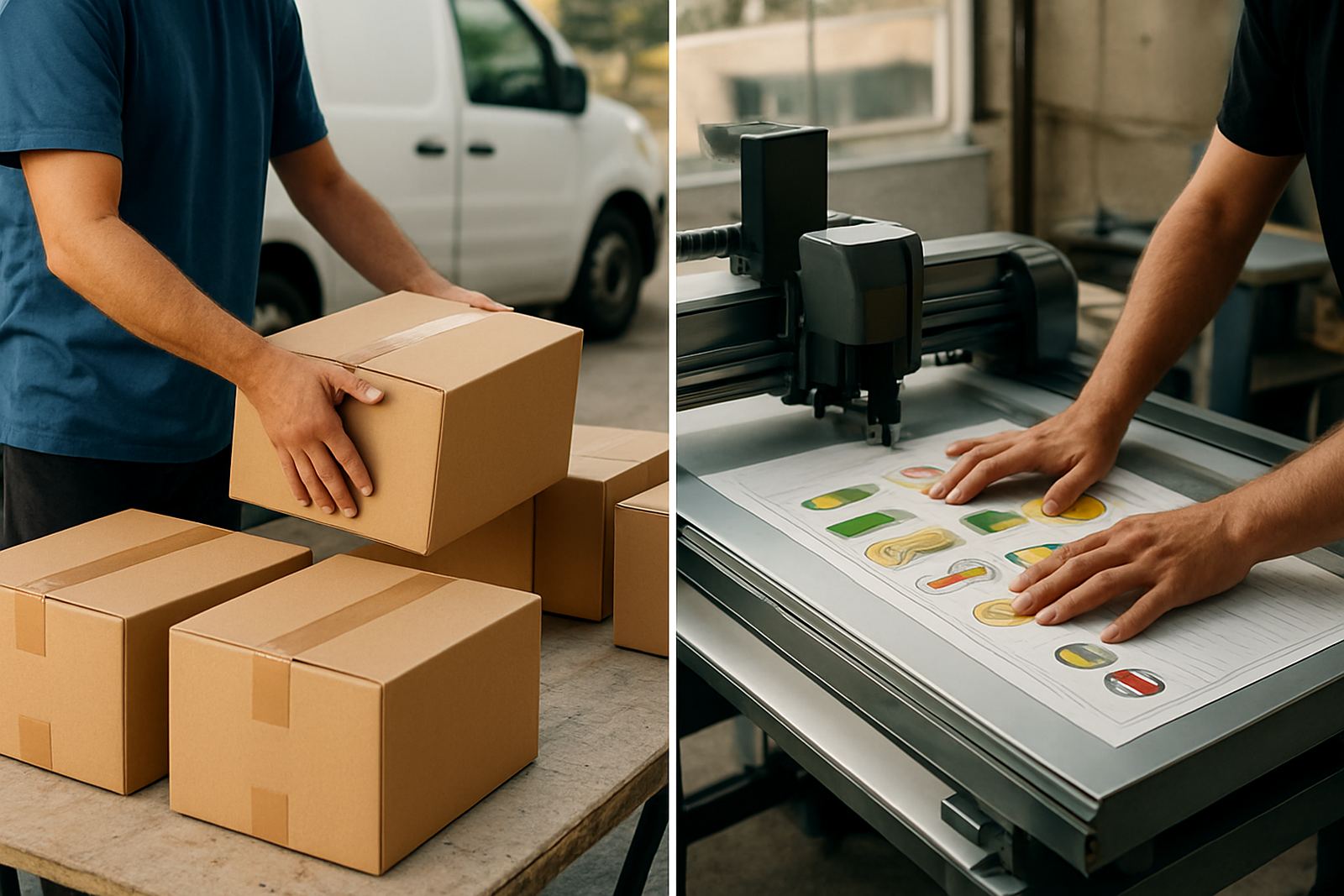
Before you look at machine specs, list the work you actually produce. A shop in Isando that handles labels, point-of-sale signs and short-run graphics will need a different setup from a team in Randburg doing larger decals, fleet panels and exhibition graphics. If your orders keep coming in at a certain width, that should guide the machine size first.
Count the average sheet or roll width, the longest cut path and the number of pieces per shift. That gives you a realistic view of whether you need a compact cutter, a mid-width unit or a wider production machine. It also helps when you are planning for load-shedding, because a machine that finishes faster can be easier to run around power interruptions.
- List your top 10 repeat jobs.
- Note the widest media you use every month.
- Check the longest continuous cut size.
- Record how many jobs you must finish in a normal day.
Match Machine Width To Media Width
The machine width should give you enough working room for registration marks, side margins and clean feed through the rollers. If your media comes in at 610 mm, a cutter that only just matches that width can slow you down and leave little space for trim. A wider machine often gives more flexibility for standard sign materials, wraps and sticker sheets.
For many South African production rooms, it makes sense to size up a little rather than sit right on the limit. That extra width can reduce refeeding and manual trimming, especially when material picks up moisture in coastal areas or curls after a hot day. The right fit also depends on whether you cut from rolls or flat sheets, and whether you need room for multiple up jobs at once.
- Check the widest vinyl, sticker paper or speciality media you buy.
- Allow extra space for registration marks.
- Leave room for edging, trimming and operator handling.
- Think about future jobs, not only current ones.
Plan For Daily Output, Not Just Maximum Size
A larger machine is not always the better choice if your daily work is mostly small runs. What matters is throughput, repeatability and how much operator time the unit saves. If your team in Midrand needs to turn around several batches before close of business, a machine that feeds accurately and cuts cleanly can matter more than raw width.
Look at the number of hours the machine will run, how often it will be loaded, and how quickly the operator can move from artwork to finished cut. If you are doing production work for signage or promotions, downtime between jobs can cost more than the machine itself over time. A well sized unit should suit your daily rhythm, not fight it.
Check Your Floor Space, Power And Access
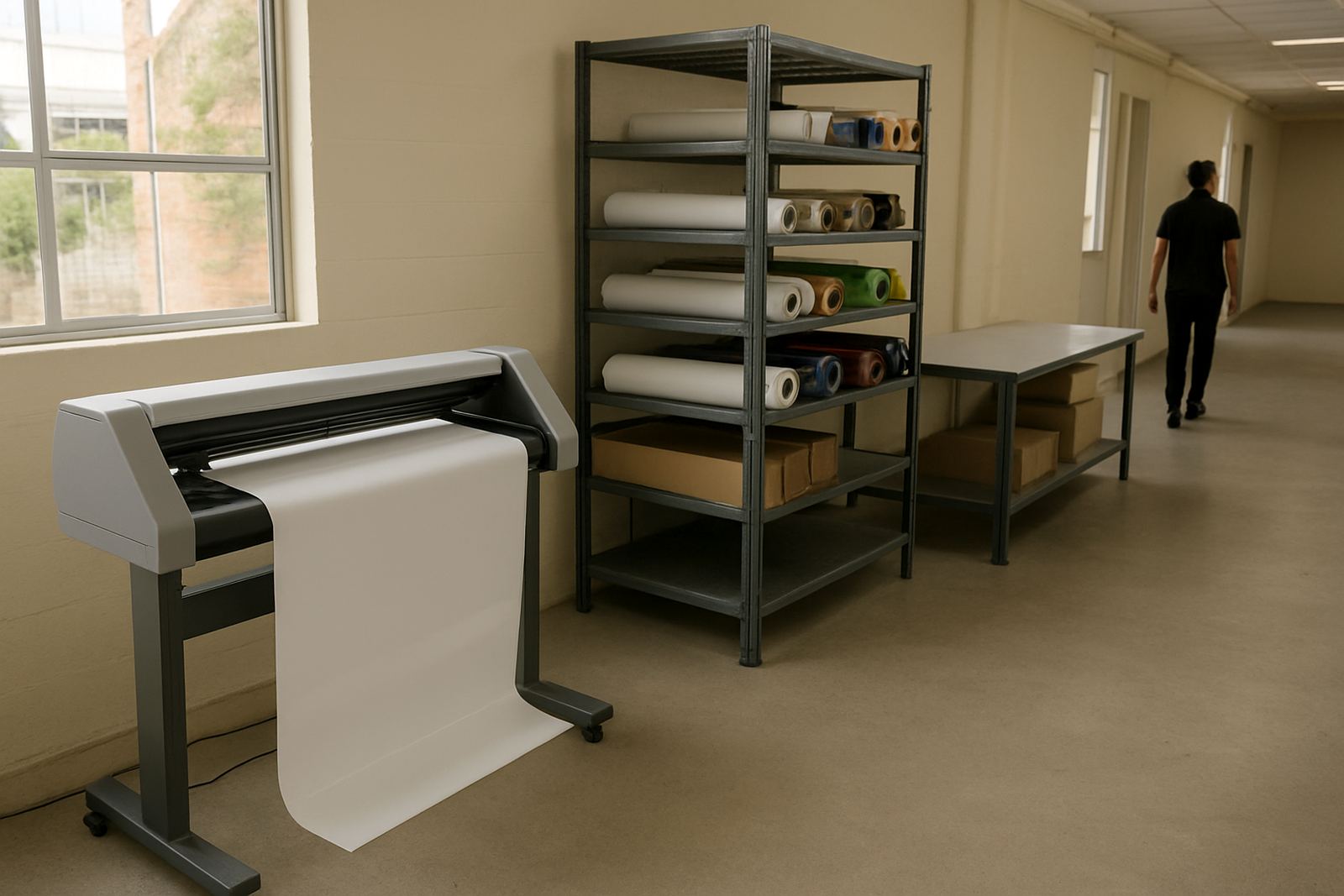
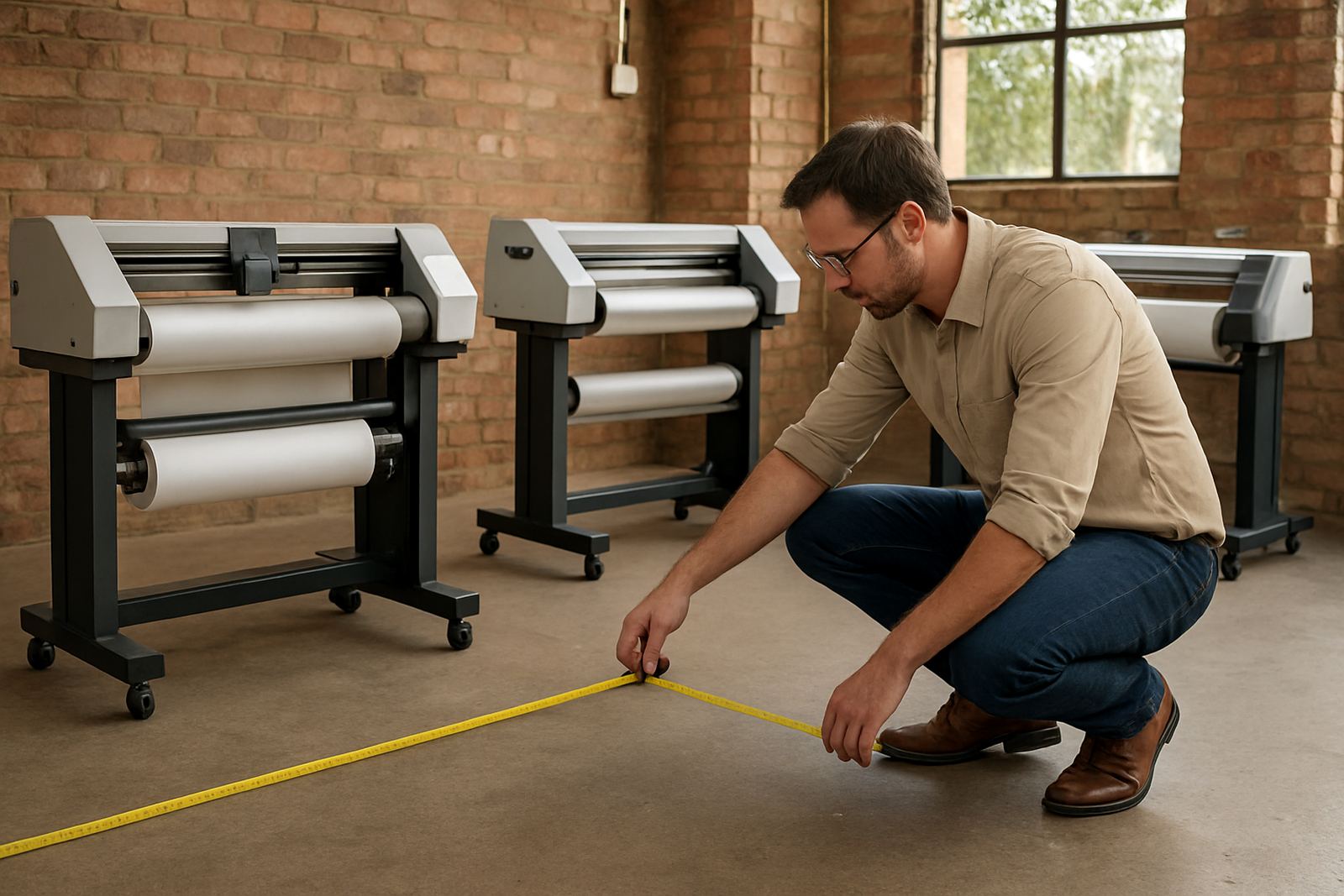
Measure the actual floor space where the cutter will sit, plus room for loading media and moving finished work. In many Isando and Germiston workshops, the machine is only half the story. You also need space for rolls, trimming, packing and safe operator movement around the bench. Keep clear of busy walkways and door swings.
Power supply matters too, especially in areas where load-shedding or voltage dips can interrupt a production day. Make sure the machine can sit on a stable surface, near reliable power and away from dust, forklift traffic and direct sun. If the room is humid, ventilated storage for media helps prevent curling and poor feed.
- Measure length, width and access routes before ordering.
- Confirm power points and backup options.
- Allow space for media loading from the front and rear.
- Keep the area clean and level for accurate cutting.
Choose A Size That Your Team Can Run Well
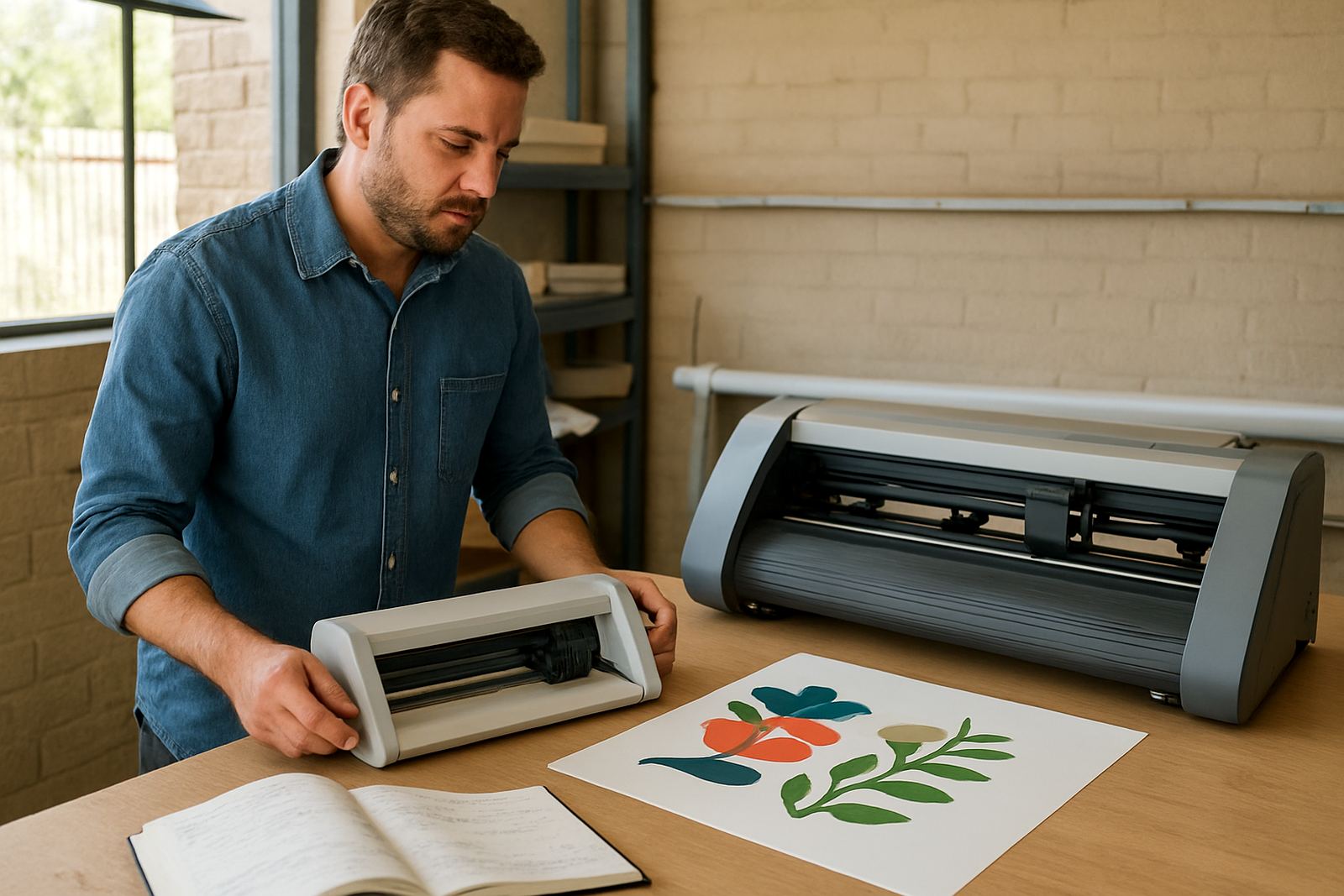
The best production size is the one your operators can handle confidently. A shop may buy a wide unit, then struggle because the team has not been trained on blade pressure, media loading or registration calibration. That leads to wasted material and avoidable stoppages, which is hard to recover from when deadlines are tight.
Build your choice around the people who will use it every day. If the same operator must also handle artwork checks, batching and finishing, keep the workflow simple. For new teams, it is often better to choose a machine size that allows clear access and easy learning rather than pushing straight to the biggest model available.
- Who will load media and set the cut lines?
- Does the team need easier access for maintenance?
- Will one operator manage several jobs at once?
- Do you need training for induction or refresher support?
Use A Simple Sizing Checklist Before You Buy
When you compare machine options, use the same checklist for every unit so you can make a fair decision. This keeps the focus on production facts and not guesswork. It also helps when you are comparing a machine for a Sandton studio versus a Boksburg sign room with heavier daily output.
Ask for the working width, accepted media types, feed accuracy, registration performance and service access. Then compare that against your current jobs and likely growth over the next 12 months. If your output is growing, it may be worth choosing a size that gives a bit of headroom. Not too much though, as oversizing can make the workflow clumsy.
Good sizing is about fitting the work, the room and the team together. If those three parts match, the machine earns its place on the floor.