Start with the work you want to sell
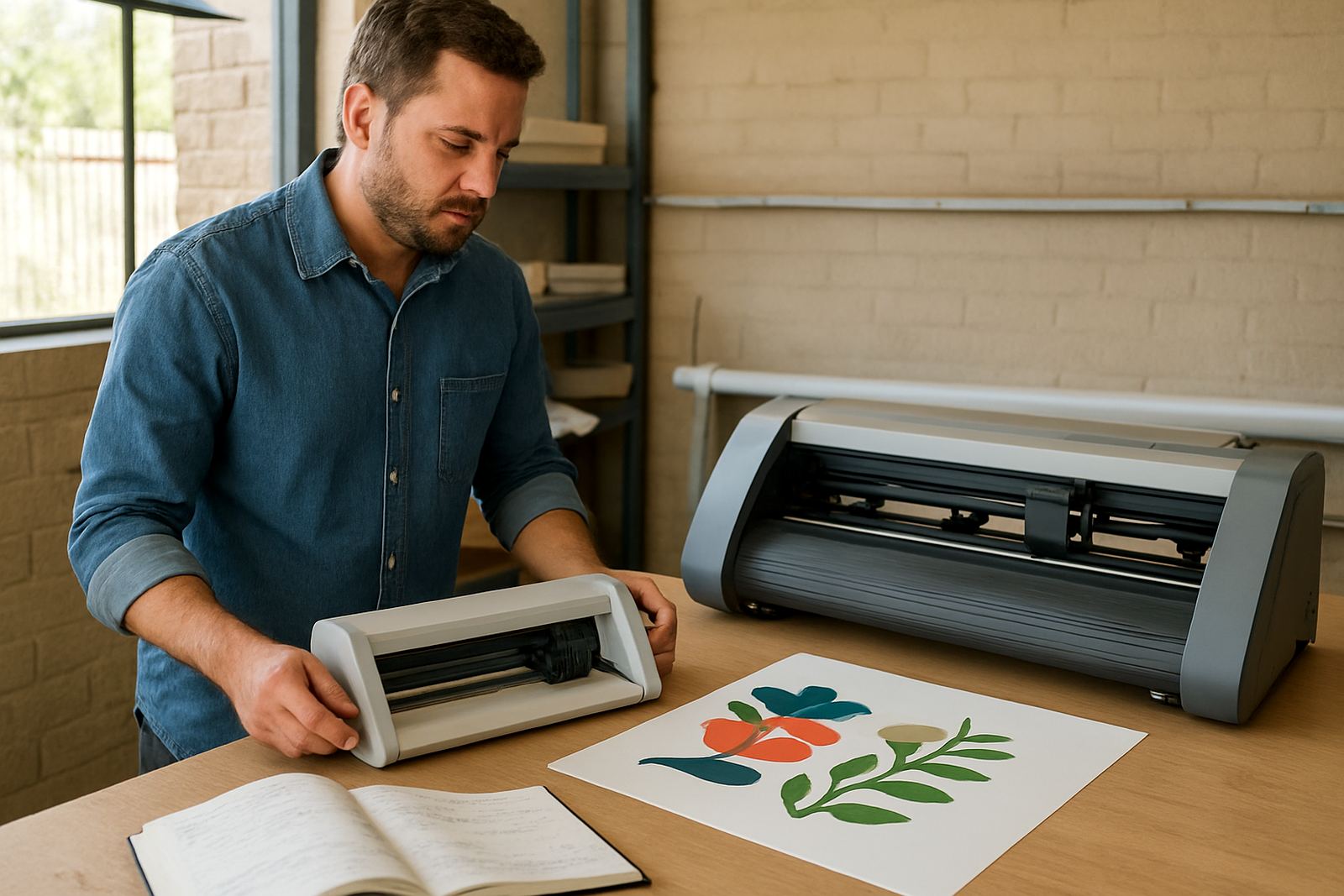
Before you compare machine specs, write down the kinds of jobs you want to take on in the first 12 months. A start-up sign shop in Isando may need sticker packs, labels, window graphics and short-run decals. A creative studio in Sandton might need fine contour cuts for promo items, packaging samples and presentation pieces. The first cutter should suit the work on your order book, not a wish list of every possible job.
Think about sheet size, daily volume and material type. If you mostly cut printed vinyl, you need steady registration and repeatable tracking. If you also cut unprinted vinyl, ask how well the machine handles smaller lettering and tight curves. A good first machine should let one operator load, align and run jobs without wasting material. That saves time when jobs is repeated.
- List your top 10 job types
- Note the material thickness and backing type
- Estimate how many metres or sheets you will cut per week
- Check whether you need print-and-cut or cut-only work
Choose the right size for your space and output
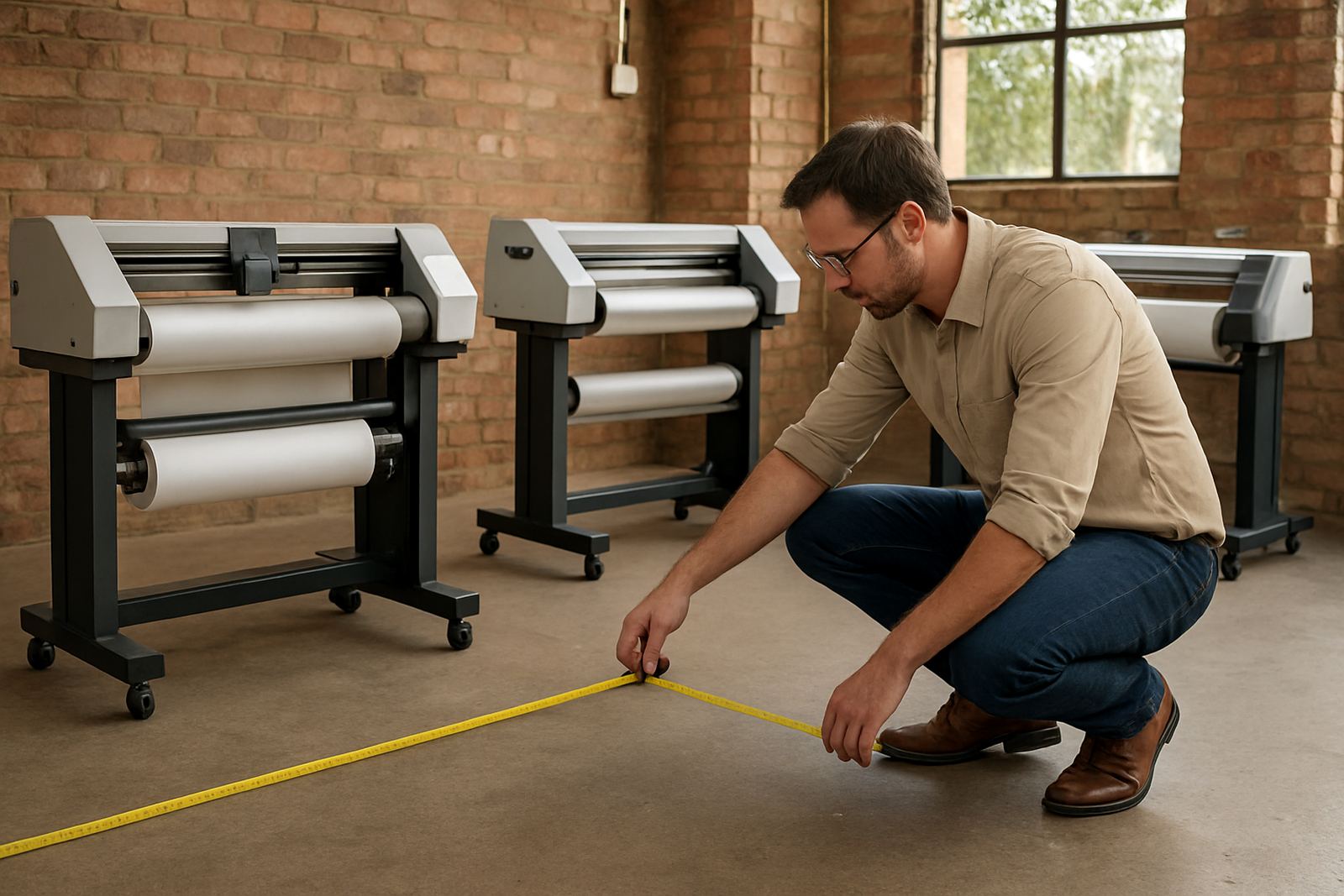
Many first buyers think bigger is always better. In practice, a machine should fit your floor space, power backup and workflow. A cutter that is too large can be harder to load, harder to train staff on and more expensive to keep busy. In a small production room in Midrand or Germiston, a compact unit with clear access at the front and back can be the smarter choice.
Measure the area properly, including room for rolls, offcuts and operator movement. If your team works around load-shedding schedules, make sure the cutter and any connected computer can sit on a backup power source long enough to finish a job and shut down safely. Coastal humidity is not the main issue in Johannesburg, but dust and temperature swings still matter for media handling and blade life.
- Allow space for loading sheets or rolls
- Leave room for finished stock and waste bins
- Check power points and backup power capacity
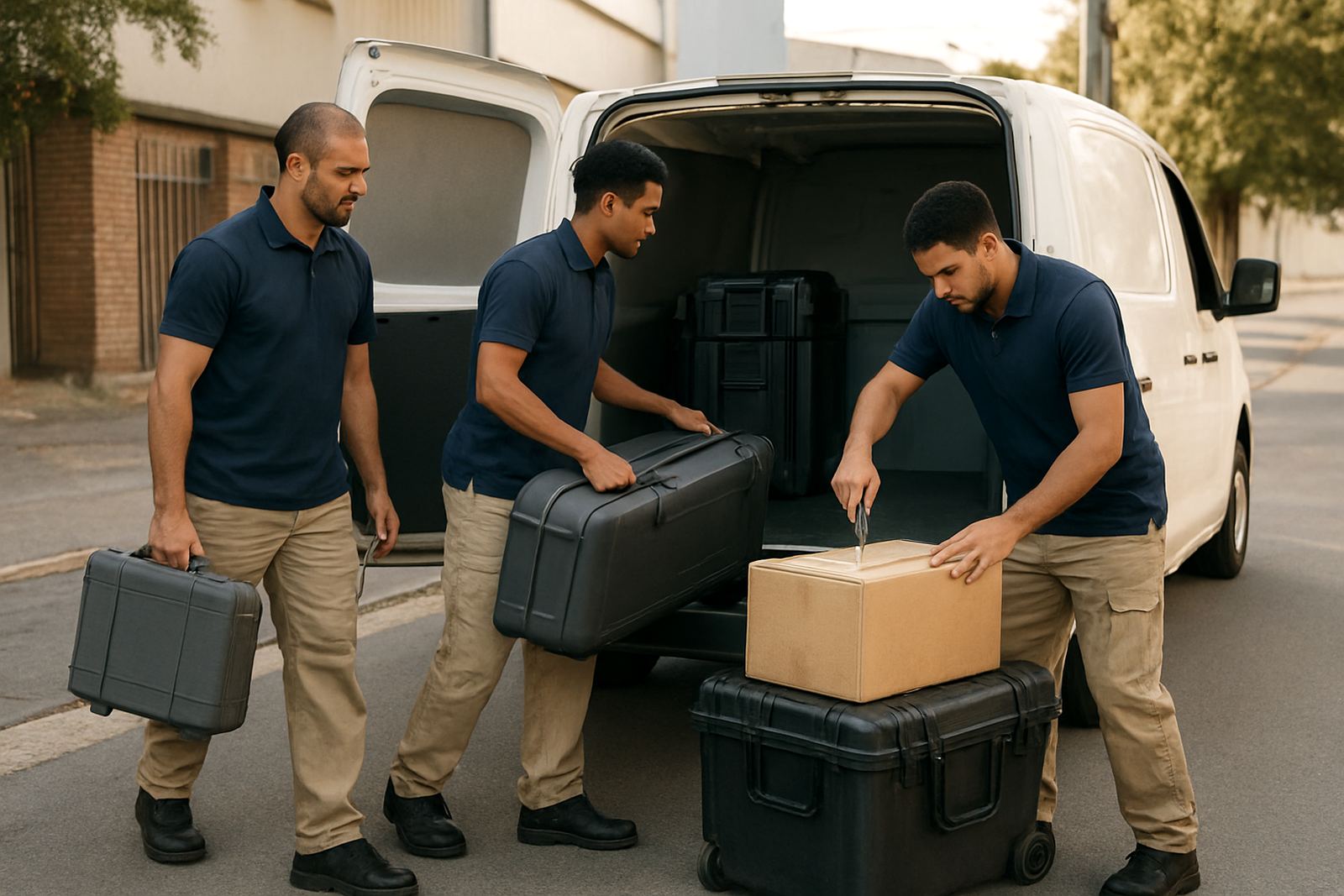
- Confirm the machine can be moved through doors and passages
Check print registration, blade control and repeatability
For business use, precision is not optional. Your cutter should track printed marks accurately, keep cuts clean and repeat the same job without drifting. Ask how the machine handles registration calibration, blade pressure setup and cut-line accuracy on light and heavier media. If you are producing labels or contour stickers for a retail client, even a small shift can turn a paid order into a reprint.
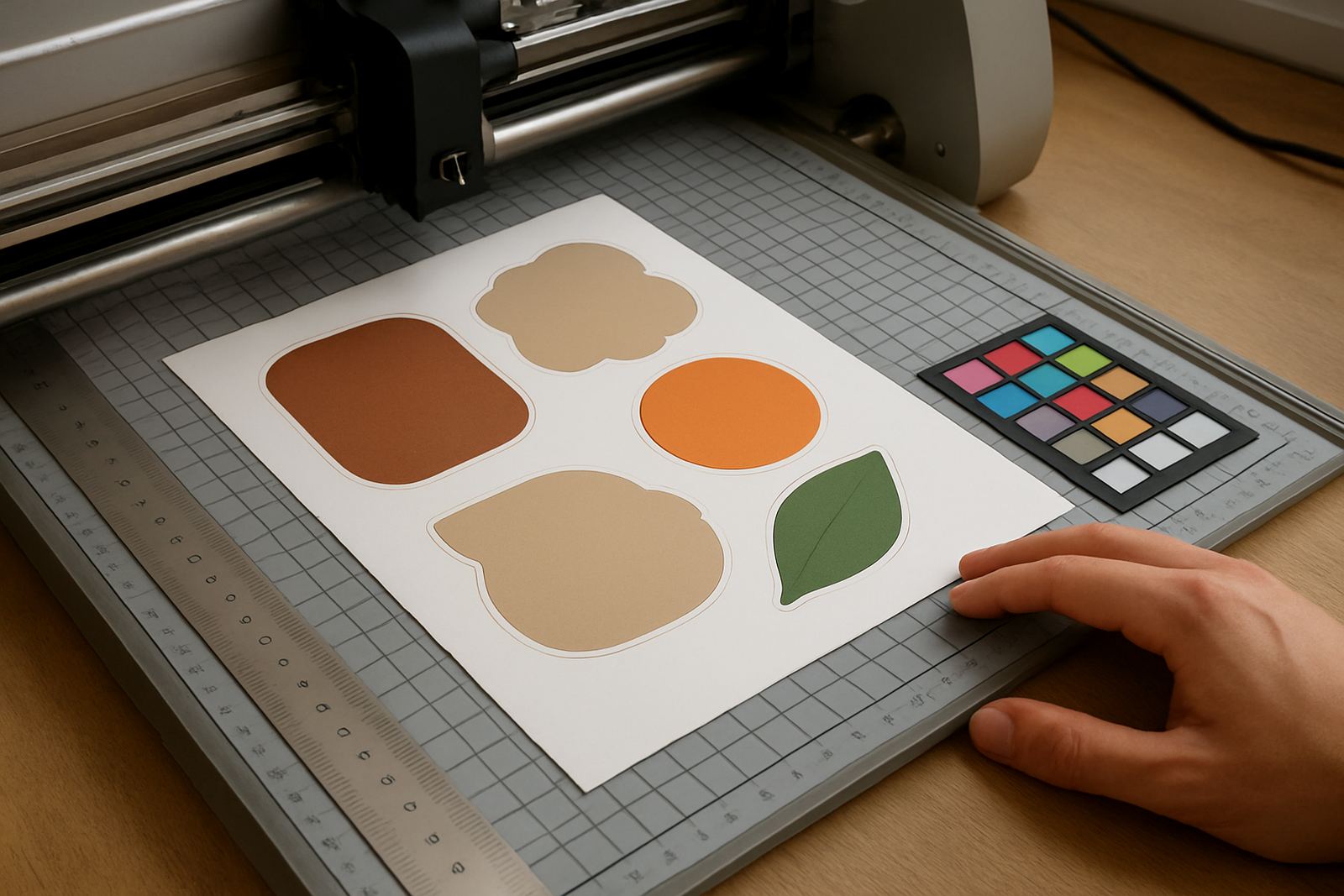
Do not only look at speed. A fast cut that misses marks costs more than a slower machine that gets it right first time. Ask for sample cuts on the materials you use most, including glossy vinyl, reflective films and laminated print. A proper test should show crisp corners, clean weedability and stable tracking over longer runs. If the machine cannot hold a straight line across a batch, it is not ready for production work.
- Ask to see printed registration marks read under real shop conditions
- Test small text, fine shapes and close corners
- Check cut quality after a full sheet or long roll run
- Confirm blade pressure can be adjusted for different media
Plan for training, operator handover and support
A first cutter is only useful when your team knows how to run it. Good training should cover operator induction, artwork cut lines, media loading, troubleshooting and basic maintenance. If the person who sets up the first jobs leaves, another team member should be able to step in without panic. That is where clear handover and simple production workflows matter.
Ask what support is available after installation. A supplier with support in Isando, Sandton, Midrand, Germiston, Boksburg and Randburg can usually respond faster than one working from far away. For buyers outside Gauteng, nationwide installation matters because site setup, testing and first-job support save time and reduce mistakes. Remote refresher sessions are useful too, especially when new staff join or your workload changes.
- Who will run the machine day to day?
- Who will train new staff after the first month?
- Is there help for cut-line setup and registration issues?
- Can support be done on site or remote if needed?
Budget for the full running cost, not only the machine
The purchase price is only part of the spend. You also need to budget for blades, media waste, replacement parts, maintenance and operator time. A machine that looks cheaper on paper can become expensive if it wastes vinyl, needs repeated calibratione or stops working during a busy week. Ask for a clear view of expected running costs over the first year.
For a first-time buyer, it is wise to keep a reserve for installation, training and a few practice rolls. Also factor in the cost of job rework if you are learning new artwork standards. A small business in Boksburg or Randburg may prefer a machine with predictable servicing and simple adjustments because that keeps the workshop moving and the cash flow steadier.
- Machine price
- Installation and training
- Replacement blades and cutting strips
- Media waste during setup and tests
- Maintenance and repair allowance
Use a simple buying checklist before you commit
Once you have matched the machine to your jobs, space and budget, use a final checklist before you place the order. This keeps the purchase practical and reduces surprises on delivery day. It also helps you compare quotes fairly instead of choosing only on the lowest number. If two options look similar, the one with better training and support is often the safer choice.
For South African businesses, it helps to choose a supplier that understands municipal operating hours, power interruptions and the pressure of quick-turn promotional work. The right first cutter should be easy to load, accurate on print-and-cut work and simple enough for your team to keep running with confidence.
- Does it suit your main jobs for the next 12 months?
- Will it fit your floor space and power backup?
- Have you tested the materials you cut most often?
- Do you have installation, training and support arranged?