Confirm the machine footprint and access route
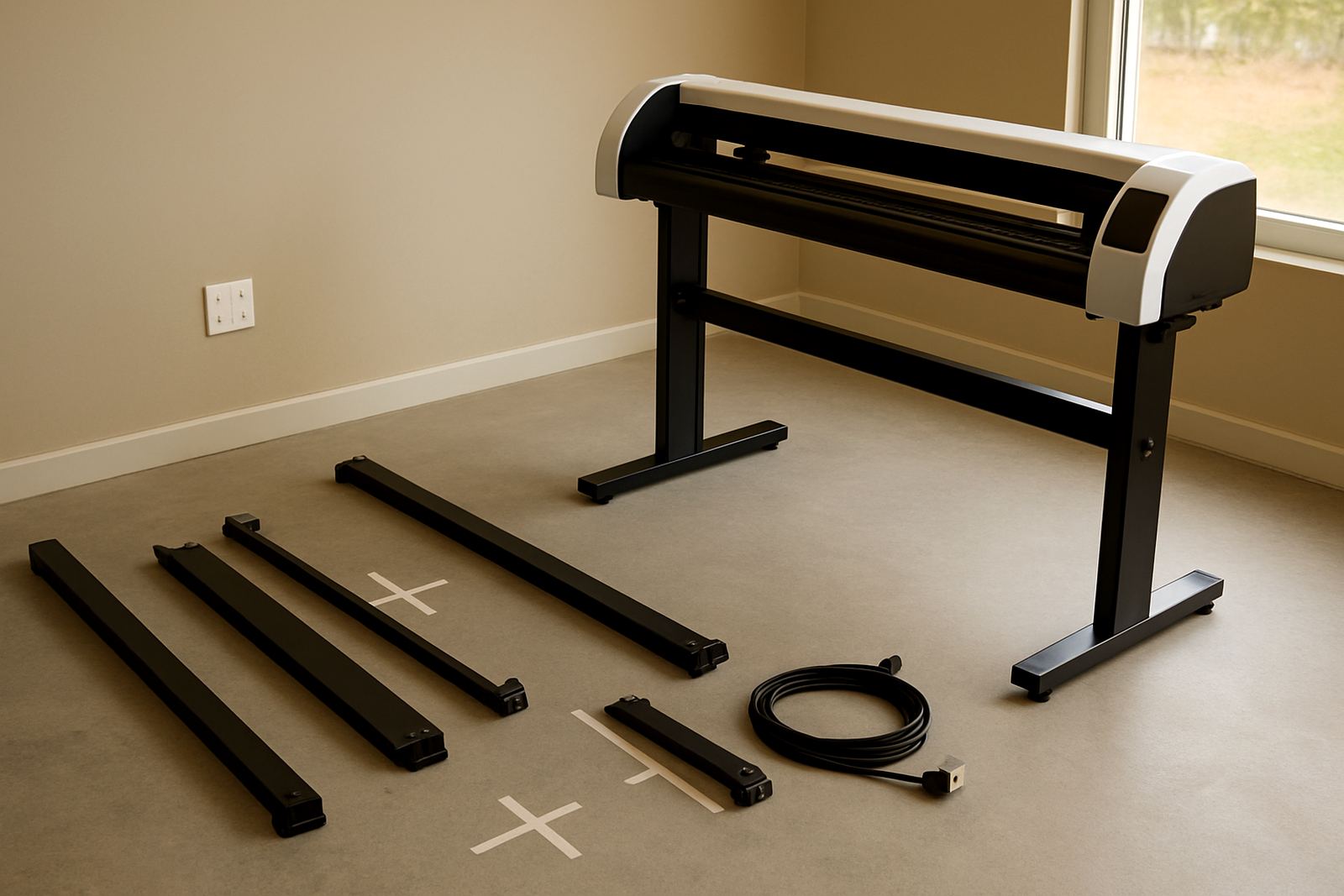
Before delivery day, measure the final position of the cutter and check the route from the gate to the install point. In Isando, Midrand or Sandton that often means tight loading bays, lift access, security sign-in and a few turns around racks or stock pallets. Make sure the path is clear of loose cable, packaging and low hanging fixtures, because a cutter that cannot be moved safely will slow the whole schedule.
Allow extra space around the machine for opening covers, loading media and standing clear during test runs. If the unit is going into a print room, leave room for rolls, finished work and a trolley if you use one. A small mistake in measuring can become a half day delay, so it is worth checking twice.
Set up power, backup supply and a clean working point
Have the correct power point ready at the final position and confirm the supply is stable. Ask your electrician to check the circuit rating, earthing and socket placement before install day. If your site in Johannesburg, Germiston or Boksburg is affected by load-shedding, plan for a backup supply or controlled shutdown so the cutter is not interrupted during setup.
Keep the area dry, swept and free from overspray, dust and loose vinyl trimmings. Coastal humidity is not the issue in Gauteng, but dust from a busy production floor still gets into tracks and rollers. A clean install point helps the techncians work faster and gives you a better first start.
- Dedicated power point within easy reach
- Stable supply with earthing checked
- Backup plan for outages and voltage dips
- No water leaks, open windows or dust build-up near the machine
Prepare the artwork before the technicians arrive
Install day goes better when your artwork is already sorted. Have a few test files ready in the correct format and make sure cut lines are named clearly. If your team in Randburg, Sandton or Randburg Support will be creating daily jobs, bring at least one simple shape and one detailed sample so the setup can be checked on both.
Review stroke thickness, registration marks and final size before the visit. If the artwork contains small text or intricate corners, tell the team in advance so blade pressure and speed can be matched to the material. That saves time and reduces waste on the first run.
- One basic job for calibration
- One detailed job for fine cutting
- Correct cut line colours and labels
- Final artwork size confirmed in millimetres
Keep the right media on site for first runs
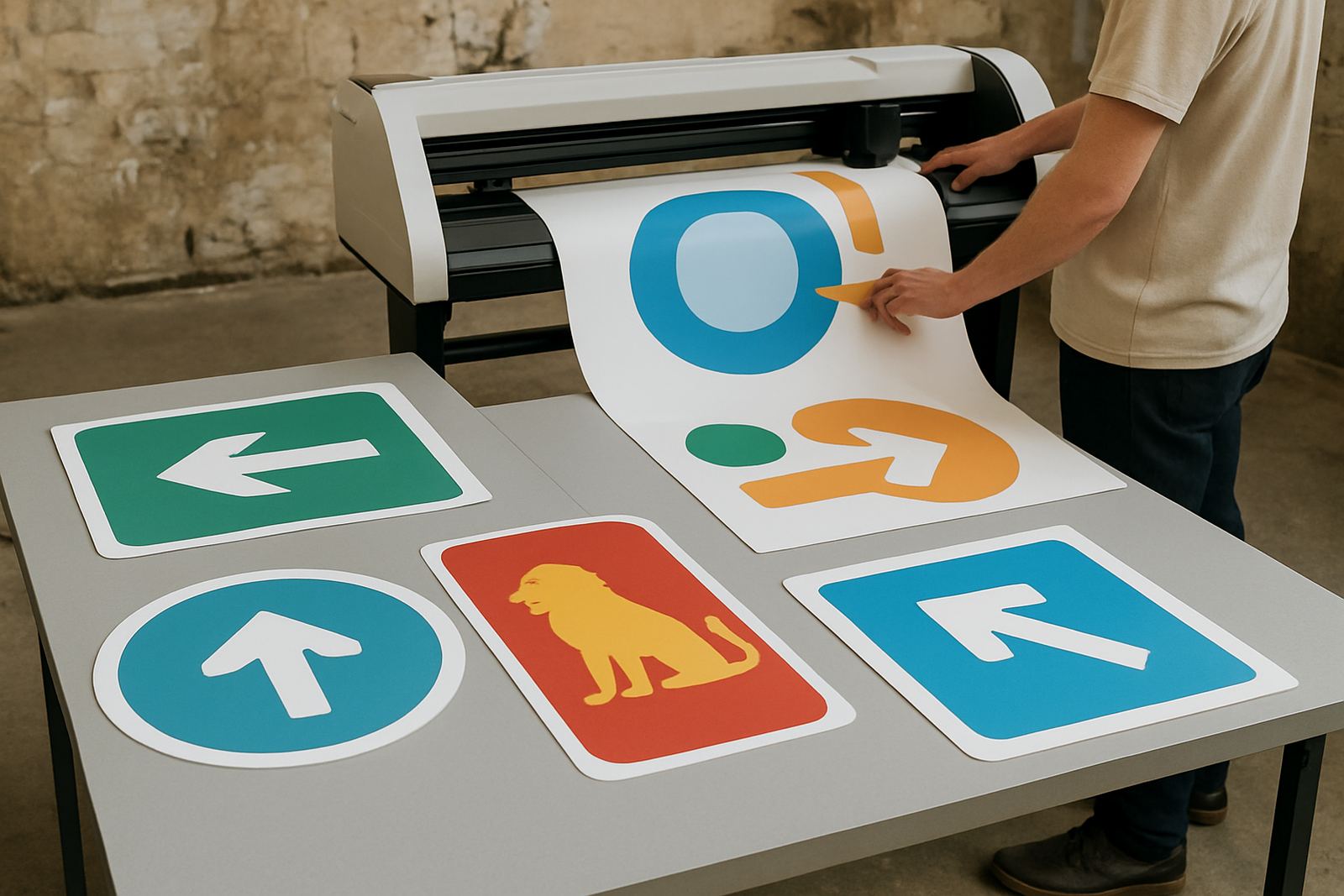
Bring the materials you plan to cut on day one. The techncians need enough of the same vinyl, label stock or media thickness that your team will use for real work. If you are in production for signage, promotions or custom graphics, there is no point testing on the wrong material and then changing it later.
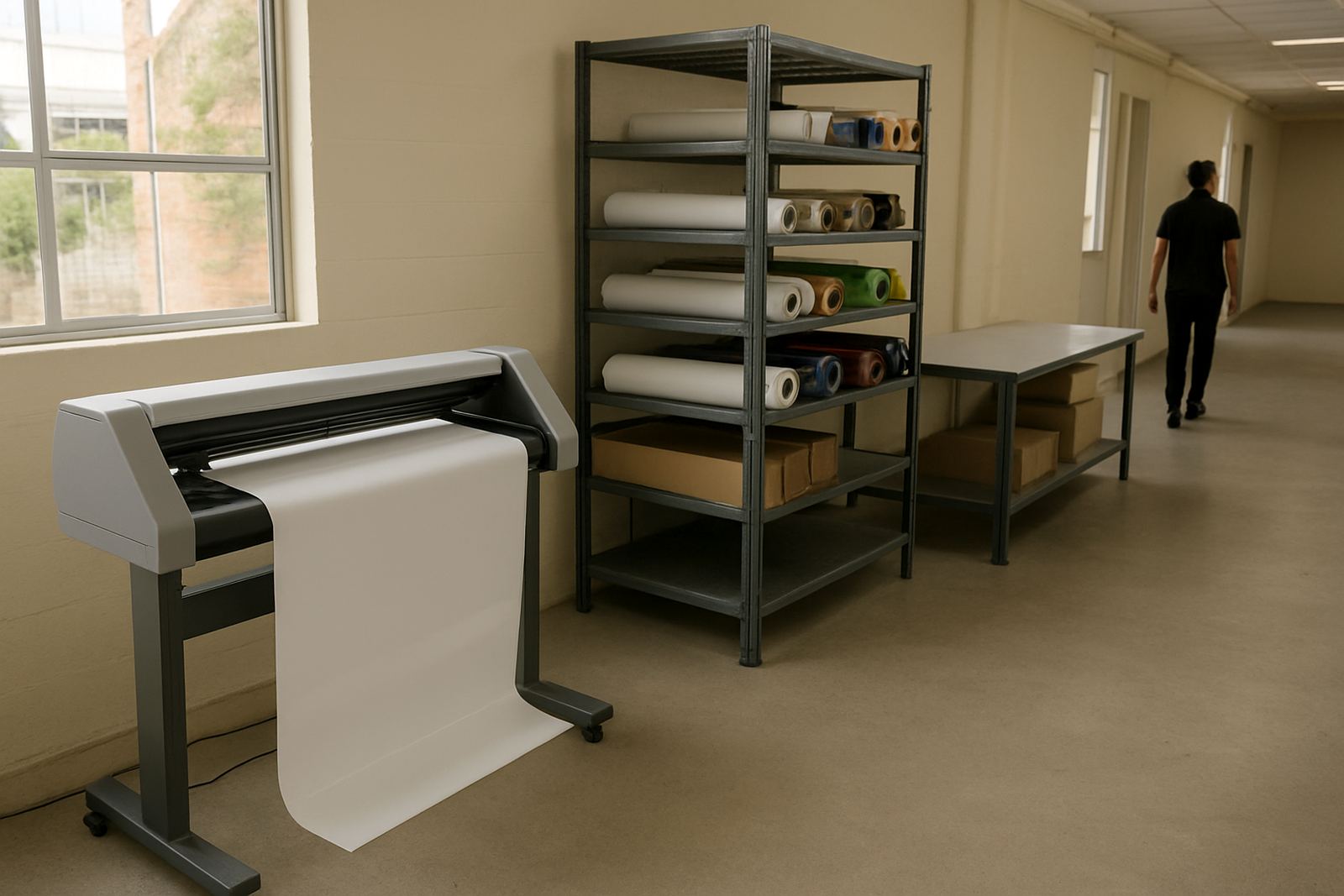
Store rolls flat or upright as recommended, and keep them away from heat and direct sun. In busy areas like Isando and Midrand, material often arrives the same morning as install, so check that it has had time to settle and that the edges are not crushed. A wrinkled roll can create tracking issues from the first metre.
Nominate one person who knows the day plan
Choose one site contact who can make decisions, answer access questions and sign off the final handover. This should be someone who knows where the cutter will sit, who can reach IT or maintenance if needed, and who can keep the schedule moving. If your team changes shifts, make sure the handover person is briefed before the appointment.
Tell all involved staff what time the machine will arrive, where the delivery goes and whether stock needs to be moved first. A clear chain of contact avoids confusion with guards, cleaners and warehouse staff. It also helps if there is a small issue on site, because the right person is already close by.
- One primary contact on site
- Backup contact for approvals
- Security and receiving staff informed
- Maintenance or IT on call if needed
Plan for operator induction and early testing
Commissioning is not only about switching on the machine. Your team should be ready for operator induction, blade pressure setup, media loading and registration calibration while the technicians are there. That first session is the best time to ask practical questions about production workflows, troubleshooting and routine maintenance basics.
Set aside enough time for at least one proper test run, because rushing the handover usually causes repeat problems later. A short pause to check cut quality, weeding and alignment can save wasted sheets and rework. If you already know who will run the cutter daily, bring them into the session from the start.
What to have ready on the morning of install
Use this final check before the truck arrives. Keep the area open, the power ready and the paperwork close at hand. If the install is outside Johannesburg, allow for traffic delays and delivery timing, especially where site access is controlled in business parks or industrial zones.
- Site cleared and measured
- Power point tested
- Artwork files loaded on the correct computer
- Sample media available
- One site contact on duty
- Access codes, gate books and delivery rules ready
- Water, coffee and a little patience for a full commissioning session
When these basics are covered, the day usually runs smoothly and the team can focus on getting accurate cuts from the start.