What the Troubleshooting Session Covers
This session is built around the faults we see most often on print-and-cut jobs in Johannesburg, Pretoria, Durban, Cape Town and the rest of South Africa. We work through the real causes behind poor cut quality, not just the visible symptoms, so your operator knows what to check first on a busy morning or after load-shedding has interrupted a job.
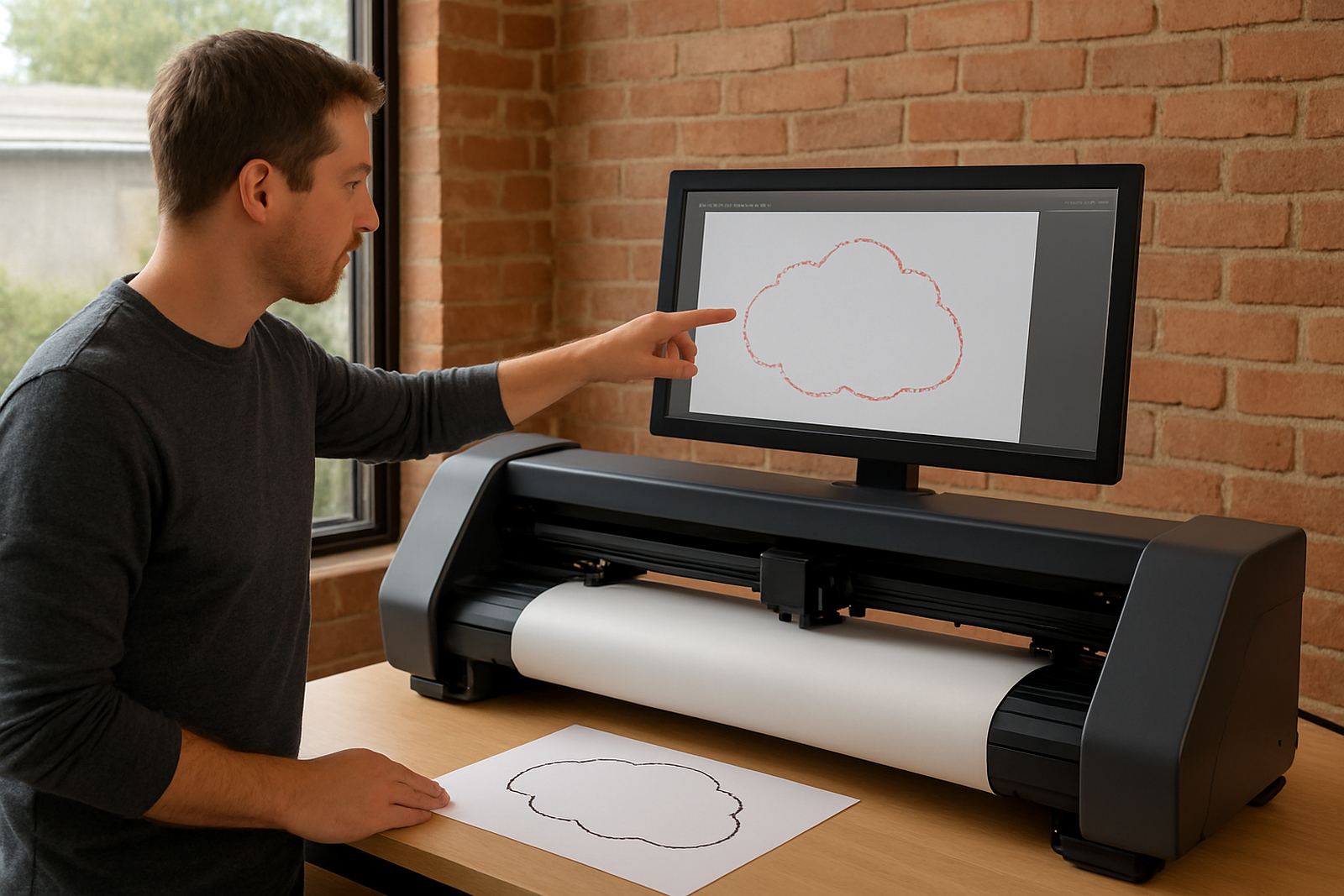
Typical issues include tracking drift on longer runs, cuts not closing at corners, overcut on small lettering, registration mark mismatch, blade chatter, media slip, and pressure problems on different vinyl thicknesses. We also cover quick checks for static build-up, dirty pinch rollers, warped media edges, and incorrect tool settings after a blade change. Its practical, hands-on and aimed at reducing waste on the next production run.
- Common cut faults and likely causes
- Media tracking and pinch roller checks
- Registration and contour alignment checks
- Blade depth and pressure fault finding
- Fast recovery steps after power interruptions
How We Run the Session On Site or Remotely
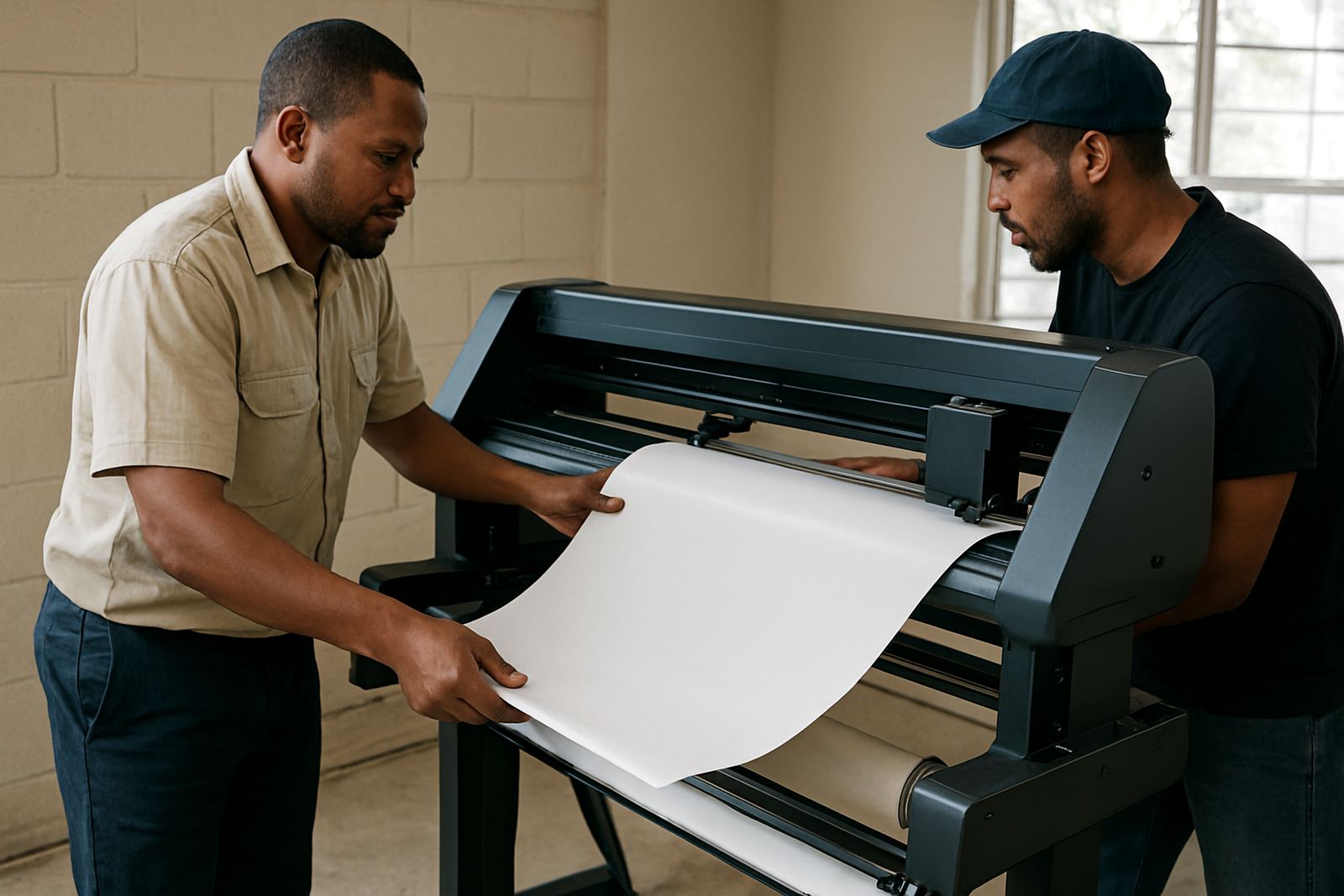
We start with a short fault interview so we can understand what is happening, when it started, and which media or artwork types are affected. From there, we inspect the cutter setup, the feed path, the blade holder, pinch rollers and the output sample. If the issue is artwork-related, we check cut lines, overlap, contour offsets and registration mark placement. If the issue is mechanical, we work through the machine step by step until the cause is identified.
Most sessions are done at your site in Isando, Sandton, Midrand, Germiston, Boksburg or Randburg, and we also support cutter installs nationwide. Remote refresher support is available for straightforward faults, but if the machine is skipping steps, losing tracking or struggling on thicker material, an on-site visit is usually the better option. We keep the process plain and practical so your team can repeat the checks later without having to guess.
- Fault review and sample inspection
- Machine setup check and calibration review
- Test cuts and small job verification
- Operator coaching during live correction
What Your Team Learns During the Fault Check
The goal is not only to fix the current problem, but to show your operator how to spot the warning signs before a full job goes bad. We cover clean loading, correct media tension, keeping the cutter level, and knowing when a blade is simply worn out. We also explain what settings should stay stable from job to job, and which ones need adjustment when changing between standard vinyl, reflective media, or thicker print media.
This section is especially useful for production teams working under time pressure, because many problems come from small changes that go unnoticed until the second or third metre of the run. A pinch roller moved a few millimetres, a blade set too deep, or a registration mark printed too light can cost a full sheet. By the end of the session your staff should be able to do a quick pre-run check without slowing the line down.
- Blade depth and pressure basics
- Correct loading for long runs and narrow cuts
- Reading registration marks properly
- How to prevent overcut and undercut
- When to stop and recheck instead of pushing through
Typical Turnaround and Response Times
For most Gauteng clients, we aim to arrange the session within 1 to 3 working days, depending on workshop access and the urgency of the fault. In many cases a remote diagnosis can start sooner, especially if you can send a photo of the cut sample, artwork setup, and the machine screen. For urgent production stoppages, we prioritise cutters that are affecting delivery deadlines or leaving repeat faults on the same job.
The actual session time depends on the problem. A simple tracking correction may take under an hour, while a deeper fault with repeated miscuts, media lift or registration drift may need a longer visit. If parts or consumables are needed afterwards, we will tell you straight away so you can plan the next run properly and not lose another day to trial and error.
Pricing Approach for Troubleshooting Work
We quote troubleshooting work according to the time on site or remotely, the number of machines involved, and whether the problem sits in setup, operation or maintenance. That keeps pricing fair for smaller shops that only need a short fault check, as well as larger production rooms that want a more detailed session across several cutters or operators.
Our pricing normally covers the diagnostic visit, practical correction steps and operator guidance during the session. If extra training, re-calibration, or a follow-up visit is needed, we will spell that out before continuing. The aim is to keep costs controlled and avoid unnecessary call-outs. For businesses in coastal areas such as Durban or Gqeberha, where humidity can affect media handling and blade performance, we may recommend slightly more frequent checks, especially in the wetter months.
Maintenance Intervals That Keep Faults Down
A good troubleshooting session should lead to fewer repeat problems, so we always end by setting sensible maintenance intervals. For busy print rooms, we usually recommend a quick daily clean, a weekly roller and track inspection, and a monthly check on blade condition, offset settings and feed accuracy. If your cutter is used heavily or sits in a dusty workshop, those intervals may need to be shorter.
We also advise a full review after any hard stoppage, power cut or major job change, especially where longer contour jobs are involved. If the machine has been moved between rooms or transported to another site, a fresh calibration check is worth doing before production resumes. Small fixes done early save money, and they keep the cutter performing properly instead of drifting out over time. That little bit of care makes a big difference when jobs are time sensitive.
- Daily clean and visual check
- Weekly roller, track and media path check
- Monthly blade, offset and pressure review
- Extra check after power failures or machine movement
Key facts
| Session type | On-site or remote troubleshooting for print-and-cut plotters |
|---|---|
| Main faults covered | Tracking drift, registration errors, overcut, undercut, blade chatter and media slip |
| Recommended input | Cut sample, artwork setup, machine model details and a short fault summary |
| Typical duration | 45 minutes to 3 hours depending on fault complexity |
| Coverage area | Isando, Gauteng and nationwide cutter support by arrangement |
| Maintenance guidance | Daily clean, weekly inspection, monthly calibration review |