What registration calibration covers
Registration calibration is the process of setting up the optical system, media handling and cut path so the plotter reads marks accurately and follows the printed image as intended. It is not only about the sensor. Blade depth, pinch roller position, scan speed, artwork mark layout and the way the material feeds through the machine all affect the final result.
We support print-and-cut environments that run self-adhesive vinyl, polyester labels, reflective film and other sign media. On a well set machine, the cut can hold tight corners within about 0.2 to 0.5 mm on short runs, while larger graphics stay true across the sheet. In humid coastal areas or during load-shedding restarts, that level of setup makes a real difference.
What is included in the service
This service is practical and hands-on. We inspect the registration workflow from artwork to output, then tune the machine so the marks are read cleanly and the cut matches the printed image. Where needed, we also check media feed and take-up behaviour so the job does not drift on longer runs.
- Optical registration sensor check and calibration
- Artwork cut line review for mark size, placement and spacing
- Media loading guidance for vinyl, stickers and laminated prints
- Blade pressure setup and offset verification
- Registration mark reading test on short and longer panels
- Basic maintenance checks on rollers, carriage travel and tracking
- Operator coaching for repeatable daily setup
For shops that produce mixed work, we can also advise on whether the same settings should be used across all media types or split into separate job profiles. That simple step often saves material and rework.
How we carry out the calibration
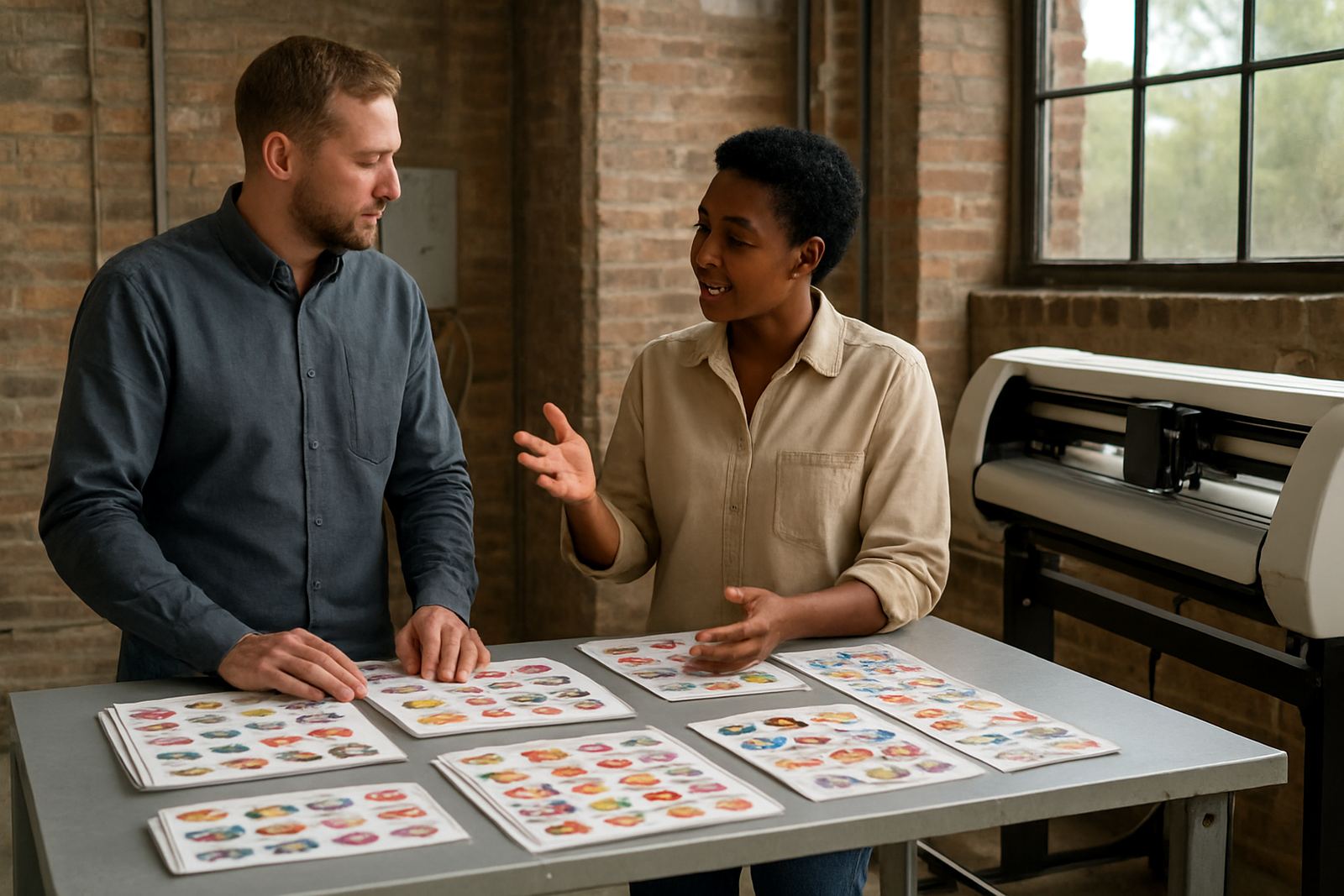
We start by asking what the machine is being used for, what media is in stock, and what problem is showing up on production. Is it misread marks, skew on the second pass, overcut corners, or cuts that wander after a long sheet? Once the fault pattern is clear, we work through the setup in a fixed order so the result can be repeated by your team later.
- Confirm machine model, working width and current job settings
- Check printed registration marks, artwork spacing and file prep
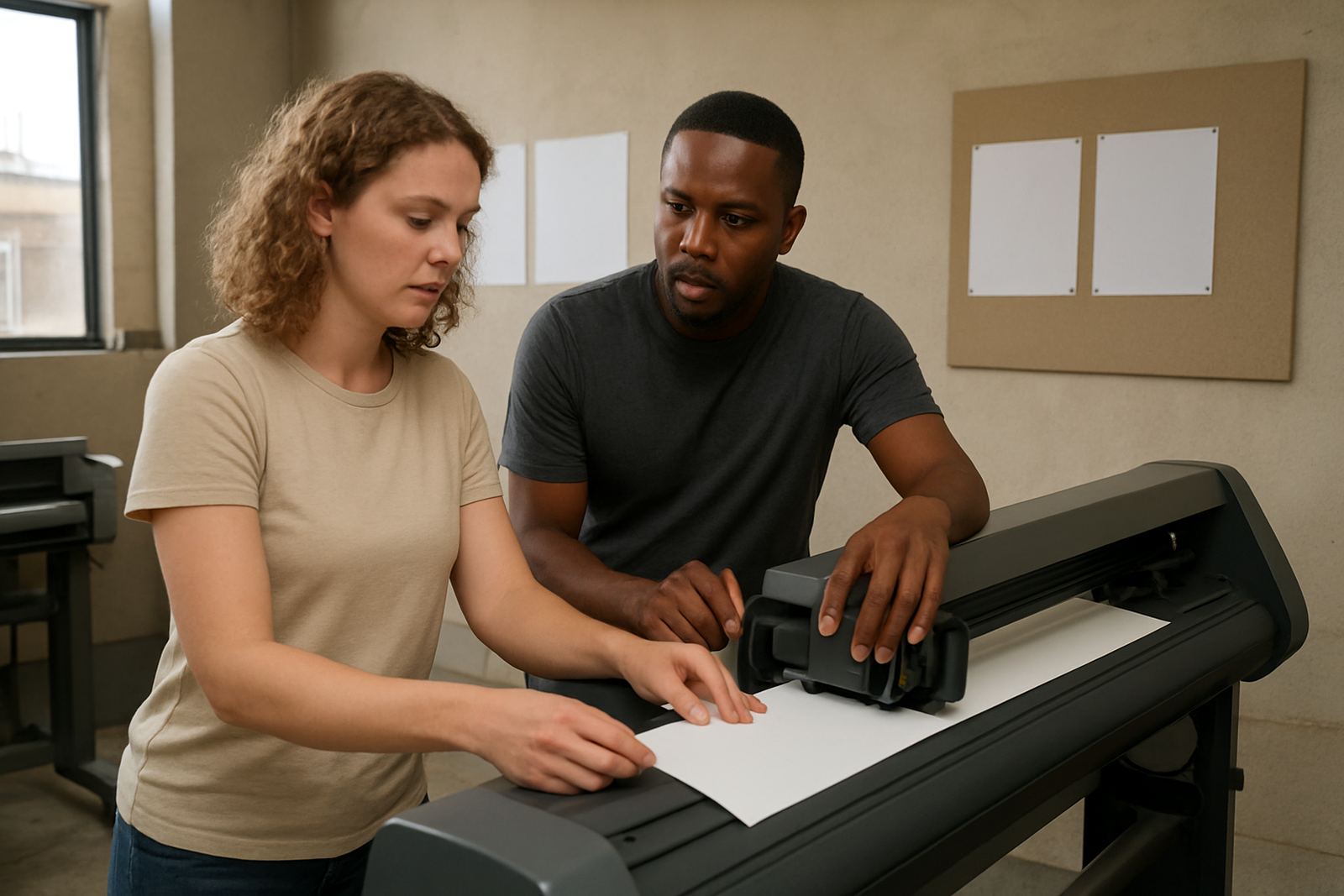
- Load media squarely and test roller pressure and tracking
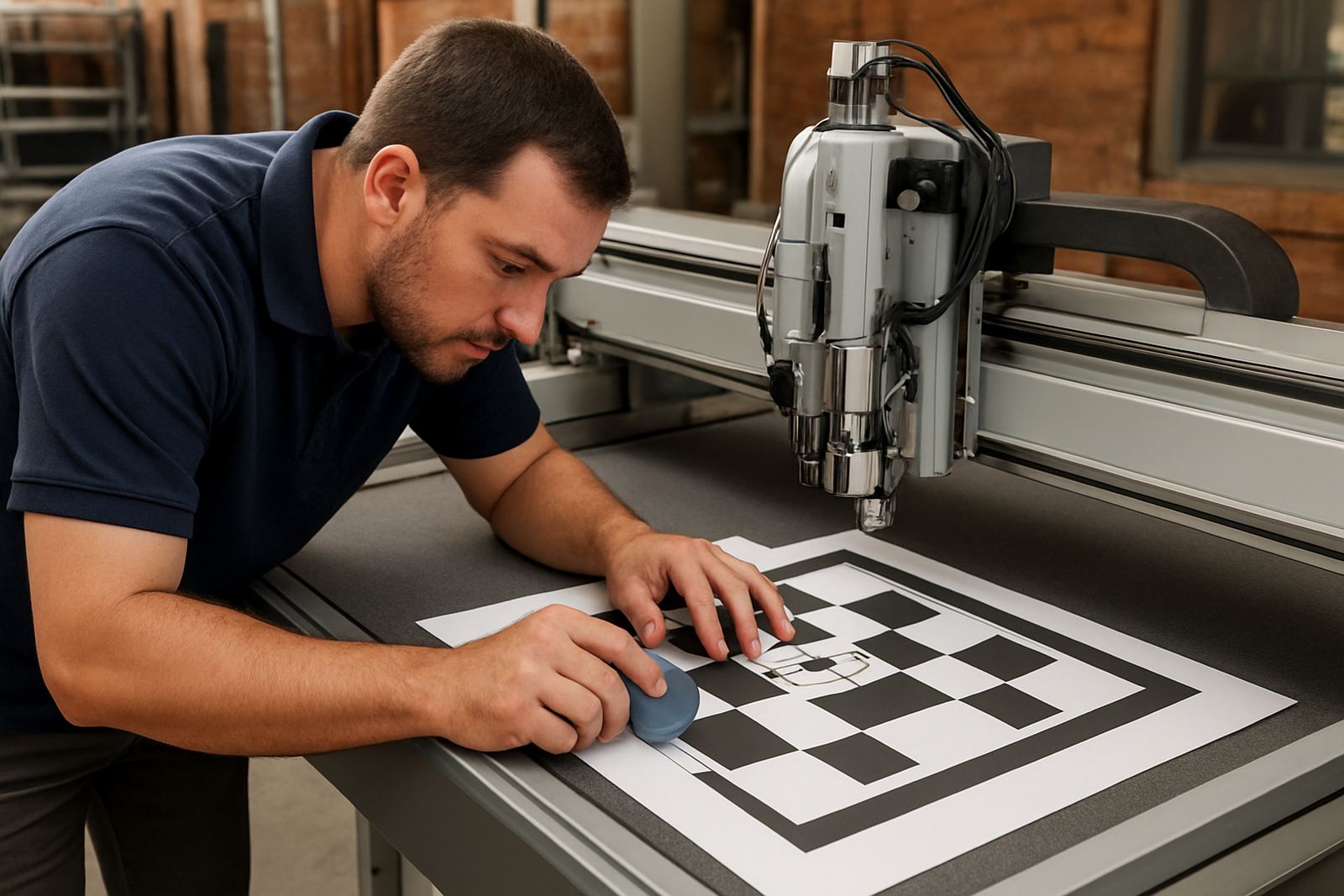
- Calibrate the sensor and run a test read
- Measure cut accuracy on a sample sheet and fine tune settings
- Record the working settings for future jobs and handover to the operator
When required, Johan van Wyk or Thabo Molefe can handle the onsite technical work, while Nadia Jacobs supports the training side. The aim is not a once-off fix only, but a setup your team can repeat under pressure.
Turnaround and pricing approach
Turnaround depends on whether the calibration is done remotely, at our Isando base, or on site in Johannesburg, Sandton, Midrand, Germiston, Boksburg or Randburg. Simple remote refresher support can often be arranged same day if the issue is clear and the operator has a stable connection. Onsite calibration is usually booked within 1 to 3 working days, subject to route and production demands.
Pricing is based on the type of machine, the number of setup points to be checked, and whether training is included. We quote the work transparently before starting, so you know if the job is a basic calibration, a fault-finding session, or a full operator retrain. There are no hidden call-out surprises, just the work needed to get the machine back in line.
- Remote support for straightforward calibration issues
- Onsite service for recurring misalignment or complex media problems
- Training add-on where staff need step-by-step guidance
- Priority booking available for production-critical shops
Maintenance intervals that keep accuracy steady
Registration accuracy changes slowly as rollers wear, dust builds up, blades dull and operators switch between materials. For busy production sites, a full calibration check every 3 to 6 months is sensible, with a quick sensor and feed check after any blade change, firmware update, transport move or power interruption. In coastal humidity or dusty warehouse conditions, checks may be needed more often.
If the machine is used daily for stickers, labels or signage panels, the best routine is to verify marks at the start of each new media batch and after any major service. Keep the platen clean, avoid over-tightening rollers, and store media flat. Small habits prevent big drift, and they cut waste too.
Who benefits most from this service
This service suits sign shops, print rooms, packaging teams and creative studios that need exact cut-to-print alignment. It is especially useful when jobs involve contour stickers, short-run product labels, POS graphics or promotional decals that must look neat from edge to edge. One bad batch can waste a lot of vinyl, so getting the calibration right pays back quickly.
- Businesses running mixed short runs and repeat orders
- Teams that have changed material suppliers or blade type
- Shops seeing registration drift after transport or power cuts
- Operators who need a clearer routine for daily setup
We support customers from Isando and surrounding industrial areas, with cutter installs and calibration assistance available nationwide. If your team needs a steady process and not guesswork, this service is a practical place to start.
Key facts
| Service type | Optical registration calibration for print-and-cut plotters |
|---|---|
| Typical media | Self-adhesive vinyl, label stock, reflective film, laminated prints |
| Accuracy target | About 0.2 to 0.5 mm on correctly set short-run jobs |
| Turnaround | Same day for some remote support, 1 to 3 working days for onsite booking |
| Maintenance interval | Every 3 to 6 months, or after transport, power loss, blade changes and heavy use |
| Coverage | Isando base with support in Sandton, Midrand, Germiston, Boksburg and Randburg, nationwide where required |