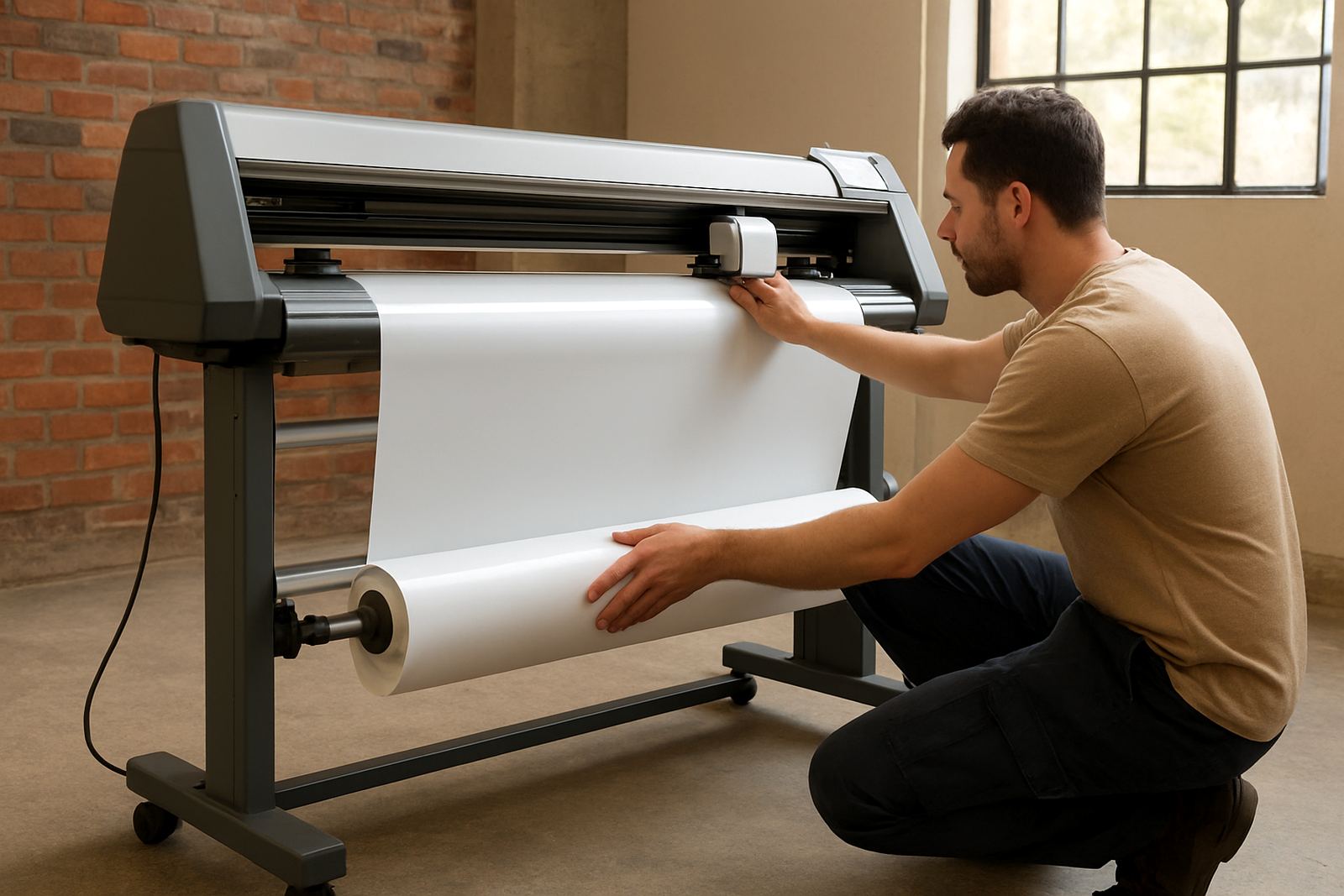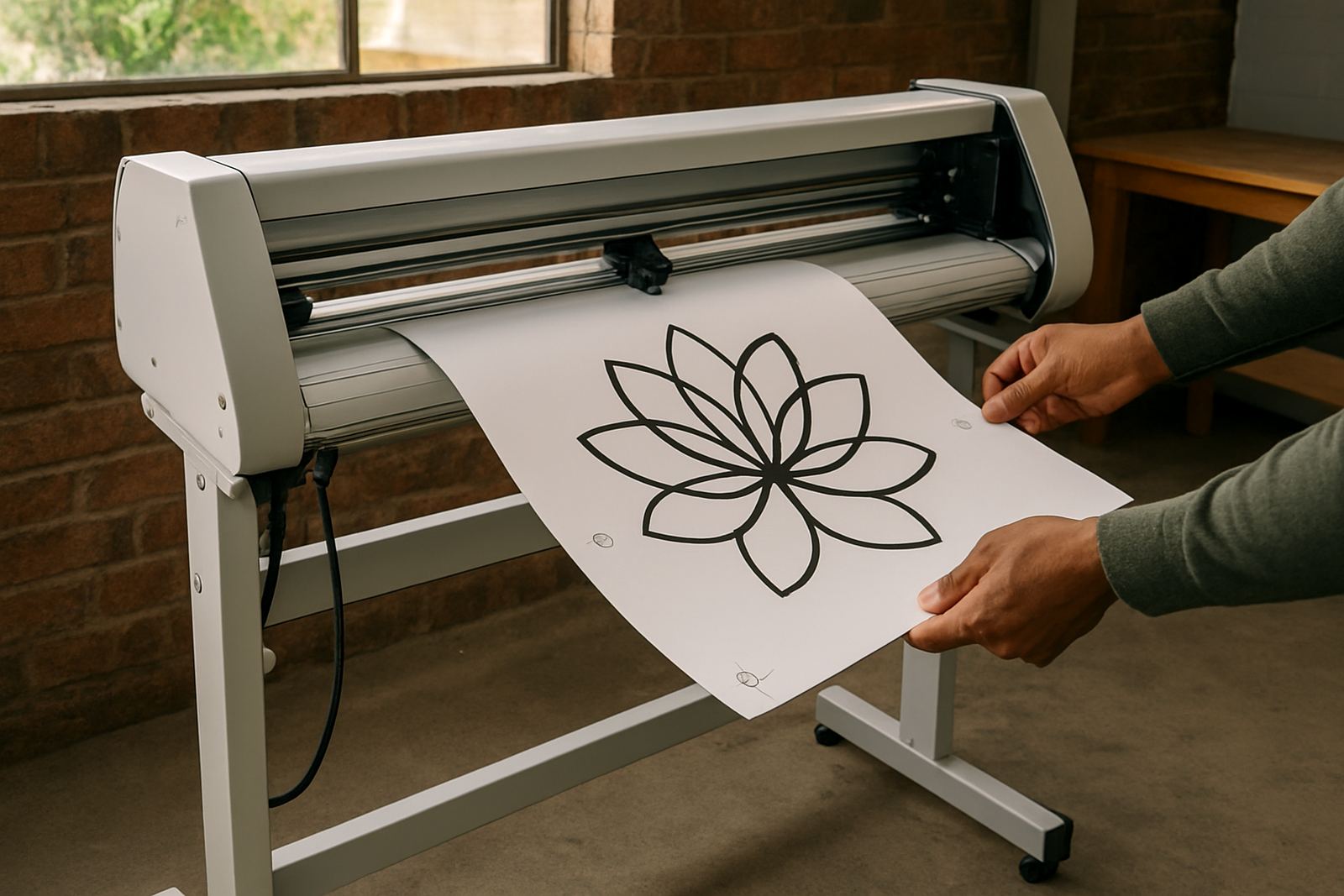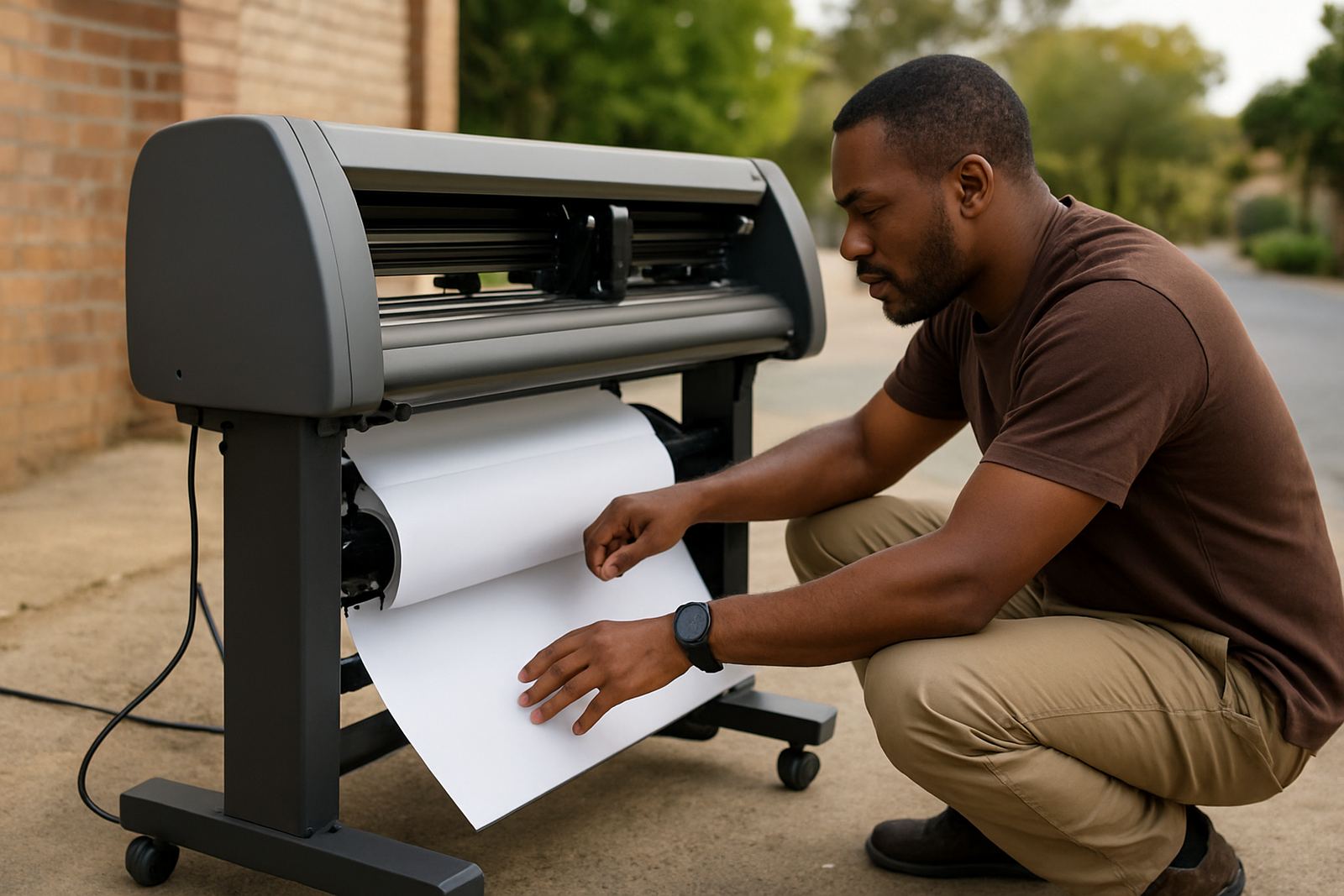
Log a service request with the right details
The fastest way to get help is to send a clear service request with the machine model, serial number if available, and a short note on what changed before the fault started. If the cutter is stopping mid-job, miss cutting corners, or showing registration errors, mention the media type, artwork size and whether the issue started after a blade change or power outage.
For customers in Johannesburg, Sandton, Midrand, Germiston, Boksburg and Randburg, we can usually work through a first response by phone or email. If you are further out, we still support cutter installs and troubleshooting nationwide, including remote checks for operators and supervisors who need quick direction.
What to include before you send the email
A few extra details save time and help us narrow down the fault properly. If you can, attach photos of the cut result, the media on the table or feed path, and the machine screen showing any message. A short video is even better when the cutter is making an unusual noise or losing alignment.
- Machine type and age
- Current media width and material type
- Blade holder, blade pressure and speed settings used
- Whether the problem is constant or only on certain jobs
- Any recent power interruption, blade change or software update
If the unit is in a production area with dust, humidity or unstable power, tell us that as well. Those conditions matter, especially in busy workshops and coastal-linked supply chains where maintenance intervals can change quite a bit.
Typical issues we help solve
Contour cutting systems are accurate machines, but small setup errors can cause wasted vinyl, lining problems or uneven cut depth. Our technical support team handles practical issues that affect daily production, from blade pressure setup to registration calibration. We also help teams that are training new operators and need a clear process for clean output.
- Media loading and tracking problems
- Artwork cut line errors
- Registration marks not reading correctly
- Blade depth or pressure too high or too light
- Jobs drifting during longer runs
- Maintenance basics and wear checks
In many cases, the fix is not a major repair. It may be a setup correction, a cleaning step, or a better workflow for the jobs your team runs every day.
How our support process works
Once your request comes in, we review the fault description and decide whether it can be handled remotely or if an installation technician needs to visit site. For straightforward setup problems, we often start with operator guidance and a live troubleshooting session. If the cutter needs hands-on attention, we arrange a more detailed follow-up.
- Receive your request and review the details
- Confirm the likely cause and urgency
- Provide steps for a remote fix or basic reset
- Arrange site support where needed
- Check the result and advise on prevention
We keep the process practical so your team can get back to production without unnecessary delay. If your line is down, say so clearly and we will treat it as urgent.
Support for new operators and supervisors
Many service requests come from teams that have taken on a new operator or moved the cutter into a higher production schedule. That is where structured guidance helps. We offer operator induction, supervisor coaching and remote refresher sessions so the people running the machine understand the set-up steps and the reasons behind them.
- Blade pressure setup for different media
- Artwork cut lines and clean file preparation
- Registration calibration for print-and-cut work
- Production workflows for repeat jobs
- Maintenance basics for daily and weekly checks
When staff change or shifts rotate, a short refresher can prevent repeated mistakes and reduce material loss. It also makes it easier for supervisors to spot problems early, before they become a bigger stoppage.
Service coverage from Isando to sites nationwide
Our base in Isando, Johannesburg allows us to support customers across the city and surrounding industrial areas quickly. We regularly work with businesses in Sandton, Midrand, Germiston, Boksburg and Randburg, as well as production sites in other provinces that need help with contour plotter setup or performance concerns.
If your site has limited power backup or runs through load-shedding periods, mention your operating conditions when you log the job. That detail can be important when tracing faults that only appear under certain power cycles or during start-up after an outage.
For site visits, clear access to the machine, media and computer used for output helps us finish faster. Keep any recent test cuts, problem files and spare blades close by, if possible.
Send your request and keep production moving
Email cut@contourcutting.co.za with your service request, a short fault summary and your contact number. If you are unsure how to explain the issue, start with what the cutter is doing, what it should be doing, and when the problem began. That is usually enough for us to get going.
Contour Cutting was founded in 2008 and our team has handled everything from first-time installs to repeat maintenance calls for busy production rooms. Whether you need one-off technical help or support for a growing team, we will work through the fault step by step and keep the advice practical. A neat setup saves time, material and a fair bit of frustration.