Two heads, one cleaner workflow
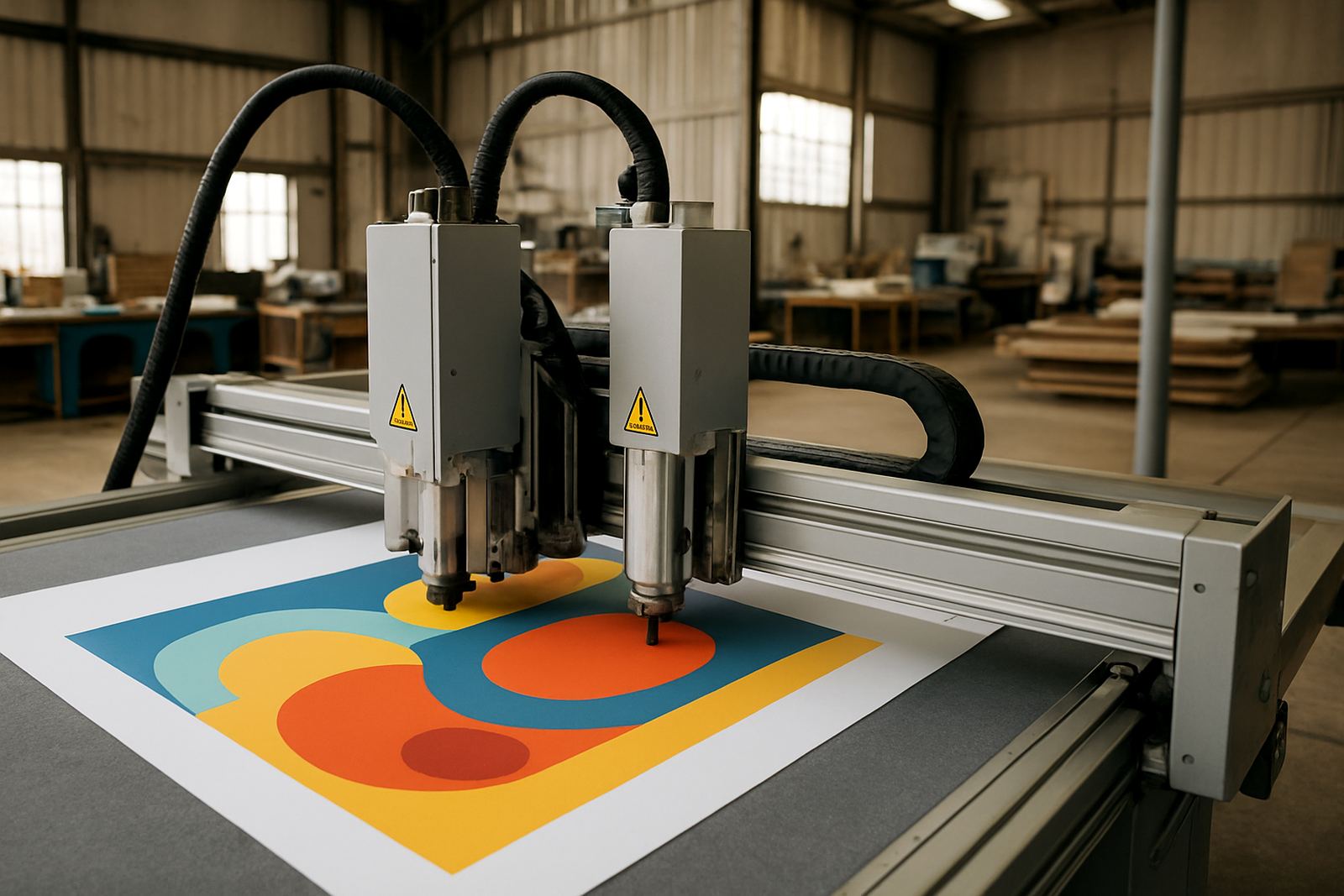
The value of a dual head cutter is simple: one machine can handle different cutting actions in a single run, so your operator spends less time stopping, resetting and checking. That matters in busy sign shops, sticker rooms and short-run production where same-day turnaround is part of the job.
In practical terms, the machine is set up to carry two cutting tools or cutting functions depending on the configuration ordered. That can help when you need kiss cutting on one job and through-cutting on another, or when artwork contains mixed elements that would normally need separate passes. The result is better output control and fewer handling errors, especially on detailed jobs with small text or tight curves.
- Suited to print-and-cut and finishing work
- Useful for mixed media runs and detailed shapes
- Helps reduce operator downtime between changes
- Better for repeat work where consistency matters
Common sizes and setup options
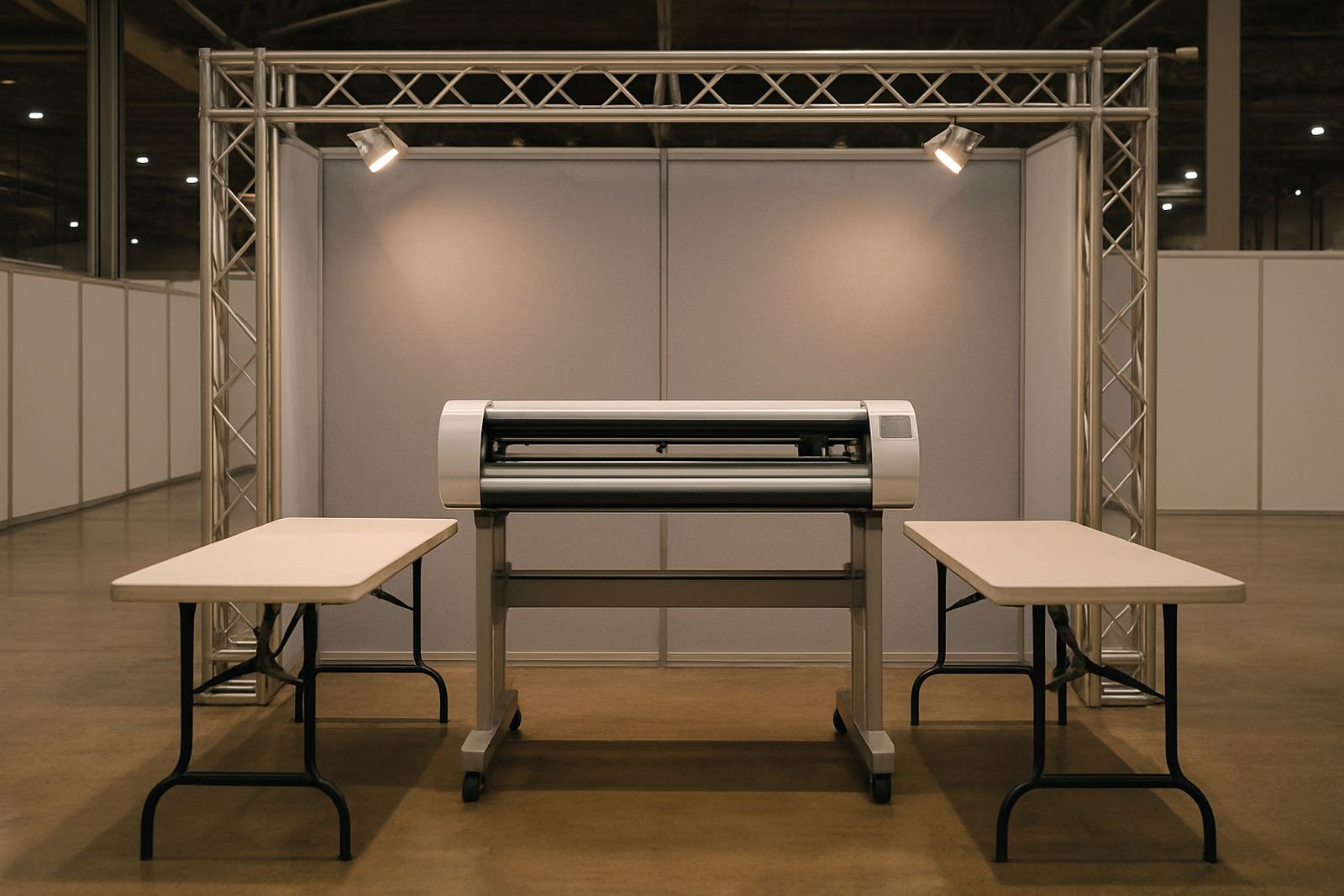
Dual head cutters are usually supplied in working widths matched to the media you handle most often. For many South African production rooms, that means options from 600 mm machines for smaller graphics up to wider units around 1,600 mm for signage and larger sheet work. The right width depends on your print size, panel format and floor space, not just on price.
Options can include different pinch roller counts, adjustable feed systems and control layouts that suit either a single operator or a small team. If your work includes reflective vinyl, sandblast mask, laminated prints or heavier craft board, ask for the exact media range before ordering. Coastal humidity in Durban or Richards Bay can also affect how some media feeds, so setup needs to be practical for your location.
- Working widths commonly supplied from 600 mm to 1,600 mm
- Choice of stand, basket and roll support options
- Tool configuration depends on the material and cut type
- Ask for feed and registration settings matched to your print process
Where a dual head cutter earns its keep
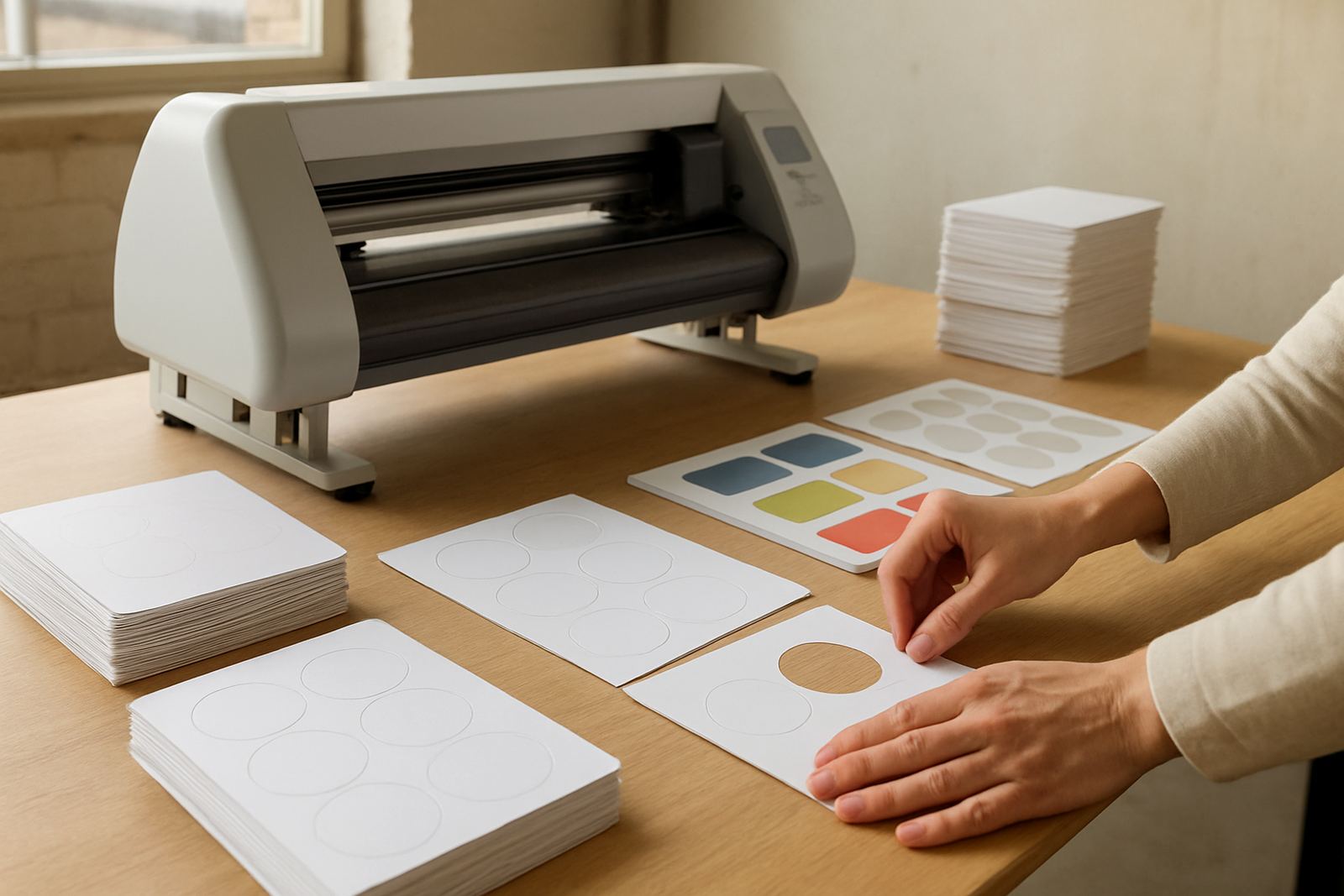
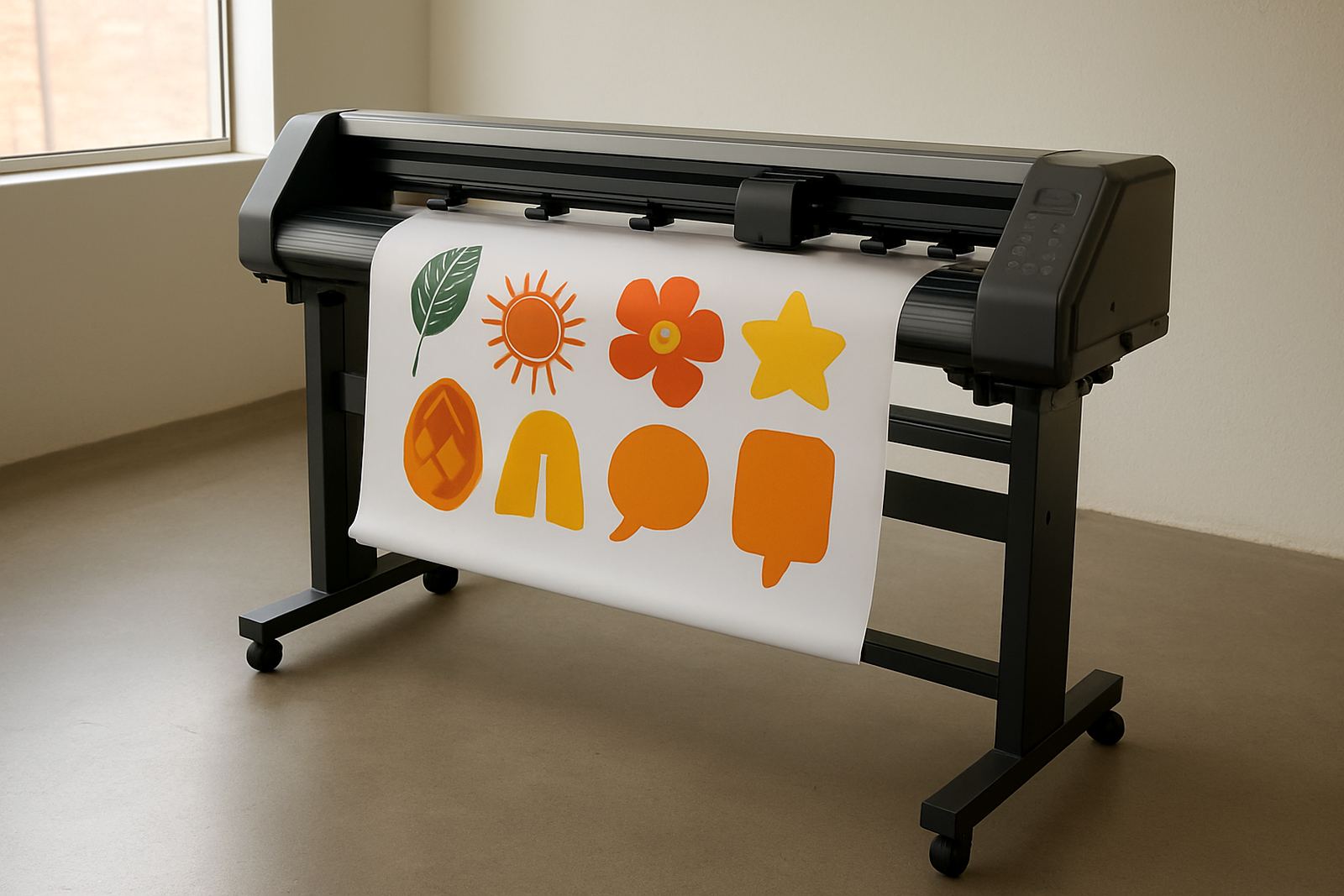
This type of machine suits businesses that need speed without giving up accuracy. Signage workshops use it for vinyl lettering, vehicle decals, stencils and light production work. Promotional teams use it for branded packs, label sheets and event graphics. Creative studios often rely on it for intricate custom shapes and short runs where every sheet counts.
It also makes sense where load shedding is part of daily planning. A machine with a stable setup, sensible power draw and proper shutdown procedure is easier to live with than a unit that needs constant fiddling after each stop-start. In places like Isando, Germiston, Boksburg and Midrand, that kind of reliability saves time on the floor and reduces waste on expensive media.
- Sign shops producing decals, labels and cut vinyl
- Print rooms handling short runs and custom shapes
- Marketing teams making promo packs and display items
- Workshops needing repeat output with less operator strain
Installation, power and workshop requirements
Before installation, check that you have enough level floor space, clear access for loading and a stable area with low dust. The machine should stand on a firm surface with room for media feed, operator movement and safe stack-off after cutting. If the unit is being installed in a shared production room, it helps to plan around printers, laminators and finishing benches so there is no bottleneck at the cutter.
Most units need standard electrical supply suited to the model ordered, and some production setups may need a dedicated circuit for safer operation. There is usually no gas requirement for a cutter, but compressed air or vacuum assistance can be specified on certain production lines depending on the configuration. If your site runs on backup power, check inverter or generator compatibility before placing the order, not after.
- Confirm floor space, door access and media loading clearance
- Check power supply, circuit rating and backup power compatibility
- Allow space for operator movement and finished stock handling
- Plan for dust control and stable temperature where possible
Servicing, training and day-to-day care
Even a precise cutter needs basic care if you want it to keep performing. Blades wear down, feed rollers collect dust and registration sensors need regular checking. A simple daily wipe-down, plus a weekly inspection of blade condition and media path, can prevent avoidable rework. If the machine is used heavily, schedule a proper service before the backlog gets out of hand.
Contour Cutting supports operators with induction, artwork cut lines, media loading, blade pressure setup, registration calibration, production workflows, maintenance basics, troubleshooting session, remote refresher and supervisor coaching. That support is useful for new staff, or when a busy team needs a quick reset after a change in media or job type. A clean workflow is easier to keep than to recover later, especially when pressure is on.
- Keep the cutting path free of adhesive build-up and dust
- Replace blades before edge quality starts to drift
- Check calibration after transport or heavy use
- Book refresher training when jobs or materials change
What to check before you place an order
The best order starts with the right questions. Measure the widest media you cut, note the materials you use most often and list the minimum daily volume you need to handle. If you do mixed work, say so clearly. A dual head cutter can be specified differently for label work than for heavier sign applications, and the right configuration matters more than a generic spec sheet.
You should also check whether the supplied tools suit your output, whether spare blades are included and how the machine is calibrated for your print marks. Ask about lead times, install support and operator training for your team in Johannesburg, Sandton, Randburg, Midrand, Germiston or Boksburg. If your workshop has older equipment, make sure the new unit can fit into the present production flow without slowing everybody down.
- Media width and maximum job size
- Material types and cut depth requirements
- Daily volume and turnaround expectations
- Power supply, space and operator skill level
Key facts
| Machine type | Dual head print-and-cut cutter for mixed production workflows |
|---|---|
| Working width options | Approx. 600 mm, 1,200 mm and 1,600 mm classes |
| Tool setup | Two head positions for varied cutting actions in one workflow |
| Media handling | Vinyl, labels, laminated prints, mask and light board |
| Power requirement | Model dependent, typically standard single-phase workshop supply |
| Support | Install, induction, calibration, troubleshooting and servicing available nationwide |