Print and cut control for labels, decals and retail graphics
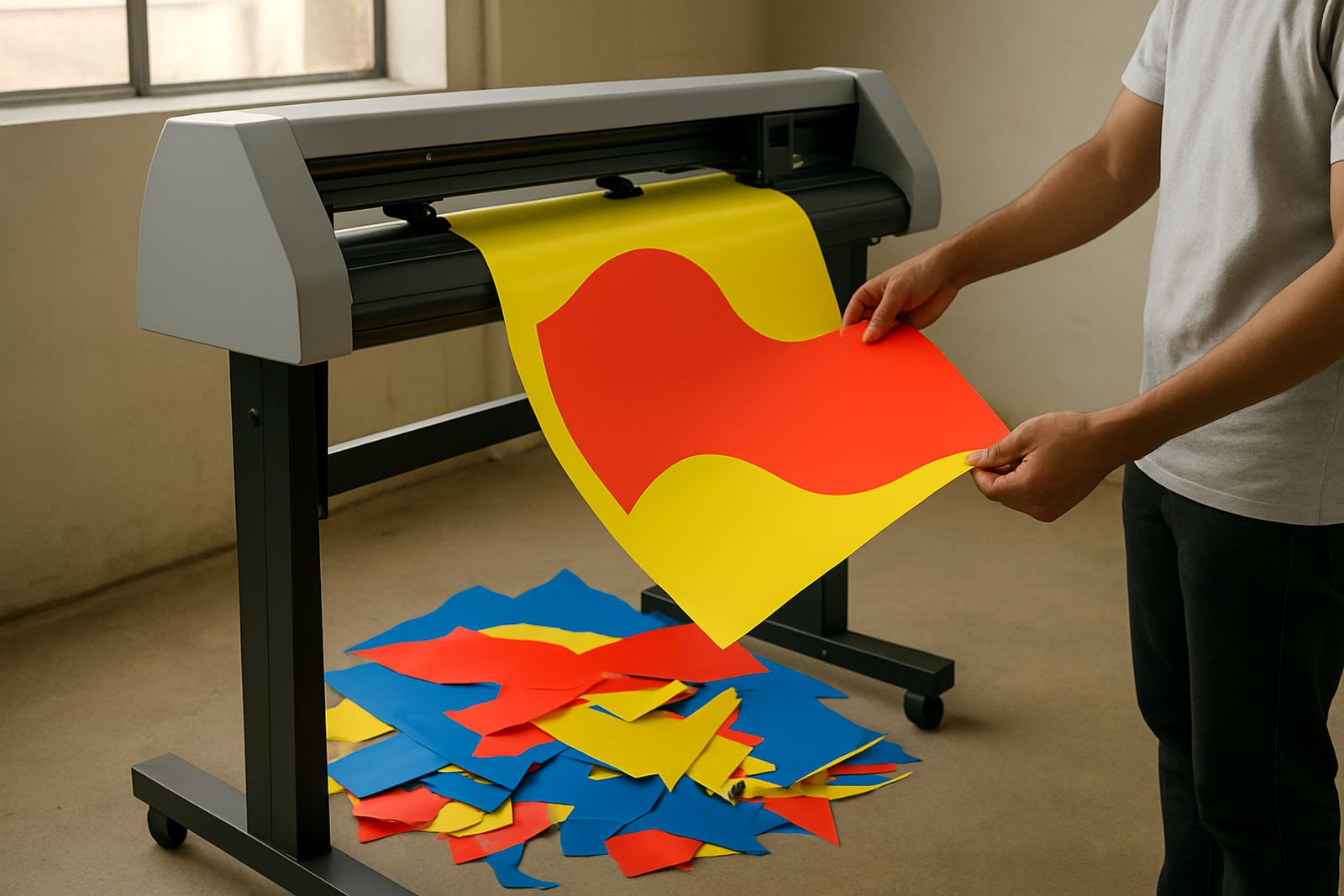
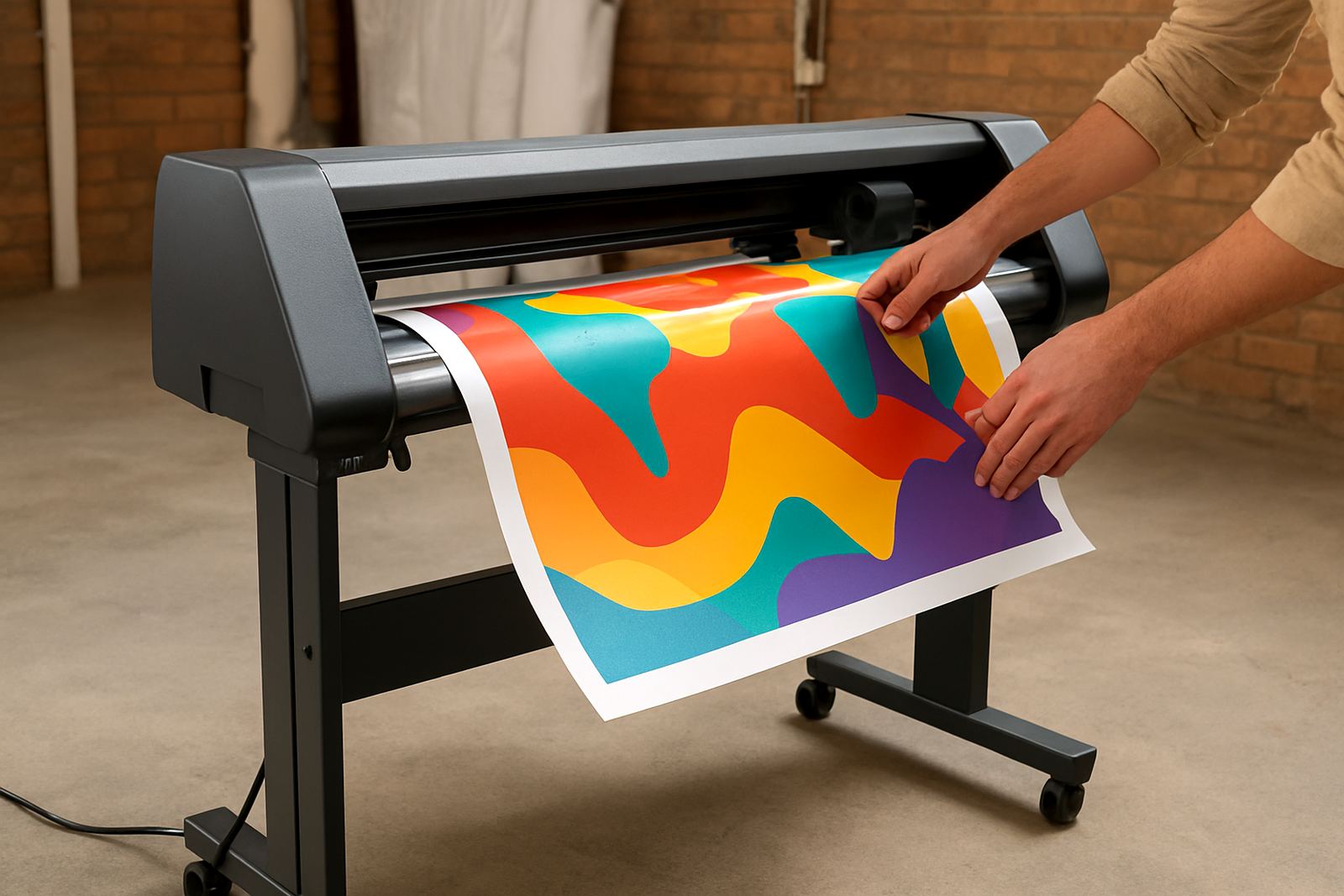
The Print Cut 1200 is designed for jobs where the printed image and the cut path must match closely, from short-run labels to window decals and point-of-sale graphics. It suits sign shops, print rooms and in-house production teams that handle mixed work and need a machine that can keep up without constant fiddling.
For businesses in Johannesburg, Sandton, Midrand and Germiston, this type of plotter is especially useful when orders change often and turnaround matters. It handles detailed contours around logos, product shapes and promotional pieces, giving a neater finish than hand trimming and saving time on repeat runs.
- Works well for contour-cut stickers and decals
- Useful for printed labels, packaging samples and retail signage
- Helps reduce manual cutting errors on small or detailed jobs
Size, media and cutting range
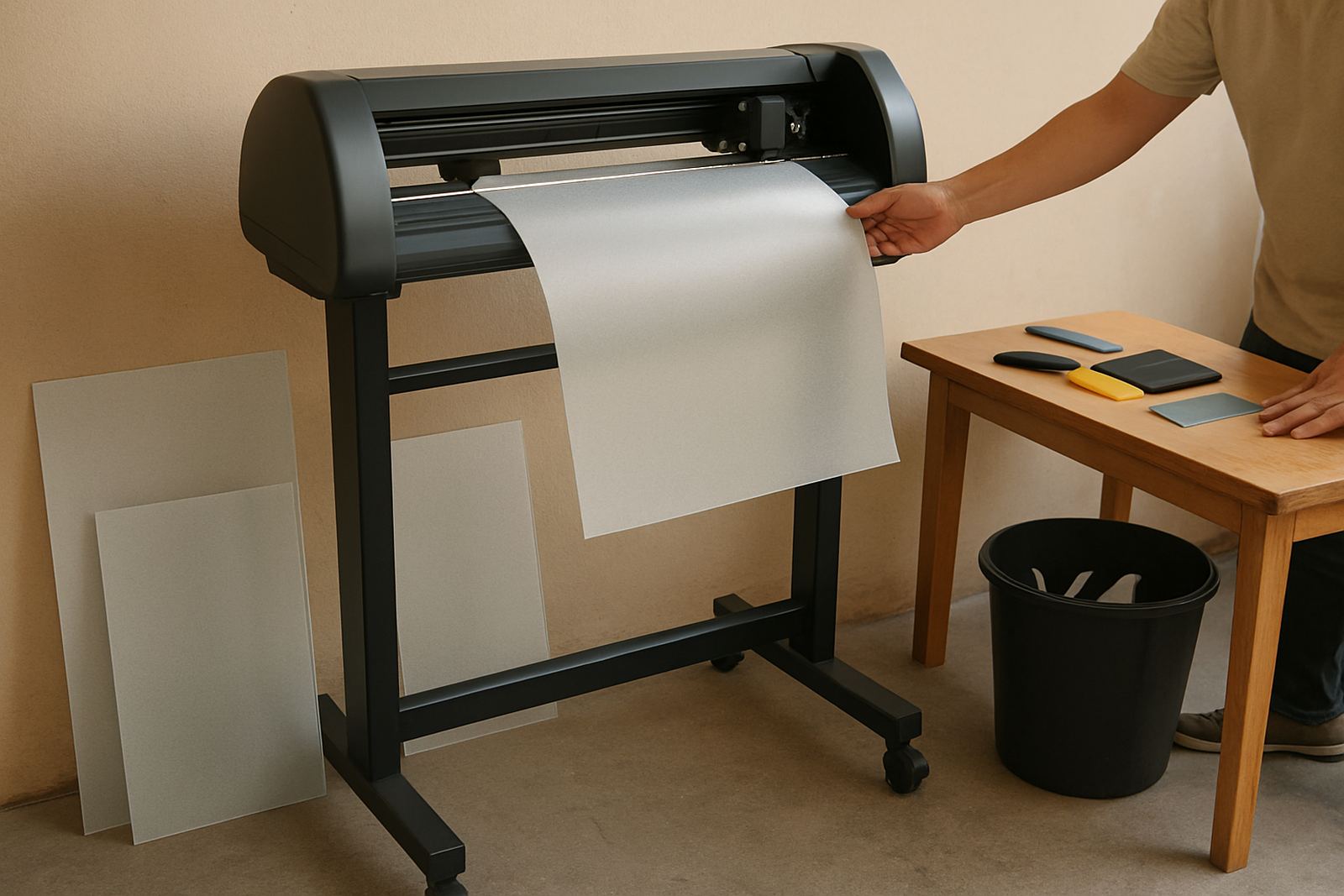
The Print Cut 1200 is sized for medium-format production, giving enough width for most business graphics while still fitting into a practical workshop layout. It is a good match where floor space is limited but output quality still needs to be consistent.
Depending on your setup, the machine can be paired with roll media for continuous production or sheet-fed work for shorter runs. For sticker and label work, accurate tracking and registration are key, especially on longer jobs where a small drift can waste material.
- Nominal working width: 1200 mm class
- Suitable for roll-fed print-and-cut media
- Good for vinyl, label stock and self-adhesive materials
- Supports detailed contour cutting on shaped graphics
Where it suits best in South African production
This plotter is a practical fit for businesses producing branded stickers, safety labels, shelf strips and promotional graphics. It is also a strong option for creative teams that need to handle custom shapes for events, product launches and retail campaigns.
In coastal areas where humidity can affect media and adhesive behaviour, steady handling matters. In Gauteng, where load-shedding and busy production schedules can interrupt workflow, teams often plan print batches, cutting windows and maintenance around available power and staff shifts. The Print Cut 1200 is best used in a controlled room with clean floors and limited dust, because small particles can affect registration and blade life.
- Sign shops doing small to medium production runs
- Marketing teams needing internal label and decal output
- Retail suppliers producing shelf and window graphics
Installation, power and setup requirements
Contour Cutting handles cutter installs nationwide, with base support from Isando and area assistance through Sandton, Midrand, Germiston and Boksburg. Installation normally includes operator induction, media loading guidance, blade pressure setup, registration calibration and a production workflow check so the team can start correctly from day one.
The machine needs a stable indoor position, level surface and reliable single-phase power supply. A clean earth connection is recommended, and the machine should be protected from voltage dips where possible. There is no gas requirement. If the site runs on a generator during outages, the supply should be checked for stable output before long production runs.
- Single-phase electrical connection
- Level, dust-controlled indoor area
- No gas supply needed
- Nationwide installation support available
Care, servicing and day-to-day upkeep
Like any precision cutter, the Print Cut 1200 performs best when it is kept clean and checked regularly. Blade wear, pinch roller condition and media dust can all affect cut quality over time. A short daily check takes less time than fixing a bad run later, which is worth remembering when jobs are stacked up.
Contour Cutting provides maintenance basics, troubleshooting sessions, remote refresher support and supervisor coaching for teams that want staff to stay confident. For active production sites, it helps to keep spare blades on hand, wipe down the media path and confirm registration before starting a full batch.
- Clean blade path and rollers regularly
- Check registration before each new media roll
- Replace worn blades before edge quality drops
- Book refresher training when operators change
What to confirm before you place an order
Before ordering, it helps to confirm the types of jobs you will run most often, the media widths you need and whether the plotter must connect into an existing print workflow. If you are producing small labels one week and larger decals the next, it is important to match the cutter capacity to the most common job size.
You should also check your site power, available space and operator experience. If the team will be new to print-and-cut work, an induction session and artwork cut line setup can save material from the start. For growing businesses, it is also worth planning for production workflows and support access across branches, especially if the machine will be used by more than one operator.
- Confirm media widths and job sizes
- Check power supply and room layout
- Ask about installation, training and support
- Review spare parts and servicing access
Key facts
| Model | Print Cut 1200 |
|---|---|
| Machine type | Print-and-cut contour plotter |
| Working width | 1200 mm class |
| Best for | Labels, decals, retail display graphics |
| Power | Single-phase electrical supply |
| Support area | Johannesburg base with nationwide cutter installs |