Built for clean decal work from short runs to steady production
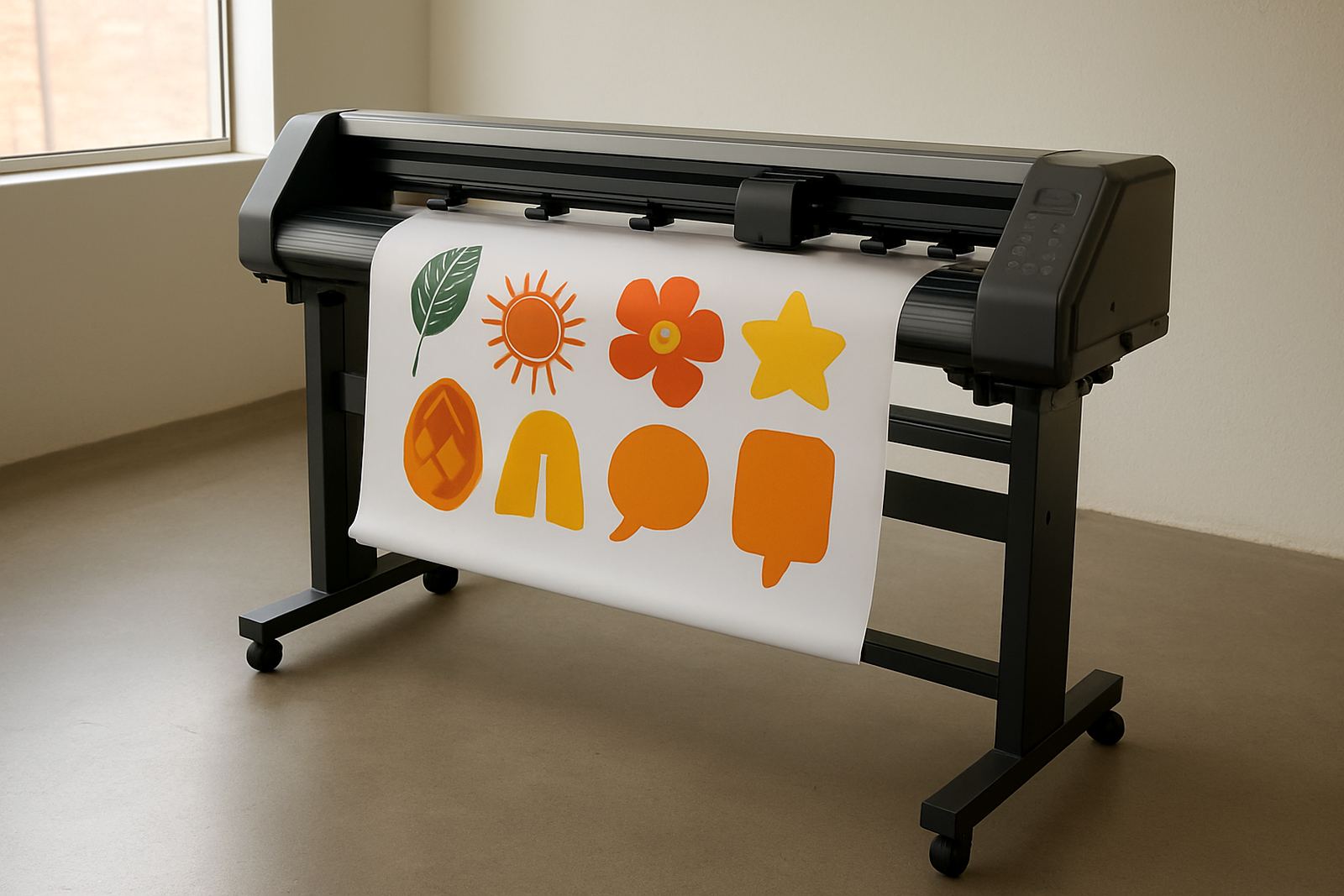
Decal Cutter Plus is designed for businesses that need accurate cutting on self adhesive vinyl, laminated prints and light packaging stock. It handles small decal batches for local installers as well as ongoing production for signage shops, print rooms and branding teams. If your work includes name decals, window graphics, product labels or promotional sticker sets, this machine gives you the control needed for tight corners and fine detail.
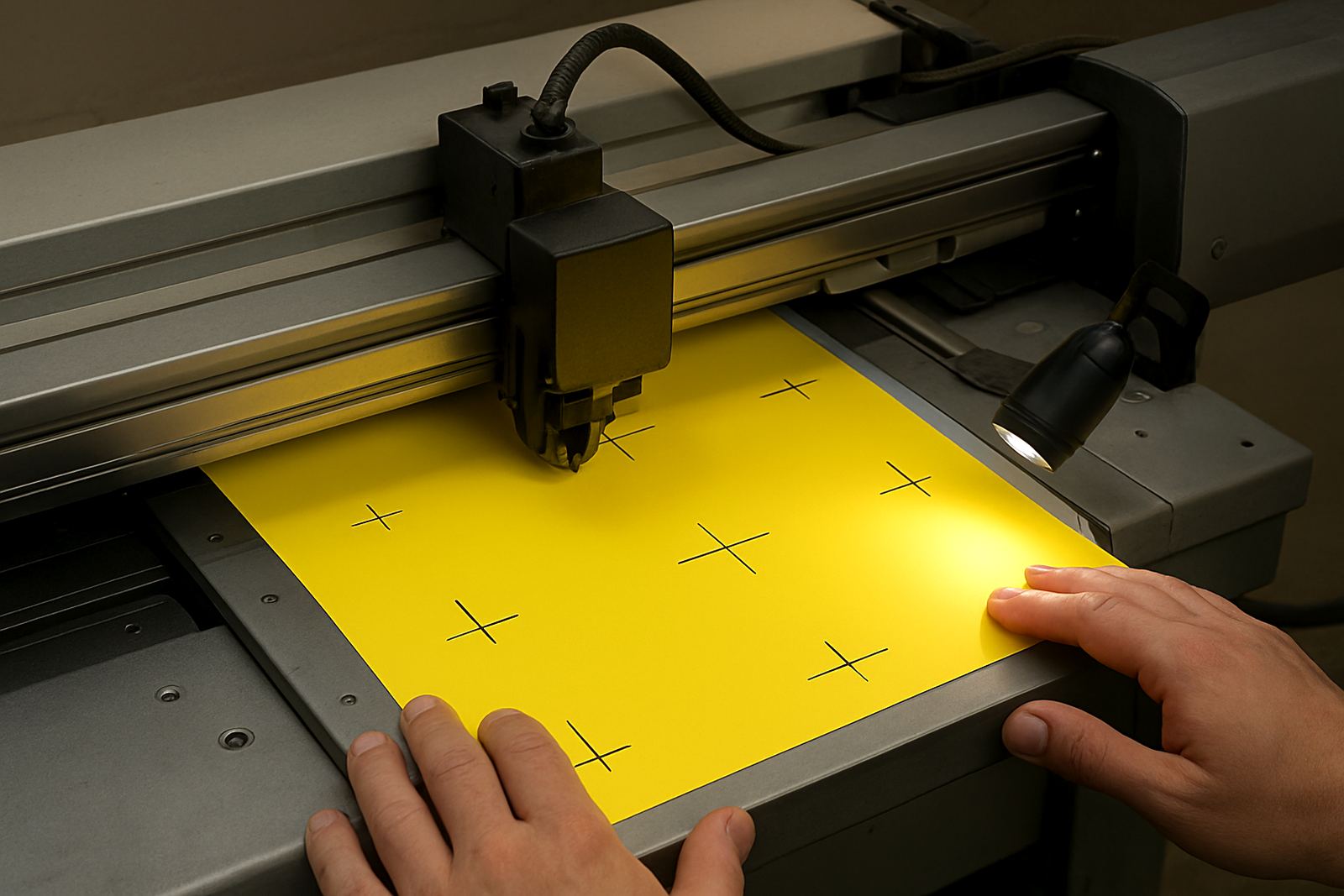
The unit uses optical registration reading for print and cut jobs, which helps keep cuts aligned to printed artwork. That matters when you are running full colour labels, contour stickers with white borders, or custom shapes that need a neat finish. In practical terms, it saves time on trimming and reduces waste from missed marks. A good setup also helps when your team is balancing production during load shedding, because clean setup first time means fewer reruns later.
- Suitable for contour-cut decals, labels and sticker sheets
- Works well with laminated vinyl and medium weight media
- Useful for short runs, repeated orders and custom jobs
Sizes and configuration choices that match the job
Decal Cutter Plus is available in working widths that suit compact production rooms as well as higher-volume cut lines. When selecting a size, think about the maximum sheet width you use, the roll size your staff can handle safely and the space available for infeed and outfeed. A smaller unit can be ideal for label work and retail graphics, while a wider model is better for sign shops handling vehicle decals, packaging panels and larger promotional graphics.
Common options include roll-fed operation, sheet cutting support and adjustable pinch roller layout for different media widths. If your shop does mixed work, ask for the configuration that allows fast media loading and simple blade pressure adjustment. The right combination will reduce setup time, especially when different operators share the machine through the day.
- Working widths available for small, medium and wider production needs
- Roll-fed and sheet-fed options depending on the workflow
- Best matched to the print sizes you already produce
Where Decal Cutter Plus suits best
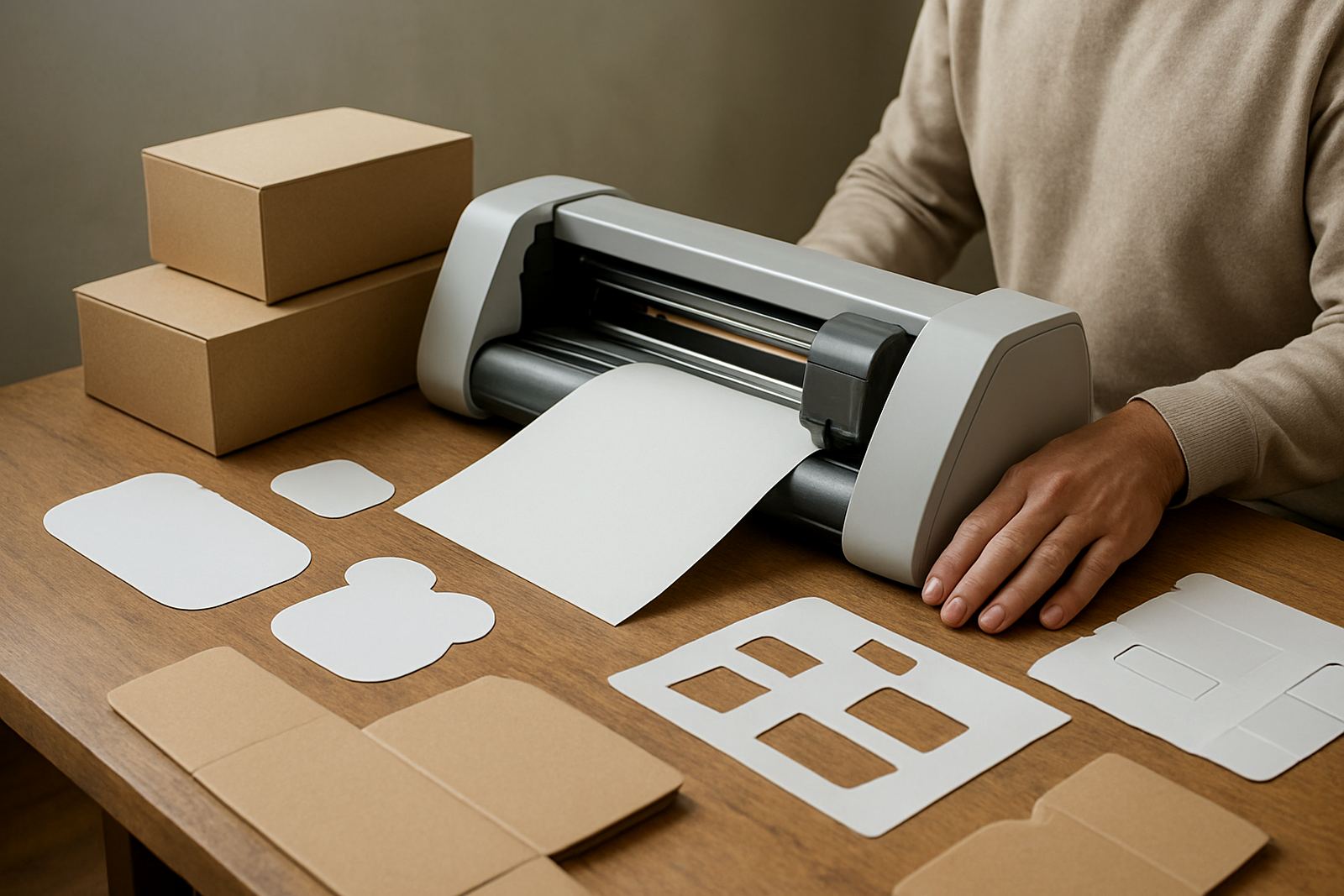
This product fits print shops, signage makers, branding agencies and in-house marketing teams that need dependable cut accuracy without overcomplicating the workflow. It is especially useful where clients want promotional stickers, tamper labels, branded carton seals or packaging graphics with a crisp outline. For businesses doing exhibition graphics or event branding, the ability to cut custom shapes quickly can speed up turnaround and keep work moving.
It also suits teams that train more than one operator. With clear cut line setup and practical workflow steps, your staff can move from artwork to production with less confusion. That is useful for busy operations in Johannesburg and surrounding business hubs where jobs arrive in bursts and deadlines are tight. If a supervisor needs to hand over a task mid shift, a repeatable process is a big help.
- Signage shops and print rooms
- Packaging and label producers
- Marketing departments and brand teams
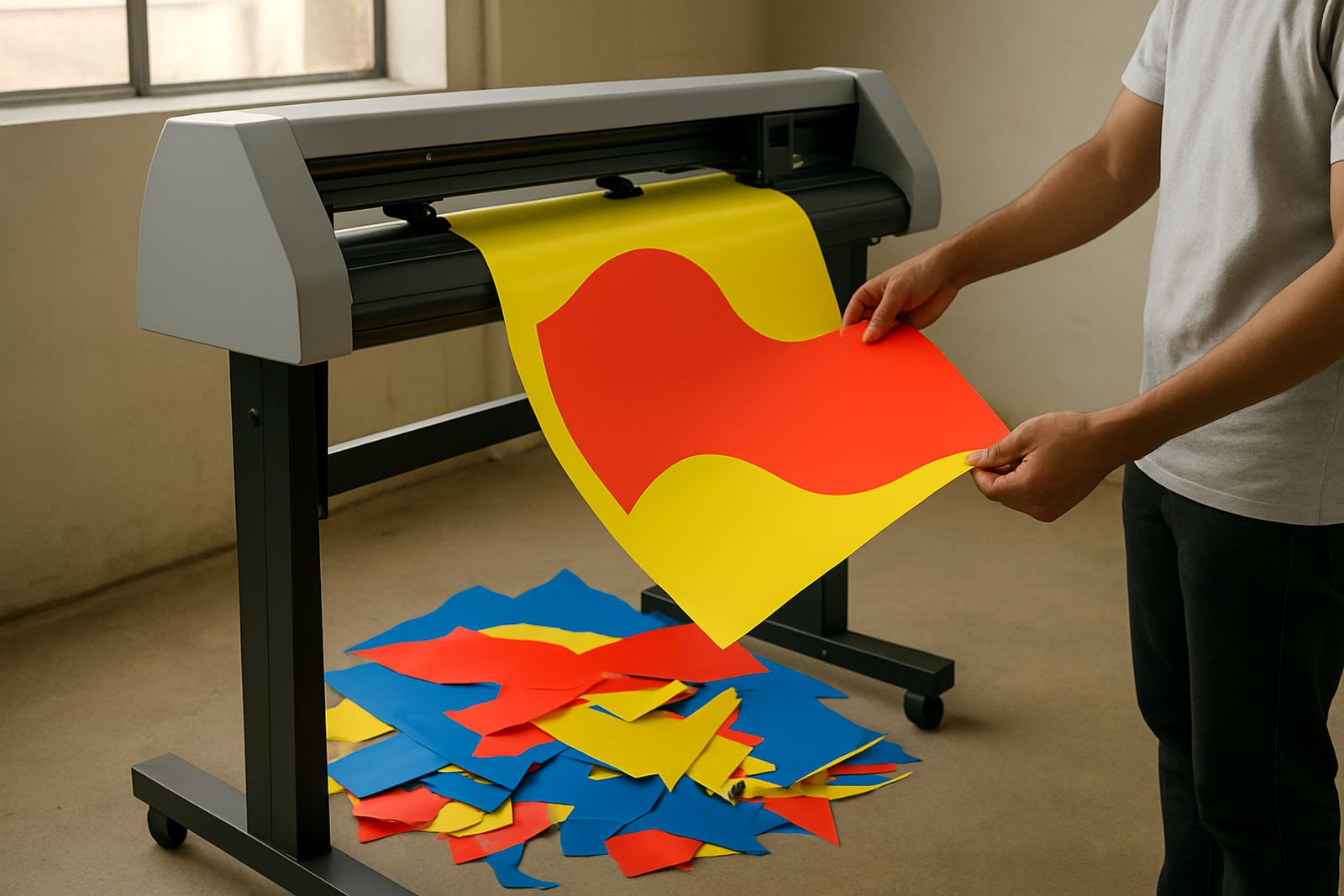
For businesses that offer custom stickers as a service, the machine helps you keep margins under control. You can cut short runs for special promotions without sending the job out, and you can manage reorders more easily because the cut path stays consistent from one batch to the next.
Installation, power needs and site prep
Installation is straightforward when the site has a level surface, enough working space and a stable power supply. The machine runs on standard electrical power, so there is no gas requirement. However, we always advise customers to protect production equipment with proper surge protection and backup planning, especially where load shedding or voltage dips are part of daily operations. A clean power line and good earthing can make a real difference to long term reliability.
Before delivery, check that the operator has enough room to feed the roll, collect finished pieces and access the controls without crowding. Keep the unit away from heavy dust, open windows with direct wind and areas where solvents are used nearby. For shops in Isando, Midrand or Germiston with full day production, a dedicated table and nearby storage for spare blades, mats and media will make the workflow smoother.
- Standard electrical connection, no gas supply needed
- Use surge protection and backup power planning
- Allow space for media loading and finished output
Care, servicing and daily checks that protect cut quality
Good cut quality depends on regular care. Keep the blade holder clean, remove adhesive build up and inspect pinch rollers for wear. Dust and small vinyl scraps can affect registration reading and lead to uneven cuts, so a quick end of day clean is worth doing. For busy teams, a weekly check of pressure settings, blade depth and tracking accuracy will save time later.
We recommend operator induction at handover, followed by maintenance basics and troubleshooting training. That helps staff recognise when a cut issue comes from artwork, media choice, blade wear or registration setup. If the machine is used for long shifts, schedule periodic servicing and keep a spare blade set on site. A little maintenance goes a long way, and it usually costs less than recovering a spoiled run.
- Clean blade area and rollers regularly
- Check registration accuracy before production runs
- Replace worn blades before they start dragging the vinyl
What to check before you place your order
Before ordering, confirm the media widths you use, the type of jobs you want to cut and whether your artwork is prepared with proper cut lines. If your work includes small lettering or intricate shapes, ask about the finest practical detail the machine can hold on your chosen stock. It is also wise to check whether you need roll work, sheet work or both. These details help match the unit to real production needs rather than just to a brochure number.
Also confirm installation access, power availability and who will be responsible for daily operation. If the cutter will sit in a production room with multiple users, consider including training for artwork cut lines, media loading, registration calibration and production workflows. That way the machine arrives with a plan, not just a box. For higher volume teams, supervisor coaching can help standardise output across shifts.
- Maximum media width and job size
- Whether you need roll, sheet or mixed use
- Artwork readiness and cut line setup
- Power supply, site access and operator training needs
Contact Contour Cutting in Isando for advice on the right configuration. We support customers across South Africa and can match the cutter to the way your shop really works.
Key facts
| Product type | Print-and-cut contour cutter for decals, stickers and branded graphics |
|---|---|
| Working widths | Available in compact, medium and wider production sizes |
| Media support | Self adhesive vinyl, laminated prints and light packaging stock |
| Power needs | Standard electrical supply with surge protection recommended |
| Installation | Nationwide installation from Isando, Johannesburg |
| Training | Operator induction, setup support and refresher sessions available |