What a camera registration cutter does on printed work
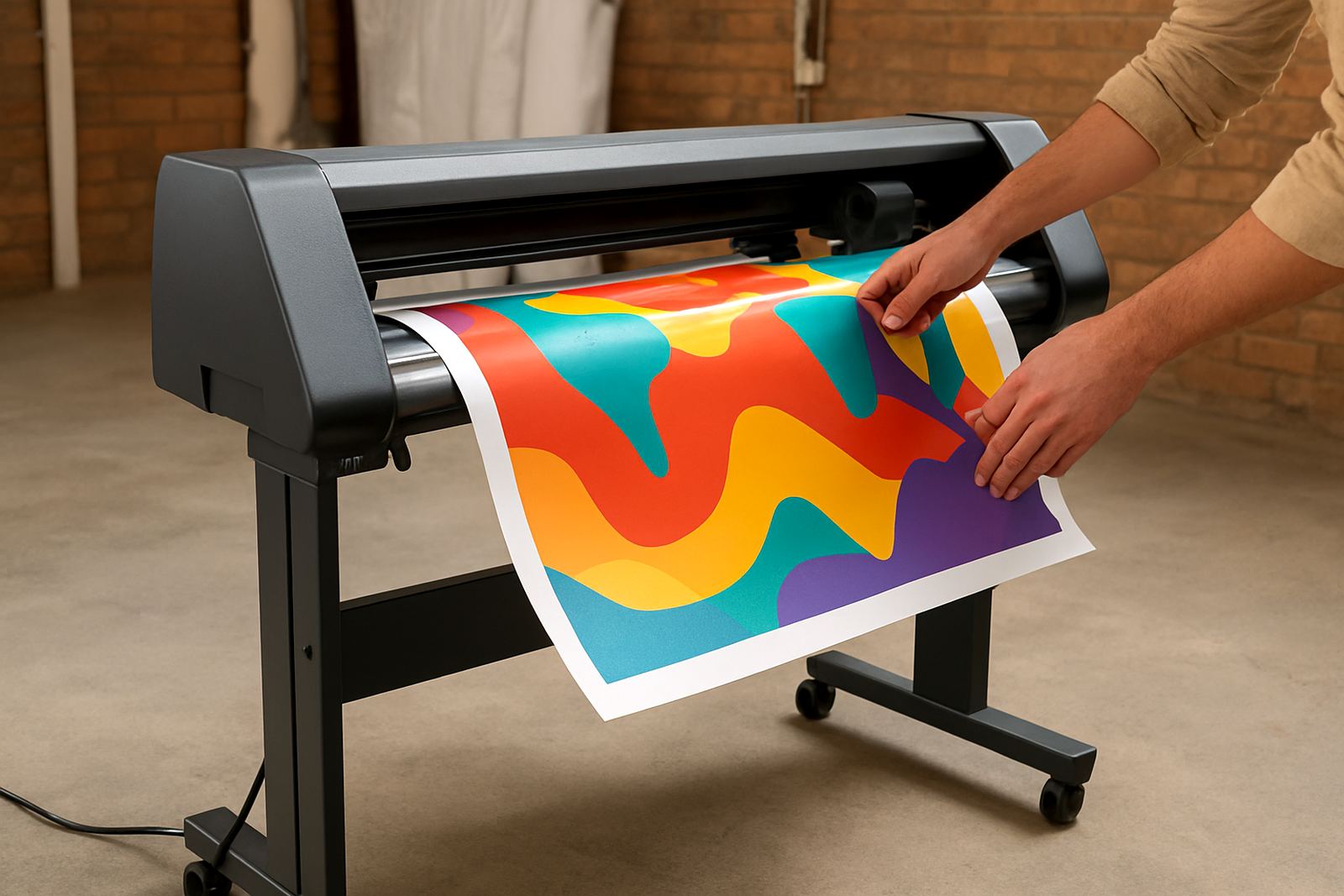
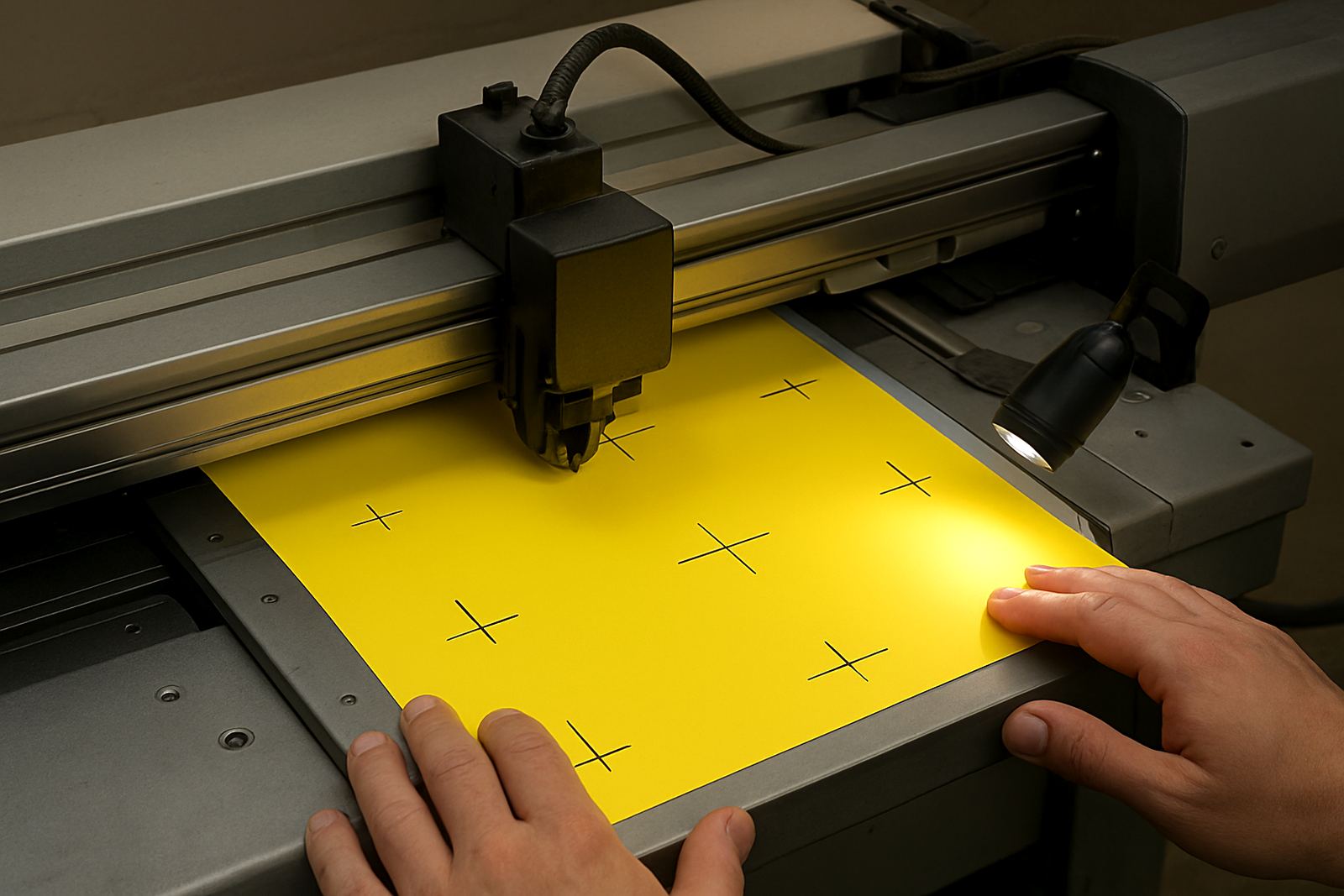
A camera registration cutter reads printed registration marks on the sheet or roll, then adjusts the cut path so the blade follows the artwork exactly. That matters when you are trimming decals, contour stickers, point of sale graphics, packaging samples or mixed jobs with several shapes on one sheet.
Compared with a basic cutting plotter, the camera system helps reduce drift when print output is slightly skewed, or when media has moved after printing. In practical terms, it saves reprints and gives a neater finish, especially on jobs with fine corners, small text, or detailed outlines that need to stay true to the print.
For businesses in Johannesburg, Pretoria, Durban and Cape Town, this is a useful fit for both day to day production and special runs. It handles the real conditions that come with South African print rooms, like power interruptions, heat, dust and humidity. If your work changes often and you do not want to fight manual alignment every time, this type of cutter can make a proper difference.
Sizes and model choices for different production volumes
Camera registration cutters are available in a range of working widths so you can match the machine to your media. Smaller units suit label sheets, A3 and A2 graphics, while wider machines are better for full width stickers, vehicle graphics, and larger signage panels. The right size depends on your print format, the largest artwork you cut, and how many sheets or metres you process in a shift.
- Desktop or bench size units for compact studios, sample rooms and short-run label work.
- Mid-size plotters for most print shops handling decals, stickers and point of sale graphics.
- Wide-format models for larger contour work, poster cuts and bigger production batches.
- Optical registration systems for printed marks on white media, clear film and laminated output.
- Roll feed or sheet feed options depending on how your jobs are finished and packed.
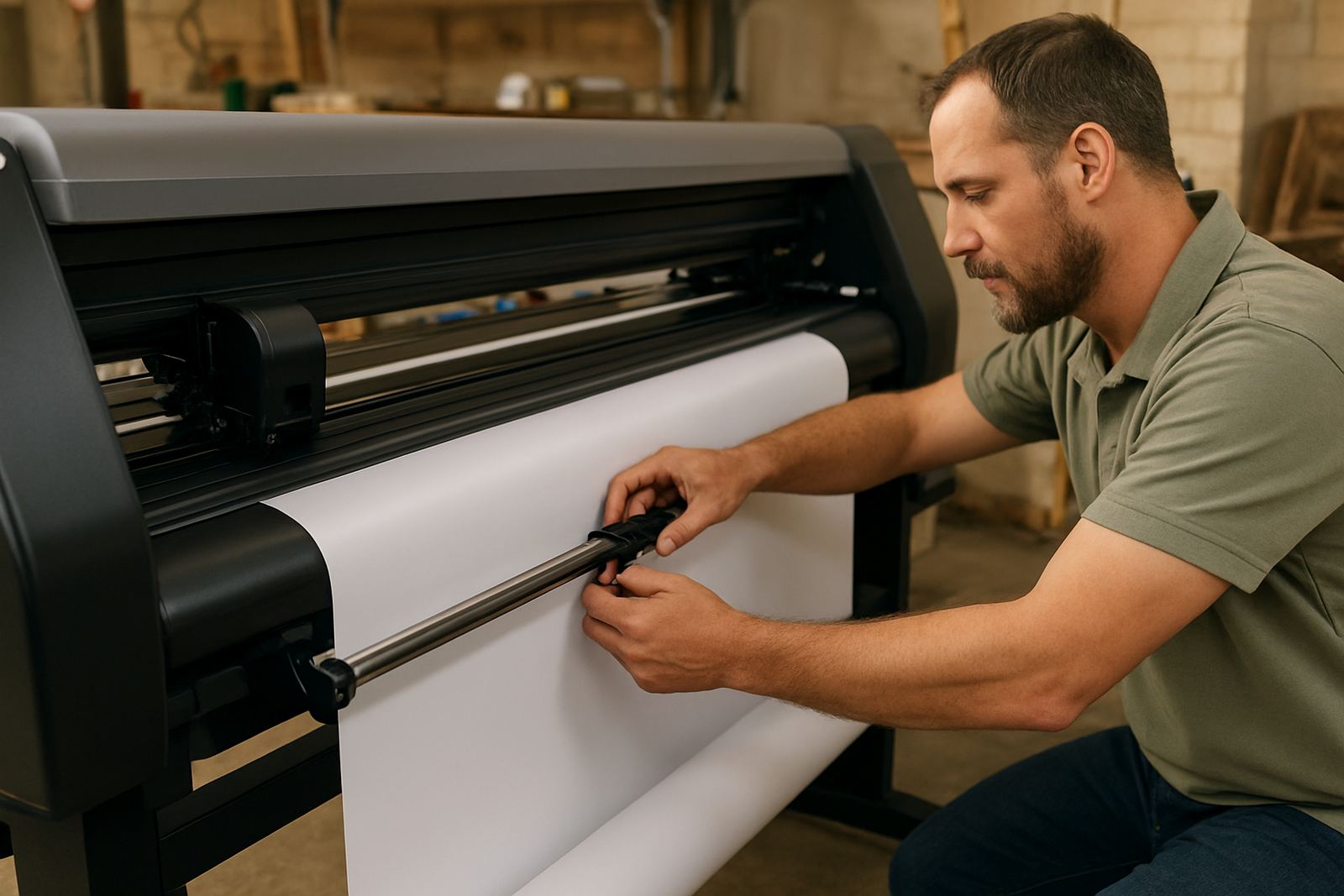
If you are working with laminated prints, ask for enough pinch pressure and a stable tracking system. That helps keep the media moving straight over longer runs. It also matters if you are doing repeat jobs for franchises, schools, retailers or municipal suppliers where every unit must match the last one.
Where this cutter suits best in South African production
This machine suits sign makers, print shops, promo businesses, in-house marketing teams and label producers who need neat contour cutting after print. It is also a smart choice for businesses that do not want to outsource every short run, because small batches are often where turnaround pressure is highest.
In Isando, Sandton, Midrand, Germiston, Boksburg and Randburg, the cutter is often used for stickers, labels, packaging samples, window graphics and branded promotions. It is equally useful for installers who need decals cut accurately before site fitment. If your work goes out to coastal towns, keep in mind humidity can affect some media and adhesive behaviour, so a good cutter setup and correct feed alignment matter more than ever.
For teams that run mixed materials, the unit should be paired with correct artwork cut lines and a clean print process. If the camera is reading poor marks or the sheet is curled, the machine can only do so much. That is why operator induction and production coaching are part of a sound setup, not just the machine on its own.
Installation, power and working conditions to plan for
Before installation, confirm the footprint, cable access and space needed for loading sheets or rolls. Most units need a level table or stand, clear front and rear access, and enough room for the operator to stand comfortably when loading and unloading media. If the machine will be used in a busy production area, allow space for trims, finished stacks and a clean path for material handling.
- Stable mains power with protection against surges and load-shedding events.
- Clean, dry indoor space away from dust, spray adhesive and loose offcuts.
- Level floor or bench so tracking and registration stay accurate.
- Basic ventilation if the cutter sits near drying, laminating or finishing equipment.
- Backup power planning if your business must keep working through outages.
No gas supply is required. The main requirement is dependable electrical power and a sensible working area. For sites in industrial zones such as Isando and Germiston, it is also worth checking that the machine is placed away from vibration from heavy presses or forklifts. Small shifts in setup can cause avoidable tracking issues.
Care, servicing and keeping cuts accurate
A camera registration cutter needs regular care if you want repeatable results. Keep the camera lens clean, replace blades before they start tearing edges, and check the pinch rollers for wear or build-up. Dust and adhesive residue can affect the read marks, so a simple daily wipe-down is worth the time.
Blade pressure setup is another area that needs attention. Too much pressure can mark the backing or lift laminated edges, while too little pressure leaves hanging fibres and incomplete cuts. The right setting changes with the media, so it helps to record preferred settings for common jobs like vinyl decals, printed PVC, magnetic sheets or synthetic labels.
Servicing should include registration calibration, media loading checks and a review of cut paths for the files you use most. If a machine starts drifting, the problem is often not the camera alone. It may be media curl, worn rollers, bad artwork cut lines or a dirty sensor. A short troubleshooting session can save a full production day, and sometimes it is just a small setting that has been missed.
What to confirm when ordering your cutter
Before you order, check the details that affect daily use. The wrong working width or feed style can slow production from day one. It is also wise to know whether your jobs are mostly sheet based or roll based, because that changes how the machine should be configured.
- Largest finished cut size you need, not just the printed sheet size.
- Media types used most often, including laminated prints and synthetic stocks.
- Whether you need sheet feed, roll feed, or both.
- Minimum text size and detail level your artwork needs to hold.
- Power availability and whether backup power is in place.
- Training needs for operators, supervisors and support staff.
When you speak to the team, have sample artwork and a few typical job sizes ready. That makes it easier to match the machine, camera system and workflow to your actual output. The right choice should fit the work you produce now, with enough room for the jobs you expect next season as well.
Key facts
| Type | Optical registration print-and-cut plotter |
|---|---|
| Working widths | Desktop up to wide-format options |
| Media | Printed vinyl, labels, synthetic sheets, laminated graphics |
| Registration | Camera-based mark reading for contour cutting |
| Power | Standard mains electricity, surge protection recommended |
| Use | Stickers, signage, labels, promo graphics and short runs |