Why a weekly routine matters in a production room
A cutter that is used every day picks up dust, adhesive residue and media fibres fast. In a place like Isando or Germiston, where roll changes happen all day and doors open often, that build-up can affect cut accuracy before anyone notices. A weekly routine gives your team one fixed time to catch those issues early, before they become scrap or a missed handover.
It also helps the machine cope better with local conditions. Coastal humidity in Durban can soften media edges, while dry winter air in Johannesburg can create static and poor feed on certain vinyls. Add load-shedding and the odd start-stop cycle and you need a habit that checks the basics every seven days, not only when something goes wrong.
Start with the parts that take the most abuse
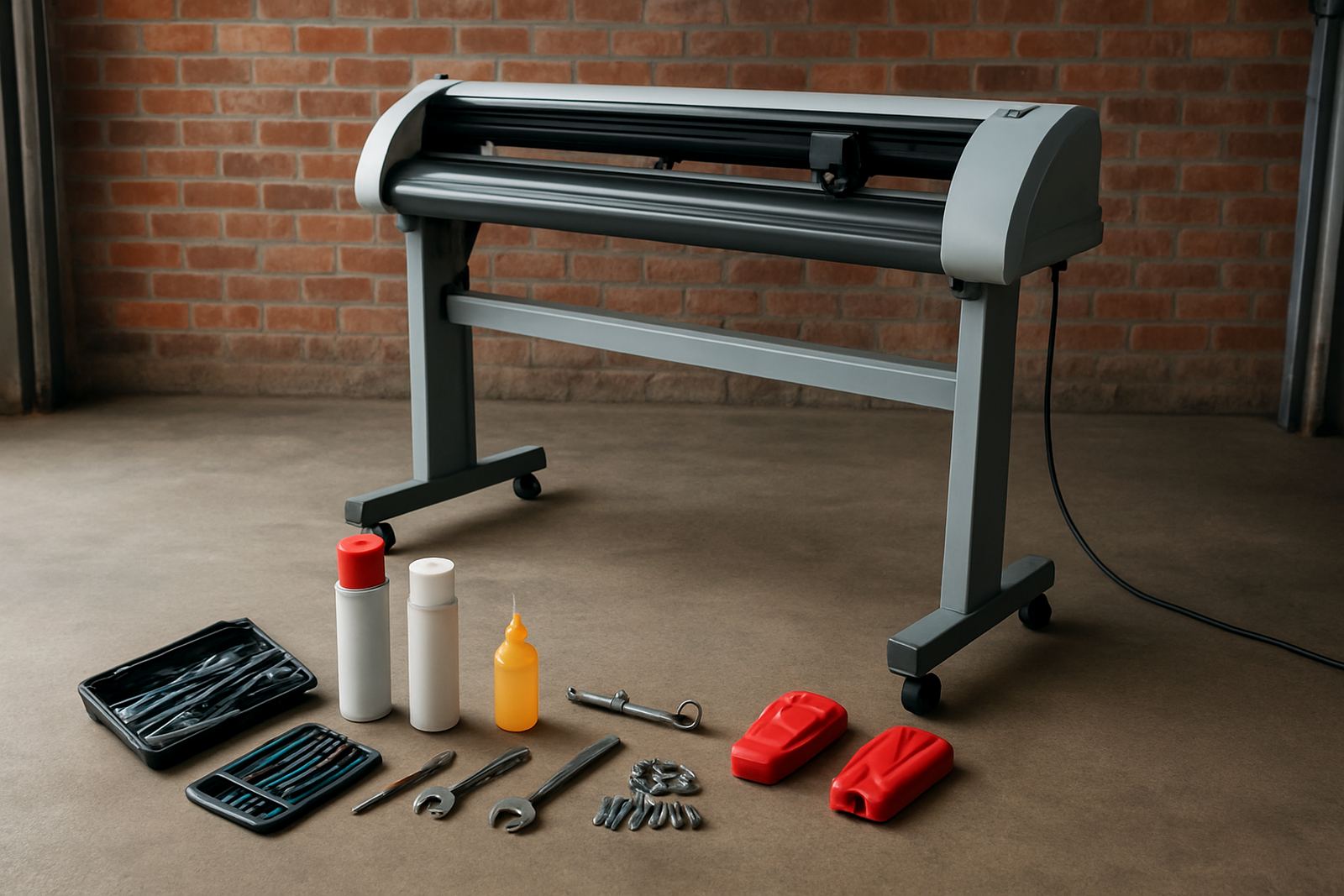
Begin with the items that touch material every shift. Most problems show up there first. Wipe down the pinch rollers, inspect the blade holder and check that the carriage moves without resistance. If you see adhesive on the roller surface or fine debris around the blade housing, remove it before the next production run.
- Clean pinch rollers with a lint-free cloth and approved cleaner
- Check that the blade holder turns freely and is seated properly
- Inspect the cutting strip for grooves, cuts or raised edges
- Look at the media path for scraps, tape, dust and offcuts
Keep the clean-up light and controlled. Too much liquid can spread grime instead of removing it, and a quick wipe is often enough. If your team is working through cast vinyl, reflective film or printed laminate, the smaller particles can build up faster than expected, so dont skip this part.
Check media handling before the next run
Good cuts are not only about blade pressure, they also depend on how the media enters the machine. A weekly check should include roll alignment, take-up tension where fitted, and the condition of any feed rollers. If the media is feeding slightly skew, the machine may still run, but the cut can drift on longer jobs and waste material.
- Confirm the roll is sitting square on the holders
- Check for nicks or crushed edges on the media core
- Make sure printed sheets are dry before contour cutting
- Remove warped rolls that were exposed to heat or sunlight
In a Midrand or Boksburg production room, where turnaround work often comes in from several clients at once, these small checks save time. A roll that was stored near a loading bay or window can move just enough to throw off registration, especially on short-run stickers and promotional graphics.
Confirm cut settings and registration accuracy
Weekly maintenance should always include a settings review. This is where your team confirms blade pressure, speed, offset and registration calibration are still matching the current material. A setting that worked on one sticker stock may be too aggressive for another, and that can leave lifting corners or cut-through on the backing paper.
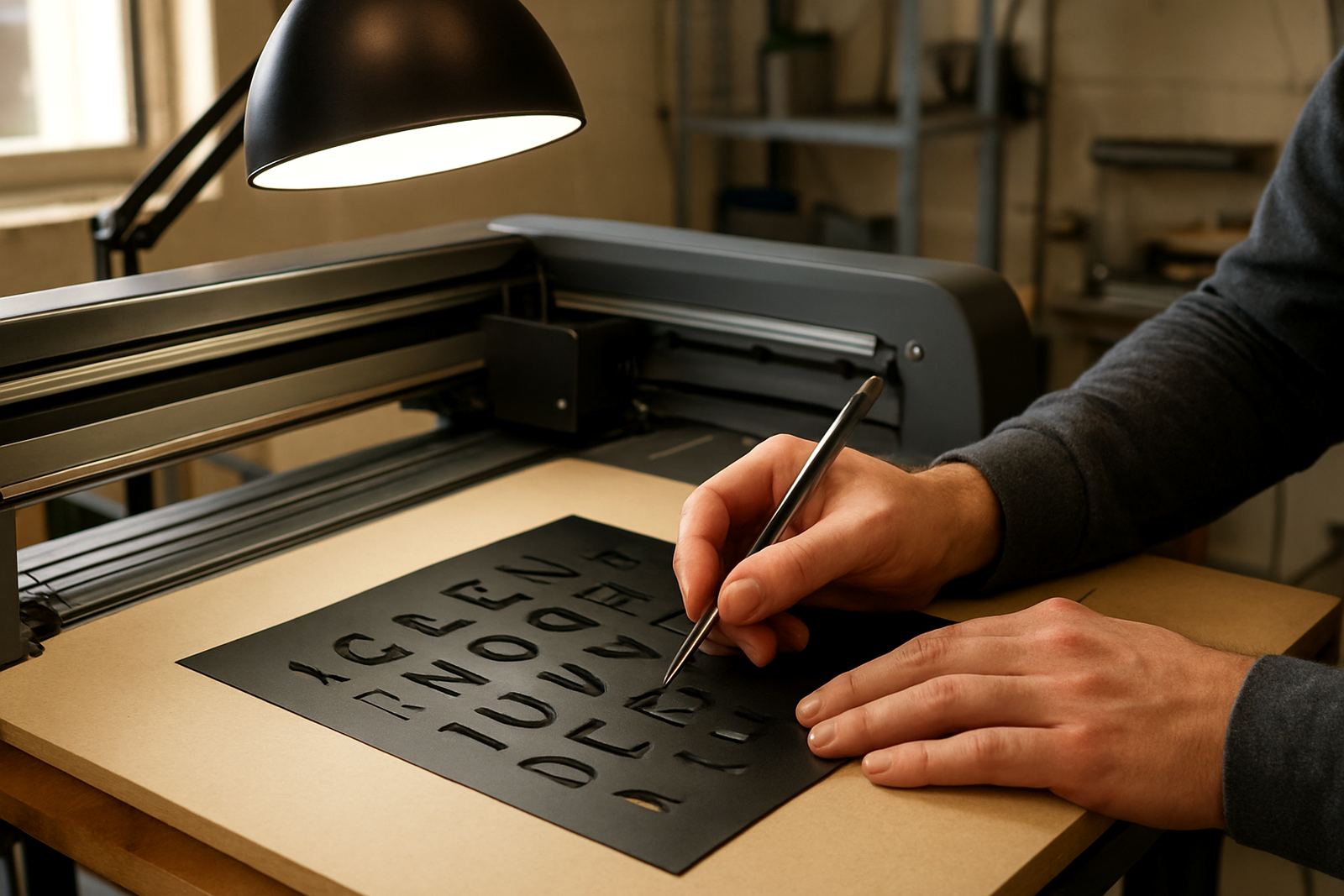
Run a small test first, then inspect the result under good light. Check the corners, the start and stop points, and whether the cut line is sitting exactly on the printed edge. If the contour is slightly off, fix it before a full batch goes out. Small errors are cheaper to correct on one sheet than on fifty.
For teams handling municipal signage, labels for contractors or custom decals for events, a neat test cut also shows whether the artwork file is still aligned with the production workflow. That habit matters when different operators share the same equipment across shifts.
Build a simple weekly checklist your team can follow
A checklist keeps the routine consistent, even when the workshop is busy and somebody is on leave. It should be short enough to complete in minutes, but detailed enough to catch problems before they grow. Keep the list next to the machine or in the production folder so any operator can use it.
- Power down safely and isolate before cleaning
- Clean rollers, strip and surrounding surfaces
- Inspect blade, holder and carriage movement
- Check media feed, alignment and tension
- Run a test cut and confirm registration
- Record any faults, parts needed or follow-up action
That written record helps supervisors spot patterns. If the same machine needs adjustment every Thursday, there may be an issue with a worn roller or a handling habit that needs fixing. One small note each week can save a full service call later on.
Watch for warning signs before they slow production
Some signs are easy to ignore until the machine stops. Listen for scraping, buzzing or a carriage movement that sounds uneven. Look for tiny tears at the edges of the cut, lifted corners, repeated registration shifts or media tracking that moves to one side. These are the early clues that maintenance needs more than a quick clean.
In a busy Johannesburg shop, especially one running mixed work for signage, promos and custom graphics, it is tempting to keep going until the job is done. But if the cutter starts missing marks or the blade begins to drag, the smartest move is to pause and sort it out. A ten-minute fix now is better than reprinting a full run later on, no question.
A local example from a high-volume team in Isando
One production team in Isando was clearing a weekly pile of short-run stickers and simple branded decals for multiple clients. The work was not complicated, but the cutter started leaving slight overcuts on corners and occasional misreads on registration marks. At first the operators blamed the artwork. The actual issue was simpler: adhesive dust on the roller and a blade holder that needed cleaning.
After introducing a weekly routine, the team started the week with a short clean, a blade check and one standard test file. Jobs moved faster because the first sheet told them what needed attention. They still had busy Mondays, but they had fewer reprints and less panic when a truck was already waiting outside. Thats the kind of gain that matters in real production.