Start with artwork that gives the machine a clean path
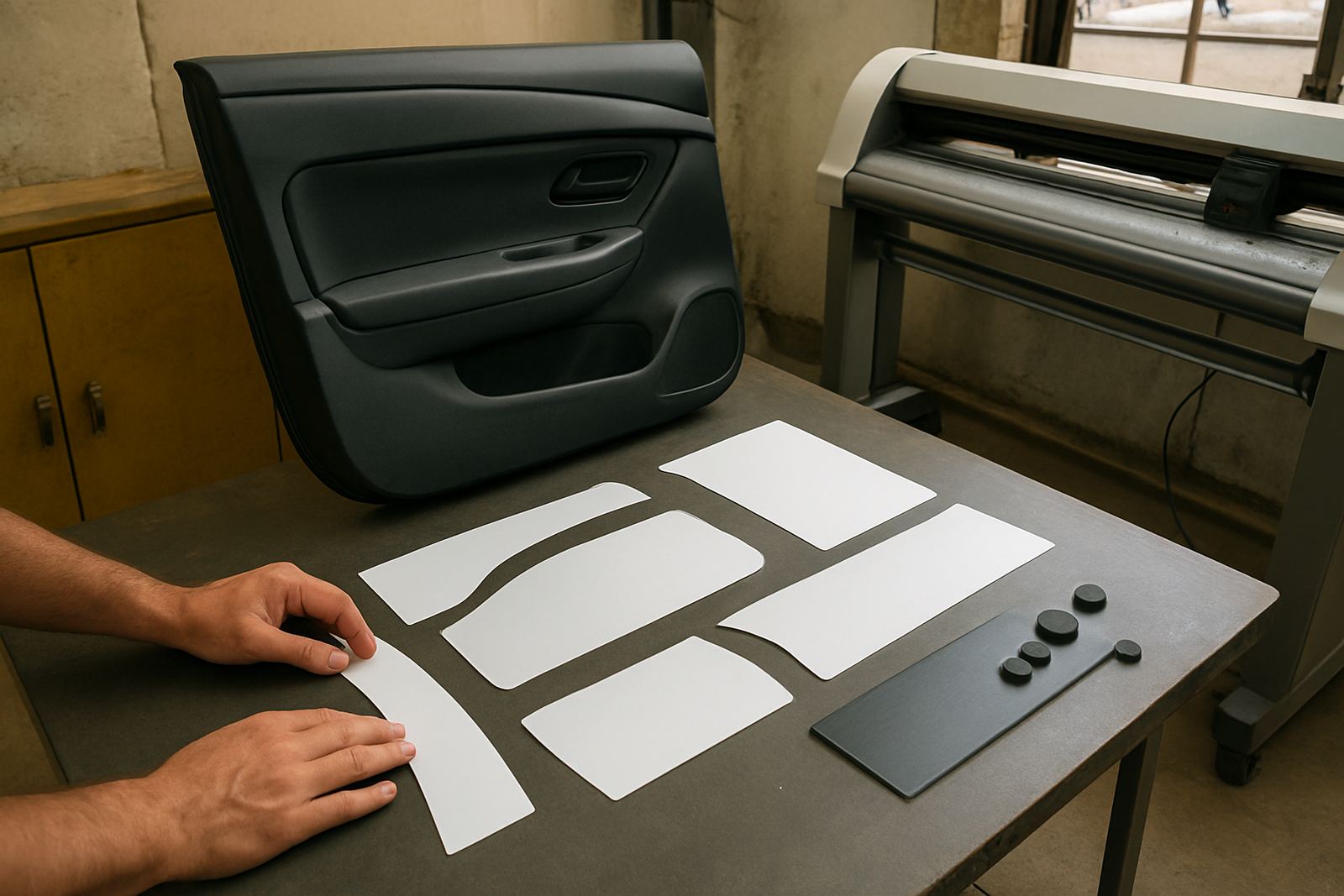
Most alignment problems begin in the artwork stage, not on the cutter. If the cut line is too close to printed detail, or if the contour path has stray points and overlaps, the machine can follow the line correctly yet the job still looks wrong. Clear separation between print and cut paths makes every step easier for the operator and the machine.
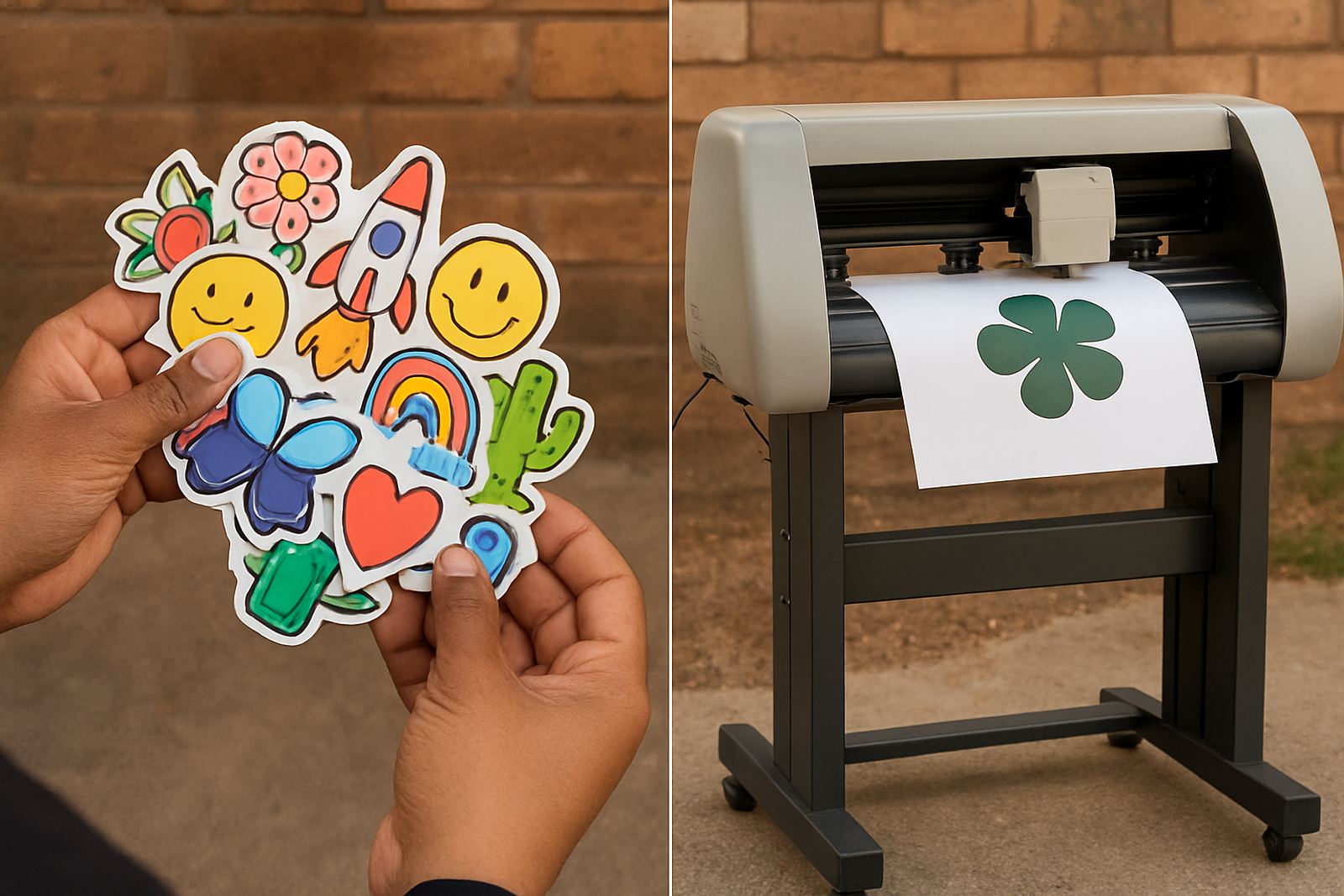
For sticker sheets, labels and promo graphics, keep the cut line simple and leave enough margin around the image. A neat file saves time during production and reduces waste, especially on repeat orders where one bad setup can spoil a full run.
- Use one cut path per item unless the job calls for a kiss-cut and a separate trim.
- Keep vector points smooth and remove hidden objects.
- Allow safe space around fine text, corner marks and small logos.
- Name layers clearly so print, cut and bleed are not mixed up.
Load the media square and let the machine settle
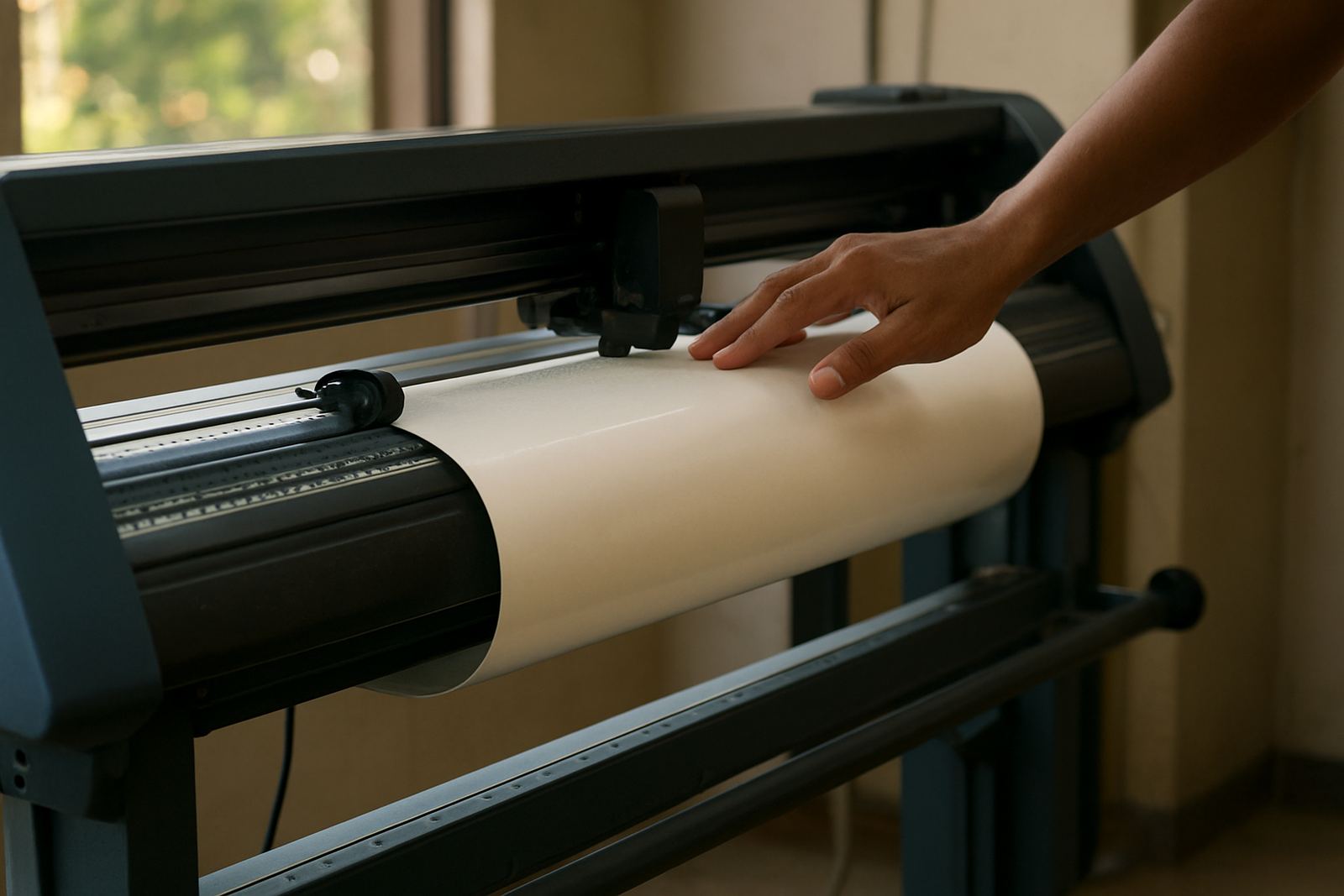
Even a good file can drift if the sheet is loaded off square. On long runs, a small skew at the front edge becomes a bigger error by the time the job reaches the last mark. This is common on wider vinyl, laminated prints and heavier board where the media wants to curve or lift a little at the edges.
In Isando, where many shops run jobs through the morning and again after lunch, we see alignment slip when operators rush the loading step after a power interruption or a queue of urgent work. Taking an extra minute to square the media can save a full reprint later, and it keeps pressure off the blade and pinch rollers too.
- Check that both edges sit straight before feeding the sheet.
- Use the same load position for repeat jobs where possible.
- Keep the media flat, clean and dry before loading.
- Watch for curl on laminated or stored stock.
Set registration correctly before production starts
Registration marks are only useful if the cutter can read them clearly. Poor calibration, dull sensors, dirty marks or glare from glossy laminate can all push the cut off line. A quick pre-production check is far cheaper than fixing a full batch of miscut signage or labels.
For businesses running a mix of short promotional runs and longer production batches, it helps to build a simple start-up routine. Read the marks, confirm the origin point, then run a test piece before the main file. That small habit catches a lot of issues early, and it keeps the job moving when the afternoon load-shedding window is uncertain.
- Keep registration marks high contrast and away from heavy artwork.
- Clean the reading area and check for dust on the sensor path.
- Confirm calibration after blade changes or media type changes.
- Run a test cut on the actual stock, not only on scrap paper.
Match blade pressure and speed to the material
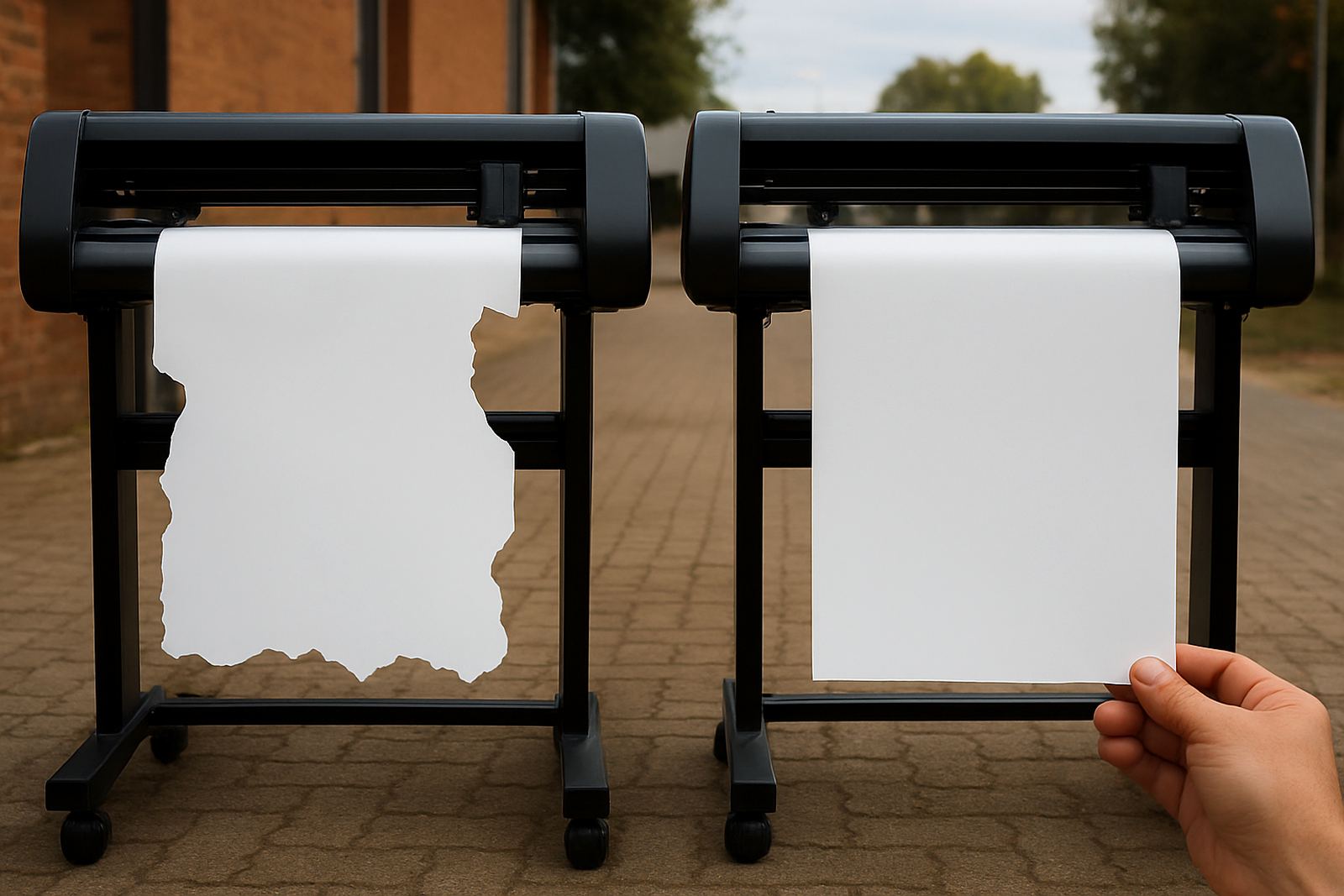
Cut misalignment is not always about the mark reading. If pressure is too high the blade can drag the media, while too much speed can make tight curves wobble. Soft vinyl, laminated print outs, reflective material and thicker mounting stock all need slightly different settings, even when the artwork looks similar.
Operators often try to push a job through using yesterday’s settings, but that is where the trouble starts. A clean cut on one material can become a ragged edge on the next. The better approach is to record working settings for each common stock type and keep them near the machine. It saves time and gives the team a repeatable starting point.
- Reduce speed for detailed shapes, small text and narrow corners.
- Lower pressure first if the liner shows deep marks.
- Increase test cuts gradually rather than making big jumps.
- Note settings for PVC, laminated print, paper labels and thicker media separately.
Control the workshop conditions around the cutter
Temperature, humidity and dust all affect cut accuracy. In Johannesburg, winter mornings can be dry while summer afternoons bring heat and moisture, and that changes how vinyl feeds and how adhesive backs behave. At the coast the humidity can be even more noticeable, so the same job may need slightly different handling in Durban than in Germiston.
Keep the machine on a stable surface away from direct sun, open doors and heavy vibration. If a cutter sits next to a compressor or in a busy packing area, vibration can nudge the media and affect the final line. Simple house rules matter here, because a tidy production space gives better repeatability and less rework.
- Store media flat and away from damp walls.
- Let printed sheets acclimatise before cutting.
- Keep dust off rollers, sensors and the platen area.
- Avoid setting up next to doors that open and close all day.
Build a weekly check routine that catches drift early
Small alignment errors often build slowly, which is why they go unnoticed until a customer complains about one bad stack of stickers. A weekly check routine helps teams spot wear before it becomes a production problem. This is useful for sign shops, promo producers and print rooms handling mixed jobs every day.
A short maintenance habit keeps the machine honest and helps the operator trust the results. One quick inspection for rollers, blade condition, feed path and sensor cleanliness can prevent a lot of wasted stock. If a job starts to wander after a power outage or during a long shift, stop and test again rather than chasing the fault through the rest of the run.
- Check roller grip and look for flat spots or build-up.
- Inspect the blade holder for play or sticking.
- Test a small sample after any service or power interruption.
- Keep a log of recurring issues so they can be traced quickly.