Start With the Work, Not the Job Title
Before you book training, look at what the person will actually do on the machine each day. An operator who only loads media and starts approved jobs needs a very different level of support to someone setting blade pressure, calibrating registration marks and sorting artwork cut lines. In busy shops around Isando, Sandton and Midrand, this difference saves time and avoids expensive reprints.
A good rule is to match training to responsibility. If the person must solve problems when a cut drifts, a label lifts on vinyl, or a job stops after a power dip, then basic induction is not enough. They need practical hands-on sessions that cover setup, checks and the reasons behind each step. That way they are not just following instructions, they understand what to watch for.
Use This Skill Check Before You Decide
Before selecting a level, do a quick skill check with the operator. Keep it simple and honest. If they can already answer most of these with confidence, they may be ready for a higher level session.
- Can they load different media widths without skewing the roll?
- Do they know how to set blade pressure for vinyl, reflective or thicker stock?
- Can they explain what registration marks are used for?
- Do they know the correct order for starting a production job?
- Can they spot a cut line that is off by a millimetre or two?
- Do they know basic maintenance like cleaning rollers and checking blades?
- Can they recover after a stop caused by load-shedding or a brief power interruption?
If the answer is mostly no, start with operator induction. If the answer is mixed, choose a targeted refresher. If the answer is yes across the board, the person may need supervisor coaching or troubleshooting training instead.
Match Training Level to the Real Risk on Site
Different sites carry different risks. A small print shop doing short sticker runs in Boksburg may need a lighter training plan than a production floor handling daily signage orders for multiple clients. High humidity near the coast can affect media behaviour, and power interruptions can throw off alignment or queue settings. The training level should reflect the environment, not just the machine.
Use this guide:
- Operator Induction: best for new staff, temp operators, or anyone touching the machine for the first time.
- Artwork Cut Lines: for staff who prepare files and need cleaner production handover.
- Media Loading and Blade Pressure Setup: for operators doing day-to-day production work.
- Registration Calibration: for users who handle print-and-cut alignment.
- Troubleshooting Session: for people who must fix common stoppages without waiting for outside help.
- Supervisor Coaching: for team leads who manage output, quality checks and staff control.
When the pressure is high and deadlines are tight, the right level keeps the job moving and cuts down on waste. That matters whether you are running one machine or several across different sites.
Choose Between Group Training and Individual Support
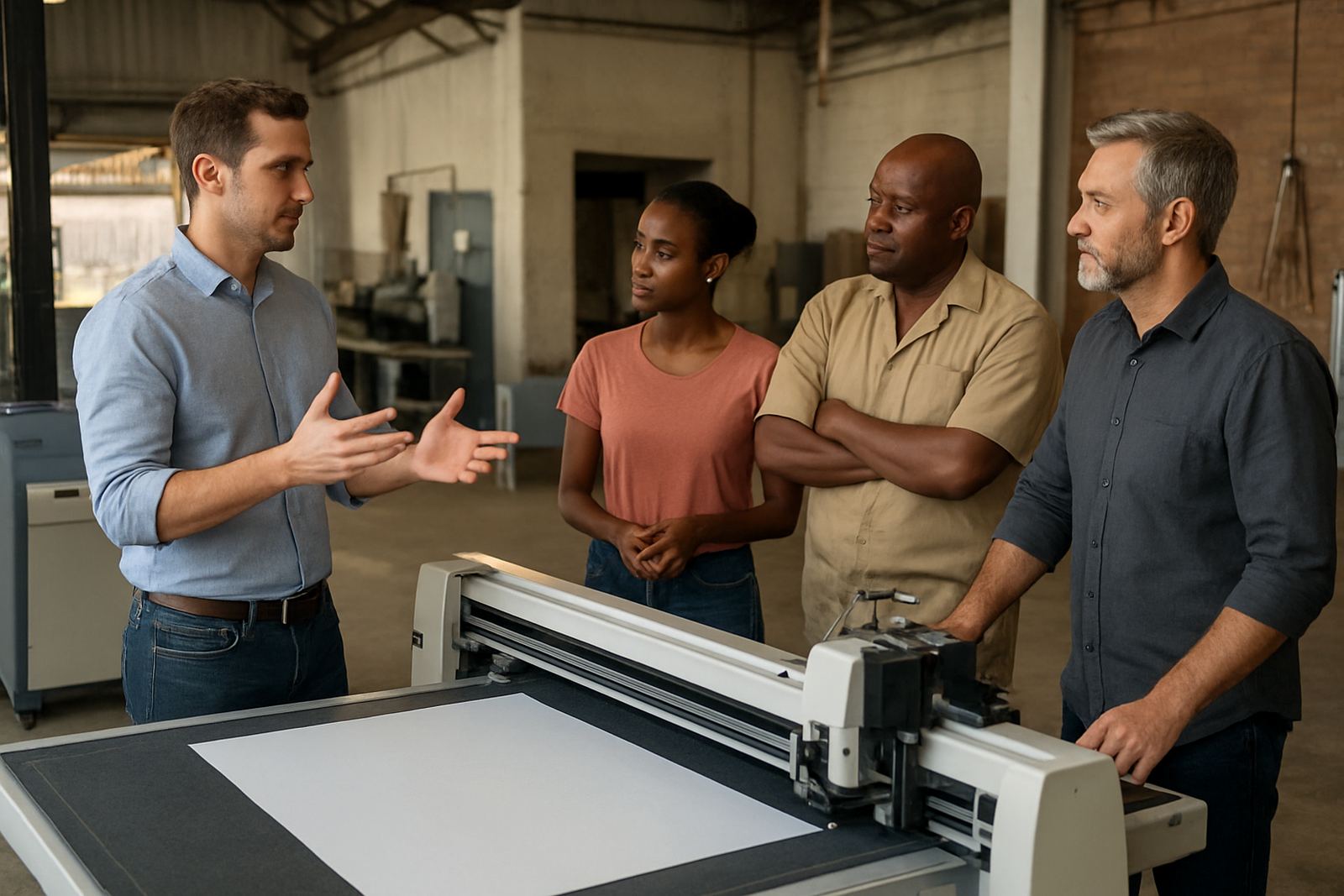
Training works best when it fits the team structure. A new production line in Germiston may need group training so everyone follows the same process. A busy branch in Randburg may need one-on-one support for a single operator who is already experienced but struggles with calibration. Group sessions help standardise work. Individual sessions help fix specific gaps faster.
Ask these questions before deciding:
- Will more than one person use the cutter each week?
- Do all operators need the same level of control, or only one senior user?
- Is the problem with setup, artwork, maintenance or confidence?
- Do you need an on-site visit, remote refresher, or both?
If the team changes often, set a standard induction path and then add refresher training every few months. That keeps knowledge from slipping when staff rotate or when a senior operator is off sick.
A Simple Training Plan for New Operators
New operators do best when the training is split into clear stages. Do not overload them with advanced settings on day one. Start with the basics, then build up as their confidence grows. In our experience, this reduces mistakes and helps people take ownership quicker.
A practical rollout can look like this:
- Day 1: operator induction and safety checks.
- Week 1: media loading and basic cut start-up.
- Week 2: blade pressure setup and simple quality checks.
- Week 3: registration calibration and production workflow practice.
- Month 1: troubleshooting session and maintenance basics.
This approach works well for teams in Isando, Sandton support and Midrand support where production runs can change quickly. It also helps when staff have to keep working through load-shedding windows, because they learn to recover the job properly instead of guessing.
What to Look for After Training
The right training should show up in the output. Watch the first few jobs closely. If the cuts are clean, registration is consistent and media is feeding straight, the session did its job. If the operator is still asking the same basic questions after a few days, the level may have been too advanced or the handover too rushed.
Check for these signs:
- Less wasted material on the floor.
- Fewer blade changes caused by poor setup.
- Cleaner first-pass cuts on logos, lettering and small detail.
- Faster recovery after a job error or power interruption.
- Better communication between artwork, print and finishing.
Good training should not leave people guessing. They should know when to continue, when to stop and when to call for support. That is what keeps a shop steady under pressure, especially when deadlines are close and the order book is full.
When to Upgrade to Supervisor Coaching
Supervisor coaching is for the person who carries the floor. They may not cut every job, but they need to understand output targets, training gaps, basic fault finding and how to keep standards consistent across shifts. This is useful when there are multiple operators, new staff, or a mix of machines and media types.
Choose coaching if the supervisor must:
- sign off setup before production starts;
- check cut quality across different jobs;
- coach junior staff after mistakes;
- manage maintenance schedules and consumables;
- escalate technical problems with clear details.
For larger teams, this level helps keep everyone aligned without putting all the pressure on one skilled operator. It also makes it easier to train new staff properly when the business grows or opens another support point.