What the Print Cut 1600 does on the floor
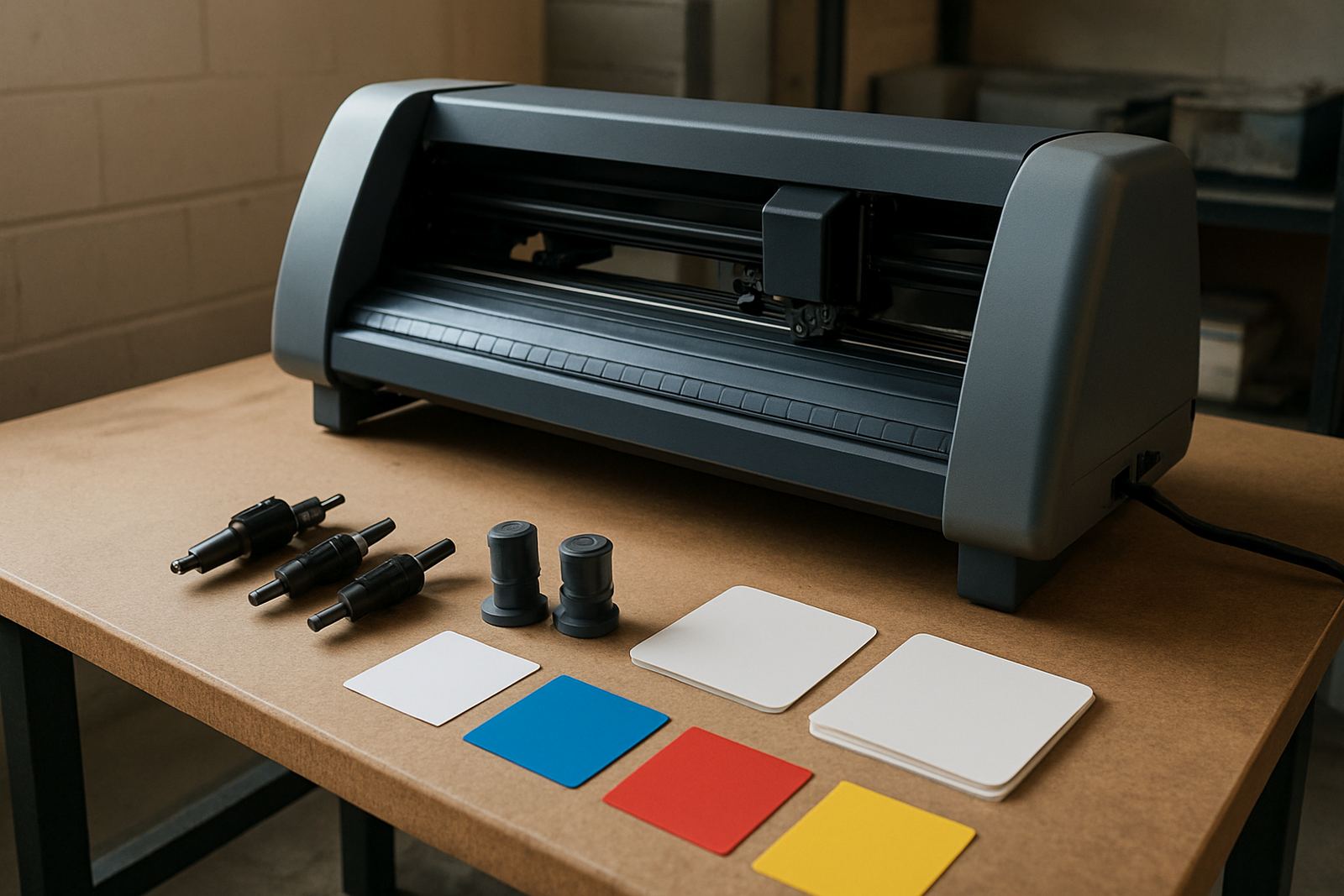
The Print Cut 1600 is set up for printed media that needs accurate contour cutting after print. It gives you a wider working width for bigger sheets and longer production batches, so you can keep sign panels, sticker runs and promotional graphics moving without trimming by hand.
In a busy shop, that matters when deadlines are tight and the same cutter must handle short runs one hour and longer batches the next. The platform is suited to operators who need dependable edge follow-through, clean registration and enough bed width for commercial work. It is not a hobby unit, it is meant for daily use where repeatability counts.
- Print-and-cut contour finishing for signage and sticker production
- Wider format for larger sheets and grouped jobs
- Suitable for repeat runs with consistent registration
- Used in production rooms, sign workshops and finishing bays
Sizes, layout and setup options
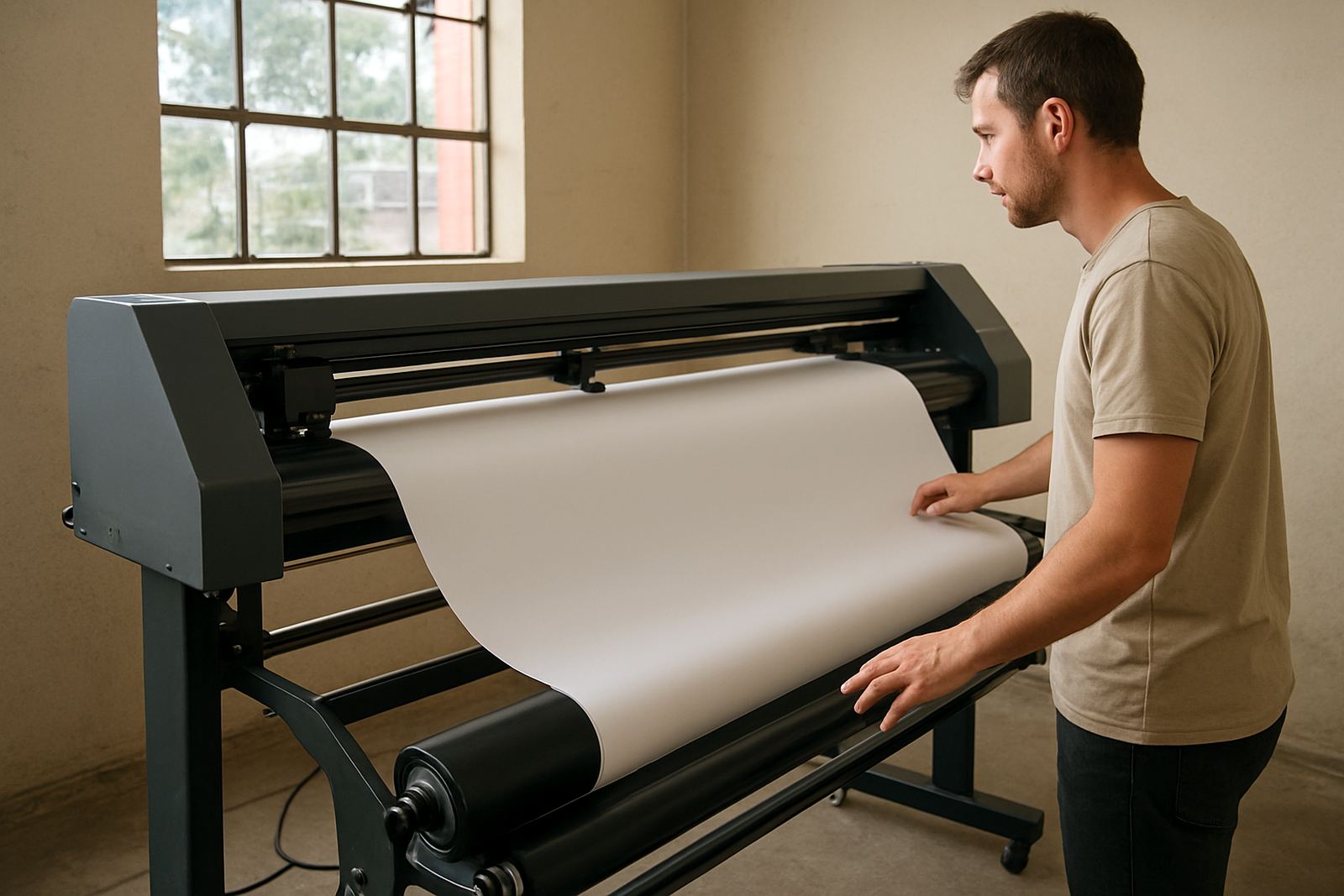
The Print Cut 1600 is built around a 1600 mm class working width, which gives you room for wider printed media and efficient nesting of jobs. The exact cut area depends on media type, grip and the way your artwork is arranged, so operators should allow practical margins around registration marks and blade travel.
When planning the unit in your room, allow clear space at the front and back for loading, unloading and off-cut handling. A stable stand, level floor and clean feed path help the machine work as intended. For coastal areas like Durban or Gqeberha, it is worth keeping dust and humidity in check because both can affect media handling and blade life over time.
- Class: 1600 mm wide format contour cutter
- Best for sheeted print jobs and medium to larger signage runs
- Allows grouped layouts for better media use
- Needs level placement and workable infeed and outfeed space
Where it suits best in South African production
This model suits sign shops in Johannesburg, Sandton, Midrand, Germiston, Boksburg and Randburg that handle recurring sticker and label work. It is also practical for installations nationwide where a client needs a cutter that can keep up with printed graphic production instead of outsourcing the finishing.
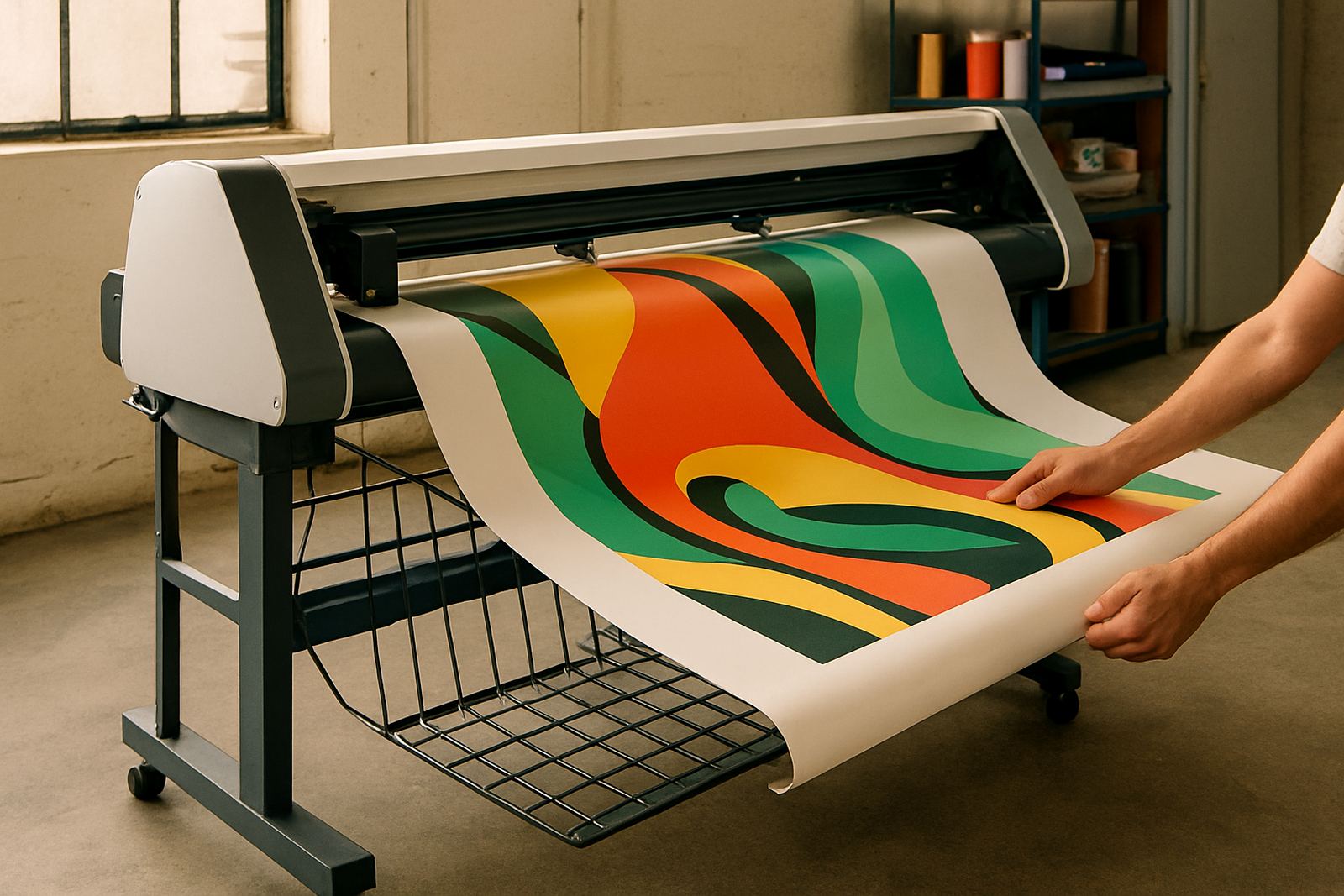
Common uses include branded decals, floor graphics, product labels, promotional cut-outs and contour-finished artwork for display boards. It also helps where municipal work or retail rollouts need neat repeat cuts and tidy edges. If you are doing work for vehicle fitment or trade counters, the cleaner the registration and blade setup, the less rework you face later.
- Signage workshops and print finishers
- Retail promo and label production
- Vehicle graphics and decal cutting
- Short to medium production runs with frequent file changes
Installation, power and day-to-day operating needs
Installation should be planned as part of the production bay, not added as an afterthought. The machine needs a clean, stable surface, easy access for media loading and enough clearance for operators to work safely. For sites with load-shedding, a proper backup plan is important because power dips can interrupt calibration and waste media.
The unit is generally used on standard workshop power, but you should confirm the exact electrical requirement with the order. In practical terms, buyers should also check their inverter or UPS setup if they want to keep jobs running during outages. There is no gas requirement for this type of cutter, but compressed air for cleaning and good extraction for dust can still make daily work easier. A tidy bay saves time, and it also reduces the chance of missed registration marks.
- Needs stable power and protection against outages
- No gas requirement
- Allow space for loading, cutting and collecting finished work
- Keep the floor level and the work area free of loose dust
Care, blade life and servicing between jobs
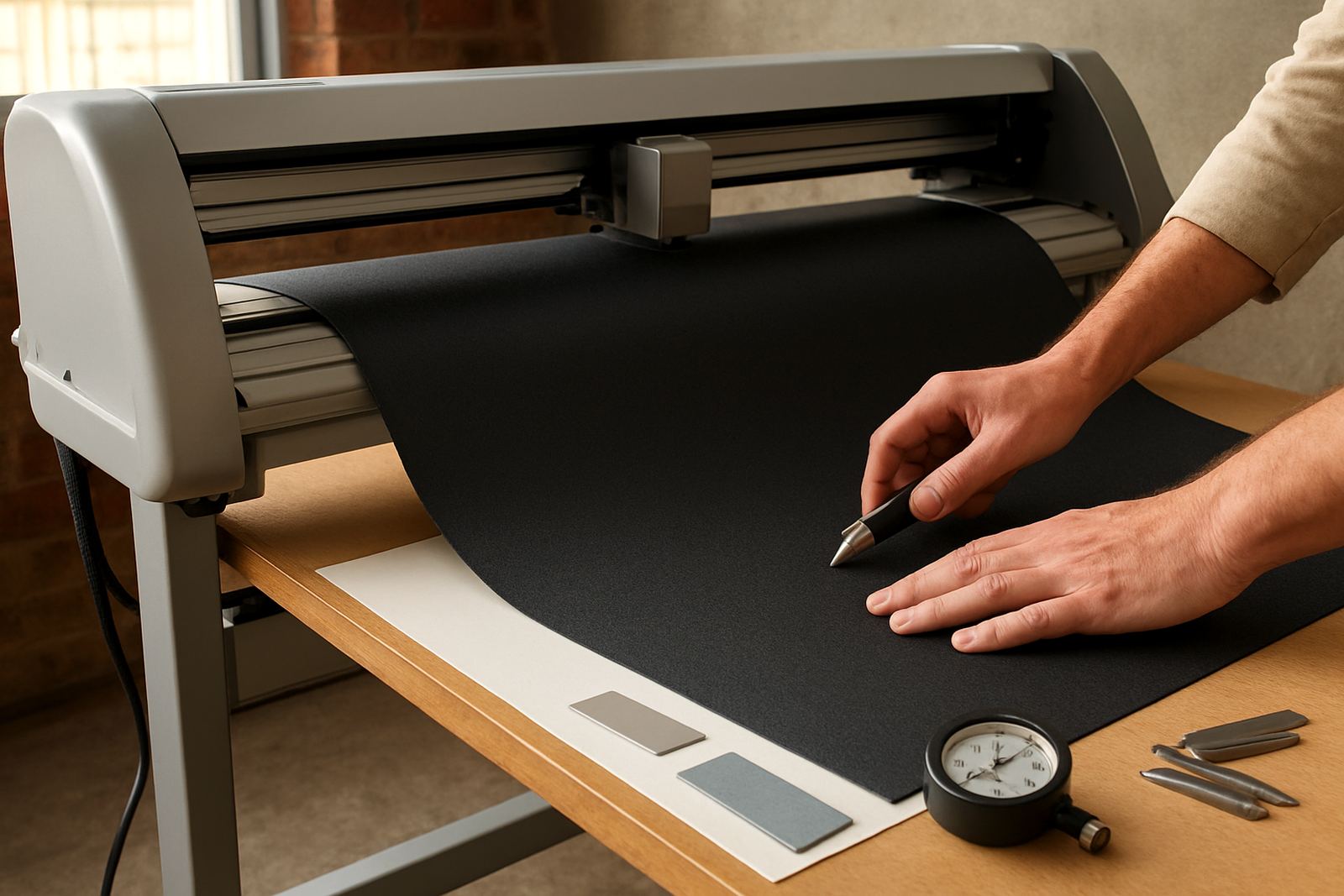
Like any precision cutter, the Print Cut 1600 performs best when it is kept clean and checked regularly. Blade condition, media rollers, registration sensors and the cutting strip should be inspected often, especially if you run abrasive vinyl, reflective media or heavily printed sheets. Coastal humidity can affect adhesive backing and media curl, so storage matters as much as machine care.
Basic care should be part of the daily routine. Wipe down the machine, remove vinyl scraps and check that no adhesive build-up is sitting on the blade path. For operators who are new to contour work, a short troubleshooting session can save a lot of wasted material, because small setup errors quickly show up on the final cut. Missed marks, skew feed and over-pressure are usually easier to correct early than after a stack of sheets is already spoiled.
- Check blade wear and pressure settings regularly
- Keep feed rollers and cutting strip clean
- Store media flat and away from damp areas
- Book maintenance basics and refresher training when staff change
What to confirm before you place the order
Before ordering, check the exact media widths you run most often, the type of print work you expect to finish and whether you need support for operator induction. It helps to know if your team will be cutting full sheets, nested decals or repeated label sets, because that affects setup and throughput. If your files come from different designers, ask about artwork cut lines and registration calibration as part of commissioning.
You should also confirm your installation address, access on site and whether the unit will be going into a ground-floor workshop or an upstairs room. For sites in Isando, Sandton, Midrand, Germiston, Boksburg or Randburg, local support can help speed up planning and handover. If your team needs more than a basic install, supervisor coaching and remote refresher sessions are useful when you are bringing in new staff or changing workflow. Please check the bay before delivery, because a narrow doorway can slow everything down.
- Typical media widths and job sizes
- Artwork format and cut line requirements
- Power availability and backup plan
- Installation access, floor space and operator training needs
Key facts
| Working width | 1600 mm class |
|---|---|
| Use | Print-and-cut contour finishing |
| Best for | Signage, decals, labels and promotional graphics |
| Installation | Nationwide, with support from Isando and regional areas |
| Power | Standard workshop supply, confirm on order |
| Training | Operator induction, cut lines, media loading and troubleshooting |
| Support | Maintenance basics, remote refresher and supervisor coaching |