What a floor graphic cutter does in daily production
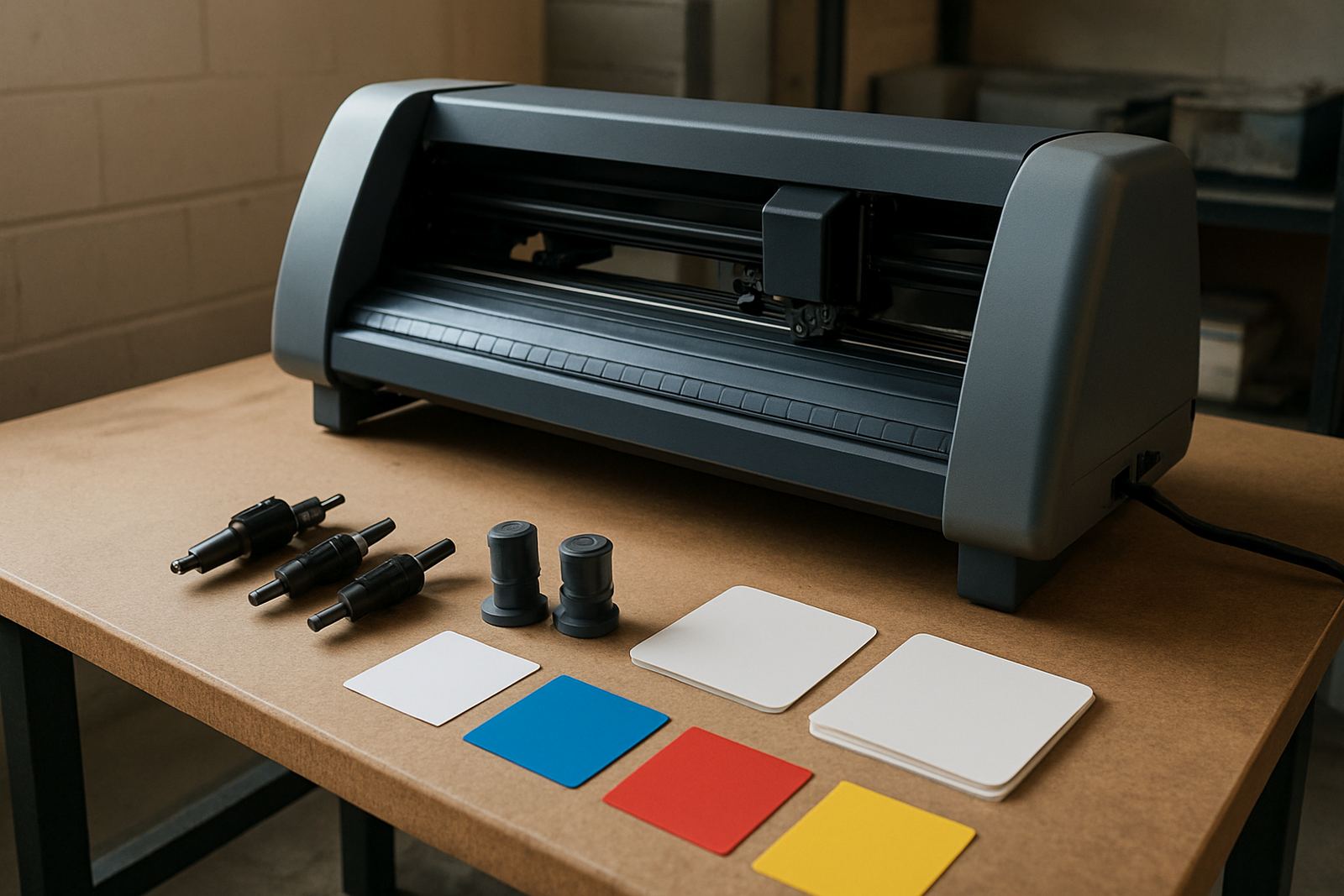
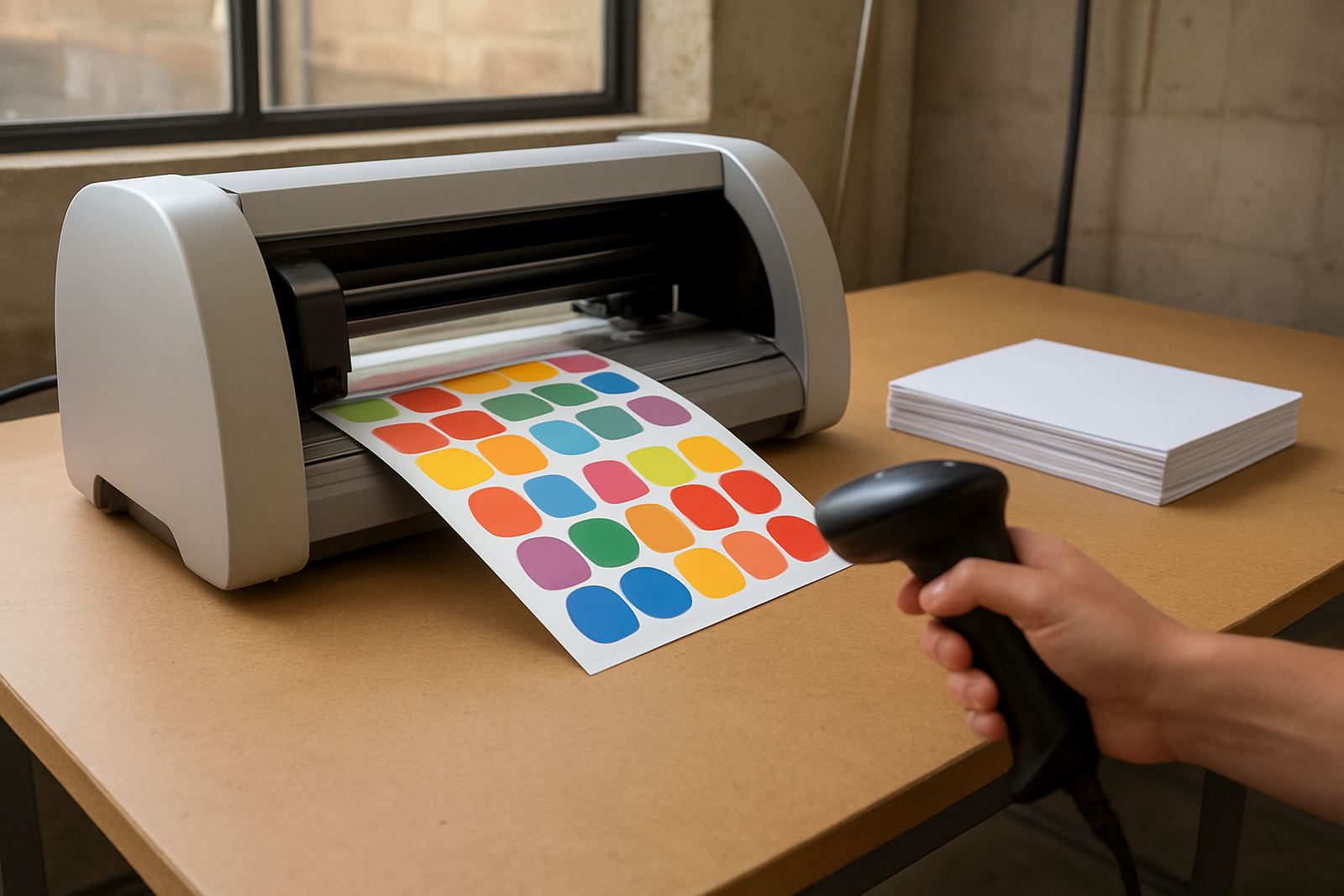
This setup cuts printed vinyl to the exact contour of the artwork, so circles, arrows, footprints, logos, and social distancing markers come out neat and repeatable. For floor work, the cut needs to match the print first time because any drift shows straight away on the final decal.
The right unit handles continuous production on adhesive vinyl with laminate, including materials that need tight registration after printing. It is suited to sign shops in Johannesburg, corporate print rooms in Sandton, installers working around Gauteng, and teams shipping finished decals to Durban, Cape Town, Gqeberha, and smaller towns where clean, ready-to-apply pieces save time onsite.
- Print-and-cut contour registration for decals and stickers
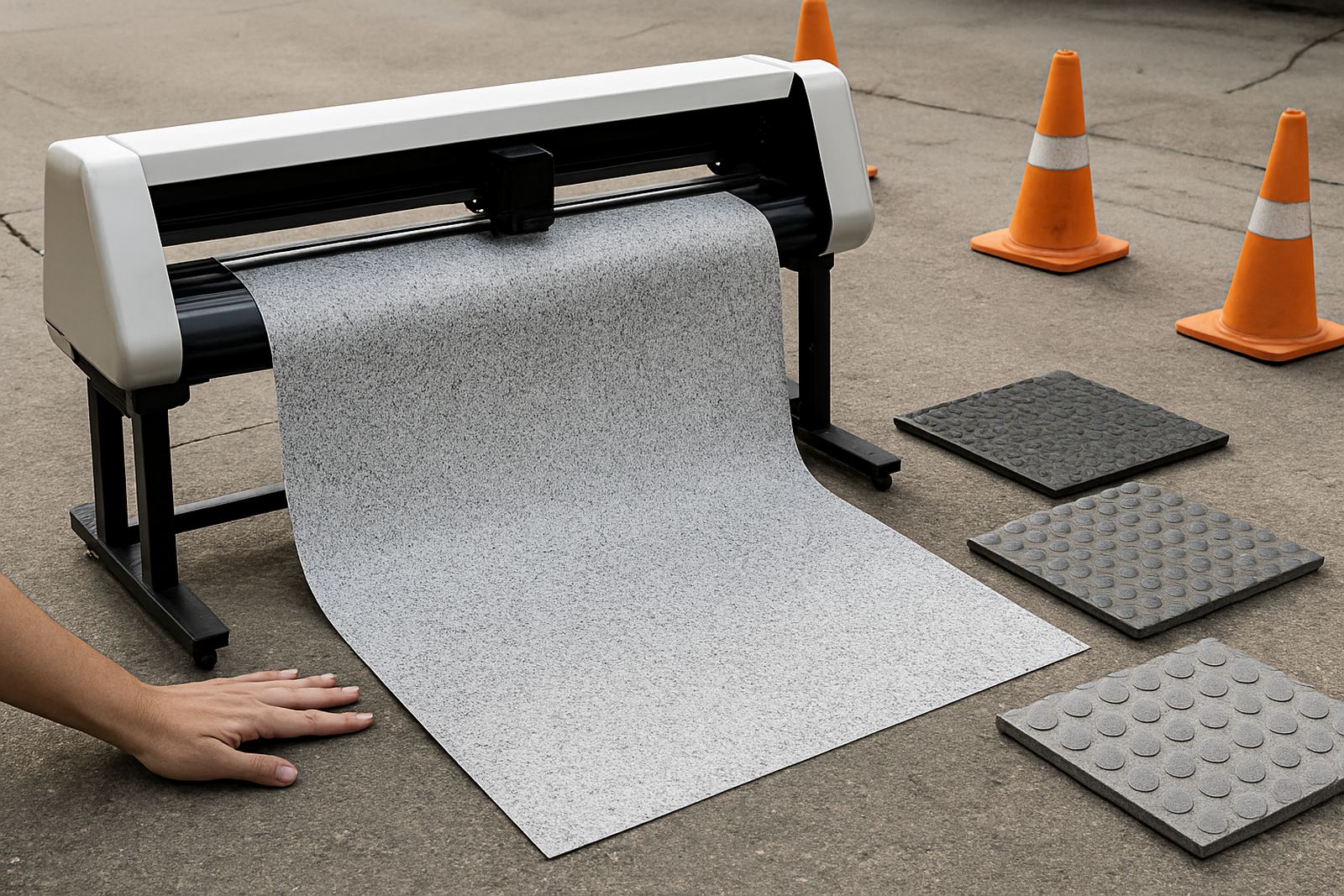
- Clean edges for anti-slip floor laminates
- Suitable for short runs or repeat batches
- Works well for wayfinding, event graphics, and safety messages
Sizes and setup options that suit South African workshops
Most floor graphic production starts with a 600 mm, 1300 mm, or 1600 mm class cutter depending on the sheet size and daily volume. Smaller cutters suit compact production rooms in Isando or Midrand, while wider beds help when you are nesting more decals per pass or cutting larger floor logos without tile joins.
Options usually include optical registration, contour cut tracking, adjustable pinch rollers, and media handling for laminated print media. If your work includes reflective safety decals or heavier floor laminate, ask for the blade and drive settings to be matched to that material from the start, rather than forcing one general setup for everything.
- Typical cut widths: 600 mm, 1300 mm, 1600 mm
- Media types: adhesive vinyl, overlaminated print media, floor-grade decals
- Common options: optical registration, stand, take-up support, spare blade holder
- Good for flat sheets and pre-cut panels
Where this cutter suits best in real workspaces
Floor graphics are often used where people walk, queue, or need clear direction, so the cutter has to support accuracy and volume. It suits retail rollouts, hospitals, schools, warehouses, filling stations, offices, shopping centres, exhibitions, and event venues. In Johannesburg, installers often need decals ready for overnight fitting before trading hours, while coastal clients may ask for extra attention to adhesive and laminate choices because of humidity.
This type of cutter also works for municipal and private facilities that need consistent size control for safety signs and directional arrows. If your team does large site rollouts, a dependable cutter reduces rework and keeps each batch looking the same, even when the artwork changes often.
- Retail floors, malls, and temporary promotions
- Factories, warehouses, and loading areas
- Schools, clinics, offices, and public buildings
- Exhibitions, launches, and branded walkways
Installation, power, and workshop requirements
Most floor graphic cutter installations need a stable 230V power supply, a level surface, and enough clearance to feed sheets or roll media without snagging. No gas supply is needed. For heavier production rooms, clean power is important because voltage dips and load-shedding can interrupt registration and waste printed media.
We recommend a dry indoor area away from excessive dust, direct sun, and damp walls. If the unit is going into a warehouse or ground-floor space in a humid area, allow for air flow around the machine and keep materials stored off the floor. A small UPS or backup power plan is useful for finishing a cut and parking the carriage safely during outages.
- Power: standard 230V AC supply
- Space: level bench or stand, with front and rear media clearance
- Environment: dry, low-dust, controlled temperature where possible
- No compressed gas or water connection required
How to look after the cutter and keep cuts accurate
Floor graphics depend on accurate cutting, so basic care matters. Keep blades sharp, clean the pinch rollers, and remove adhesive build-up before it starts affecting tracking. Check that registration marks are being read correctly and that the media is feeding square after every roll change. A small alignment issue can turn into wasted laminate and reprints pretty quickly.
Regular servicing should include blade holder inspection, belt and carriage checks, software profile review, and a test cut on the exact media being used. For teams that run several shift or handle training for new operators, Contour Cutting can assist with induction, troubleshooting sessions, supervisor coaching, and remote refresher support.
- Clean rollers and feed path weekly in production environments
- Replace worn blades before edges start to lift
- Run a test cut after media or artwork changes
- Book maintenance before heavy seasonal rollout periods
What to confirm before you order
Before placing an order, check the widest artwork you need to cut, the average daily volume, and whether you will be cutting after print or from pre-printed sheets. It helps to know the vinyl type, laminate thickness, and whether the job includes rounded corners, odd shapes, or repeated barcodes. That tells you what class of cutter and registration system is suitable.
You should also confirm your room size, power point position, operator skill level, and whether the machine must be installed in Isando, Sandton, Midrand, Germiston, Boksburg, Randburg, or elsewhere in South Africa. If the unit is going into a live site, plan access for delivery and a clear path for setup so the install does not interrupt production. Ask about spare blades, training, and after-install support at the same time, not after the fact.
- Artwork width and longest cut length
- Material type, laminate thickness, and finish
- Expected daily output and turnaround time
- Install location, access, and backup power plan